It's the archetype of virtual synths. More than 25 years after the first version and more than 16 years after the debut of version 5, Absynth finally returns with version 6. All the while, the competition has been busy. Does Absynth still have a place in a market that's more saturated than ever?

Absynth has long been a mainstay of sound design. When it debuted at the turn of the 2000s, this semi-modular synthesizer created by Brian Clevinger left its mark on the world of virtual instruments with its evolving textures and unparalleled flexibility.
Clevinger, an engineer and composer, founded his company, Rhizomatic Software, and launched Absynth independently before teaming up with Native Instruments in 2001. For years, this synth had been hailed for its depth of synthesis and its ability to generate complex ambiences. Just when everyone thought its development had come to a halt, version 6 was released. It seeks to modernize key aspects, such as the preset explorer and expressivity, while preserving the spirit of the historic synth.
Absynth 6 Tour: Interface, Plug-in Formats, and General Organization
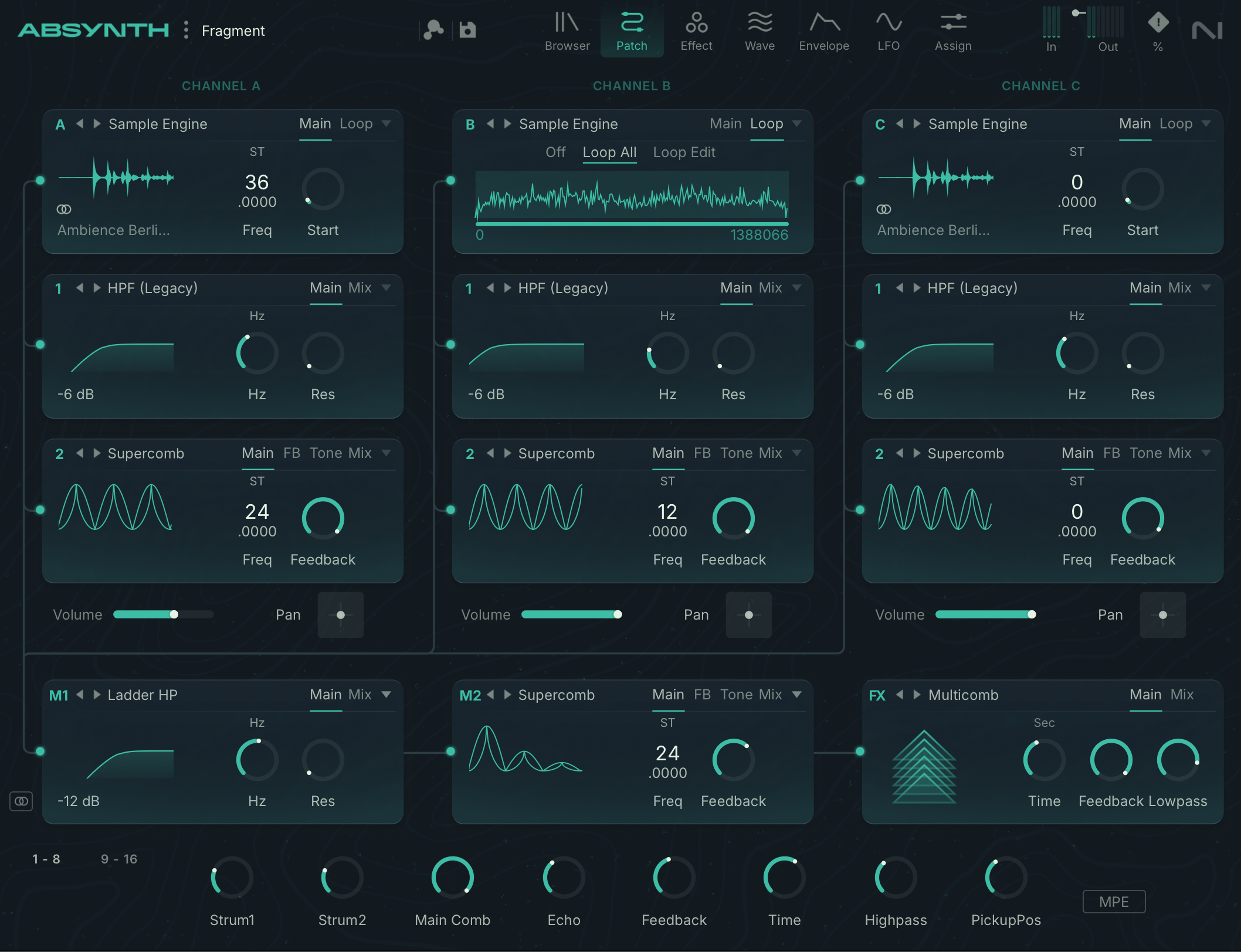
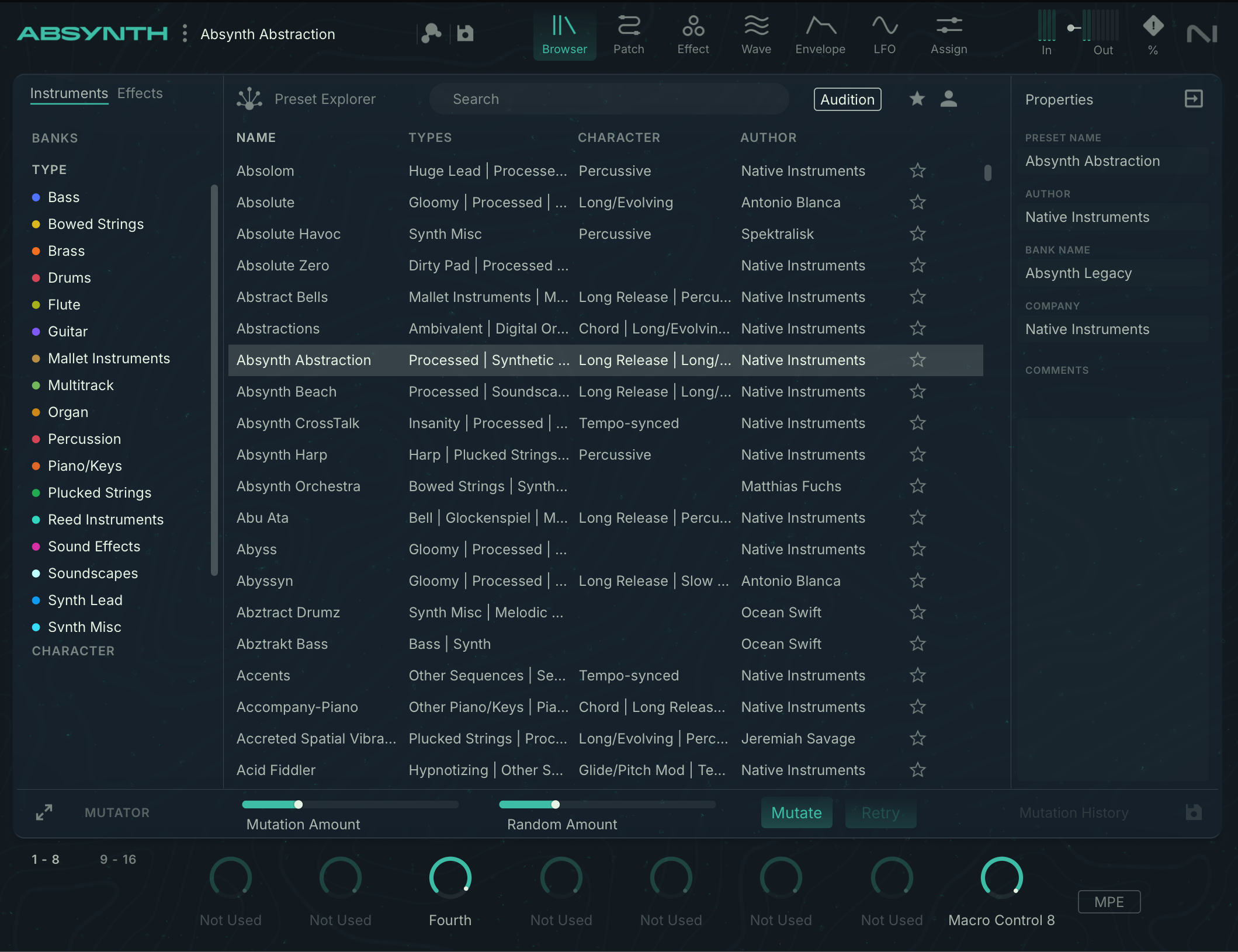
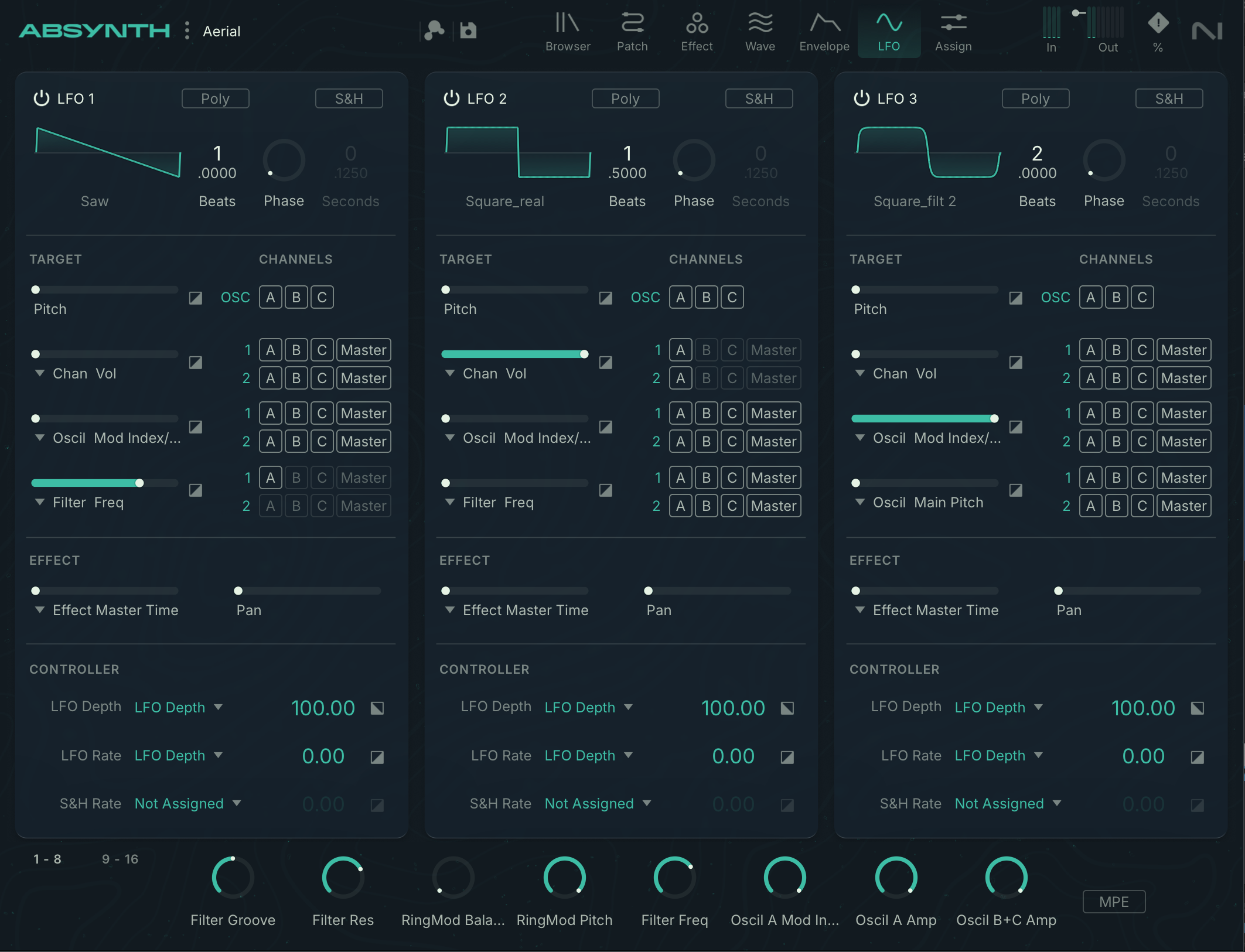
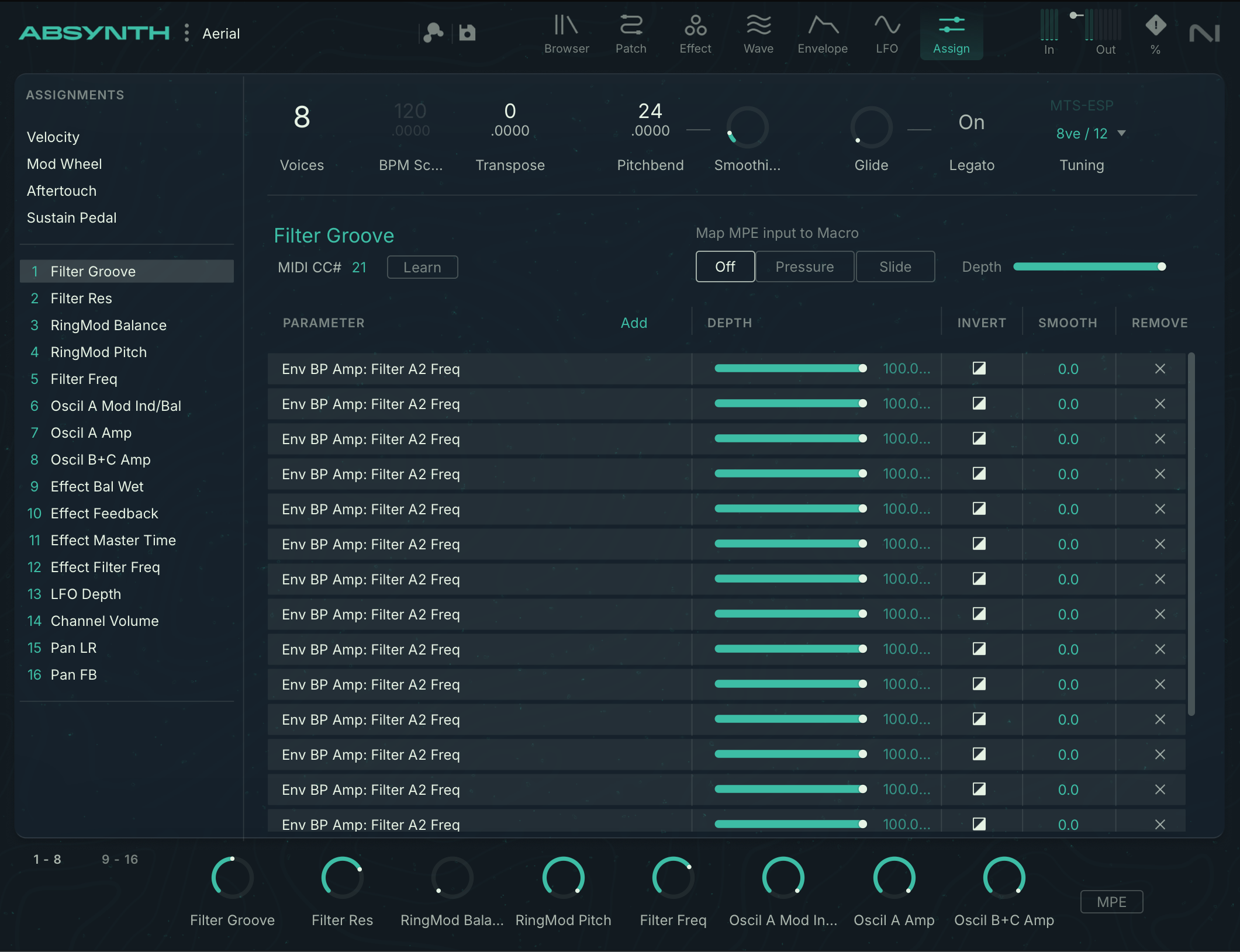
The GUI is organized into several pages, accessible from a banner at the top of the window. A slight reorganization is evident here. For example, the Perform tab has disappeared, and the Assign tab has replaced the Attributes tab. In order, therefore, we now find the Browser, Patch, Effects, Waves, Envelopes, LFO and Assign tabs. The center of the window displays the page defined by the selected tab. At the very bottom are sixteen macro commands, organized in two groups of eight. This efficient tab structure makes it easy to navigate from one parameter block to the next without getting too lost in the depths of programming.
Absynth 6 Browser: new Explorer mode and preset navigation
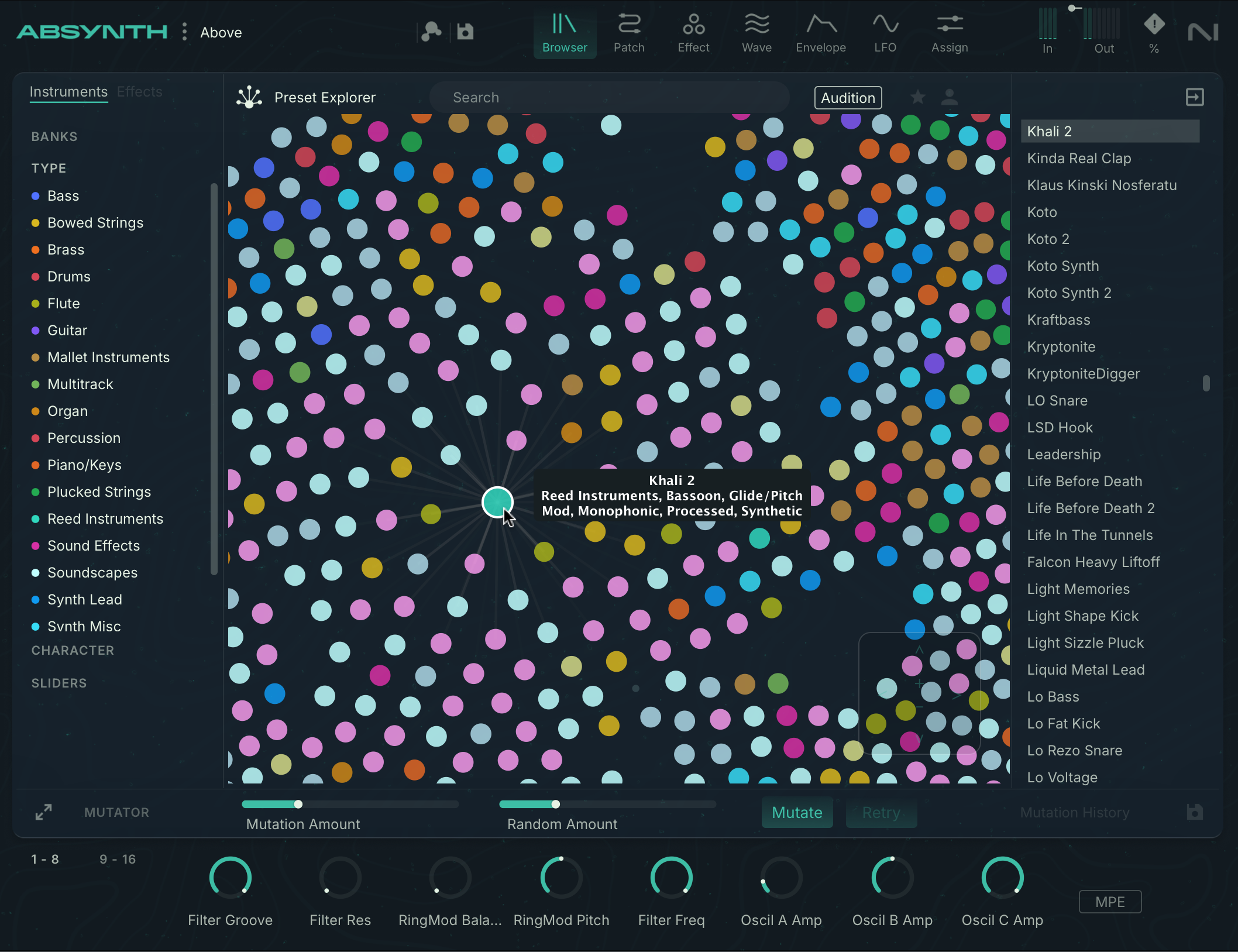
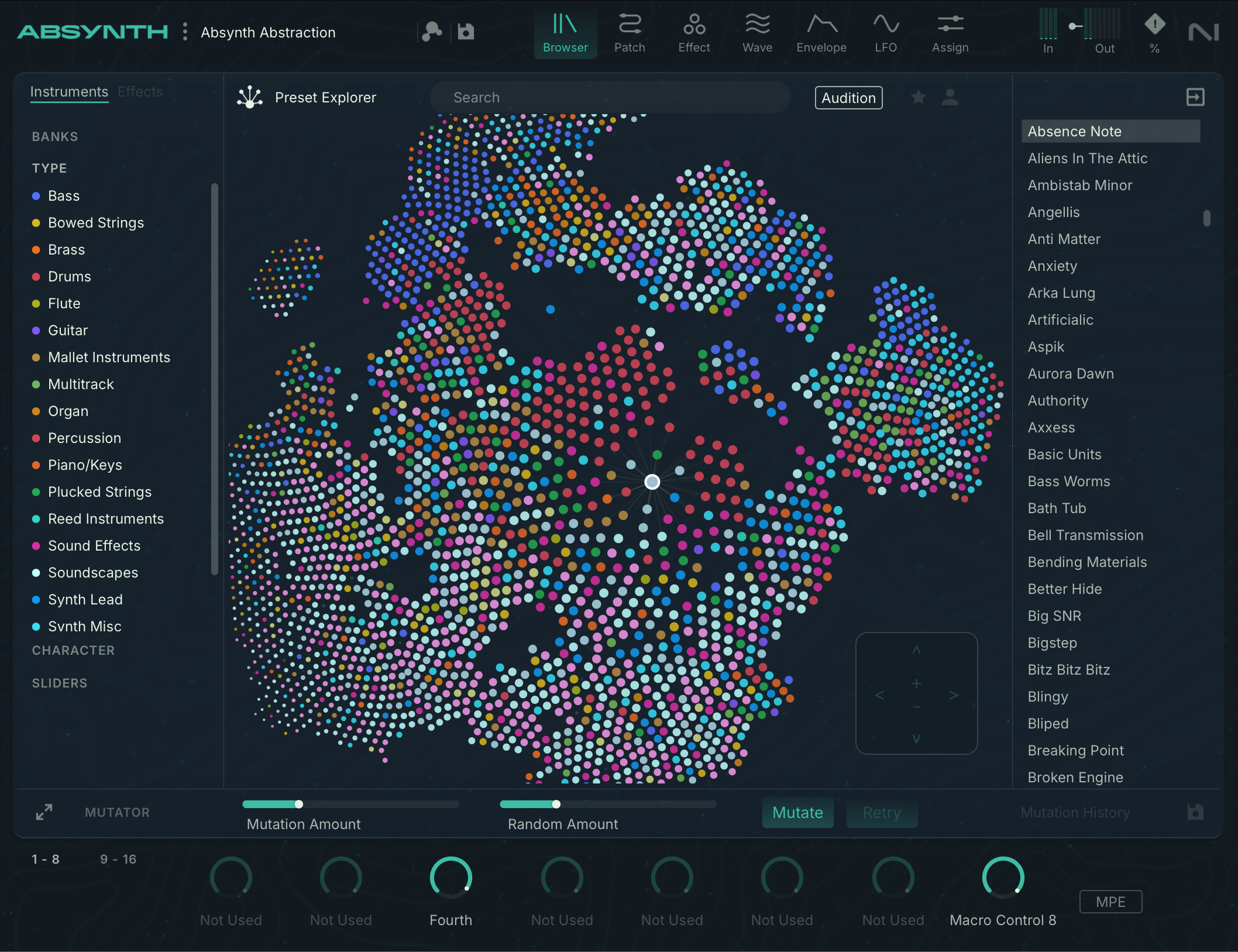
Navigating this space reveals variants or families of sounds that might not have been identified by browsing a simple list. This system, reminiscent of preset or sample explorers in competitor products (XLN Audio, for example), complements the standard list view with its integrated tags and search engine. A practical pre-listening system is also integrated.
One important point to note, especially for those planning to reuse existing projects, is that Absynth 6 is backward compatible. It can load presets from any previous version, since the very first release in 2000. With project lifespans becoming ever longer, this is a crucial feature.
The Mutator, Absynth’s historic tool, is, of course, back. It’s used to quickly generate variations of a preset by playing with the depth of the changes and the element of randomness. It’s a way to explore sonic avenues without modifying every parameter by hand, while retaining the ability to fine-tune each result afterward.
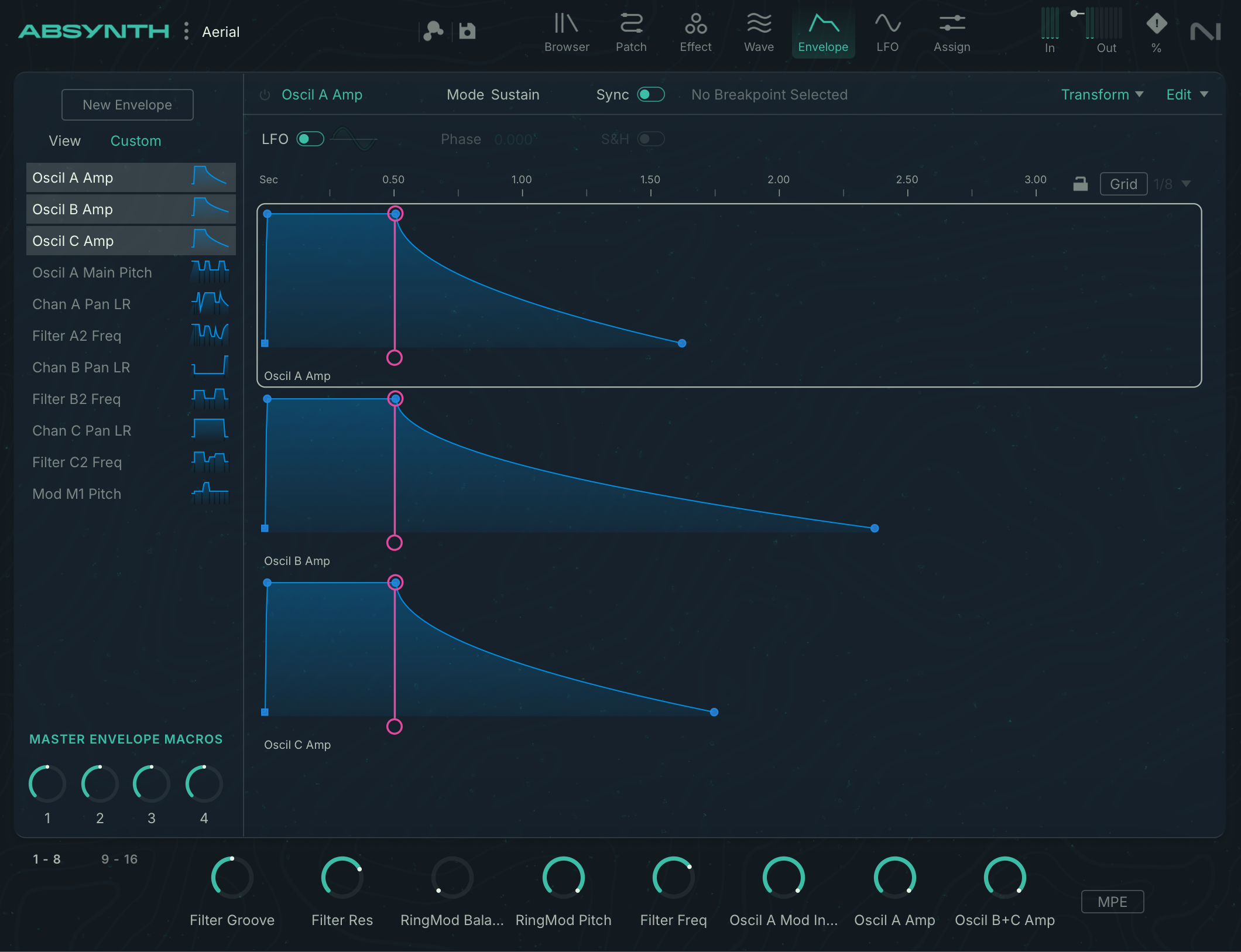
The bank of presets, created by various sound designers, is amply supplied. There’s something for every taste, even if the emphasis is on the sounds Absynth has always excelled at: atmospheric strings, evolving digital ambiences, and electronic sequences created without sequencers or arpeggiators, using multi-point envelopes. It’s easy to see that Absynth remains true to its identity; fans of analog-type sounds will be pleased.
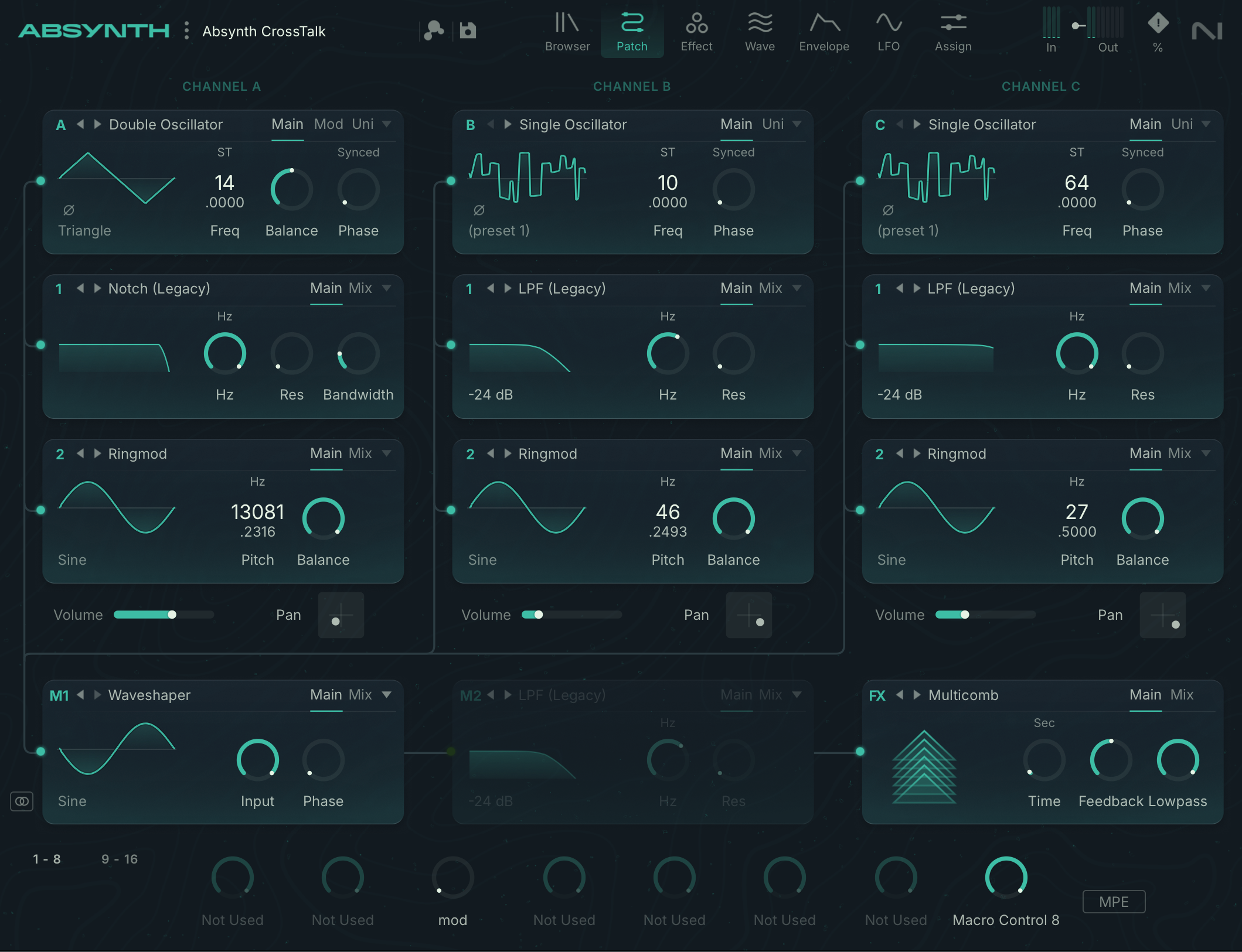
Semi-modular structure of Absynth 6: architecture of the synthesis engine and effects
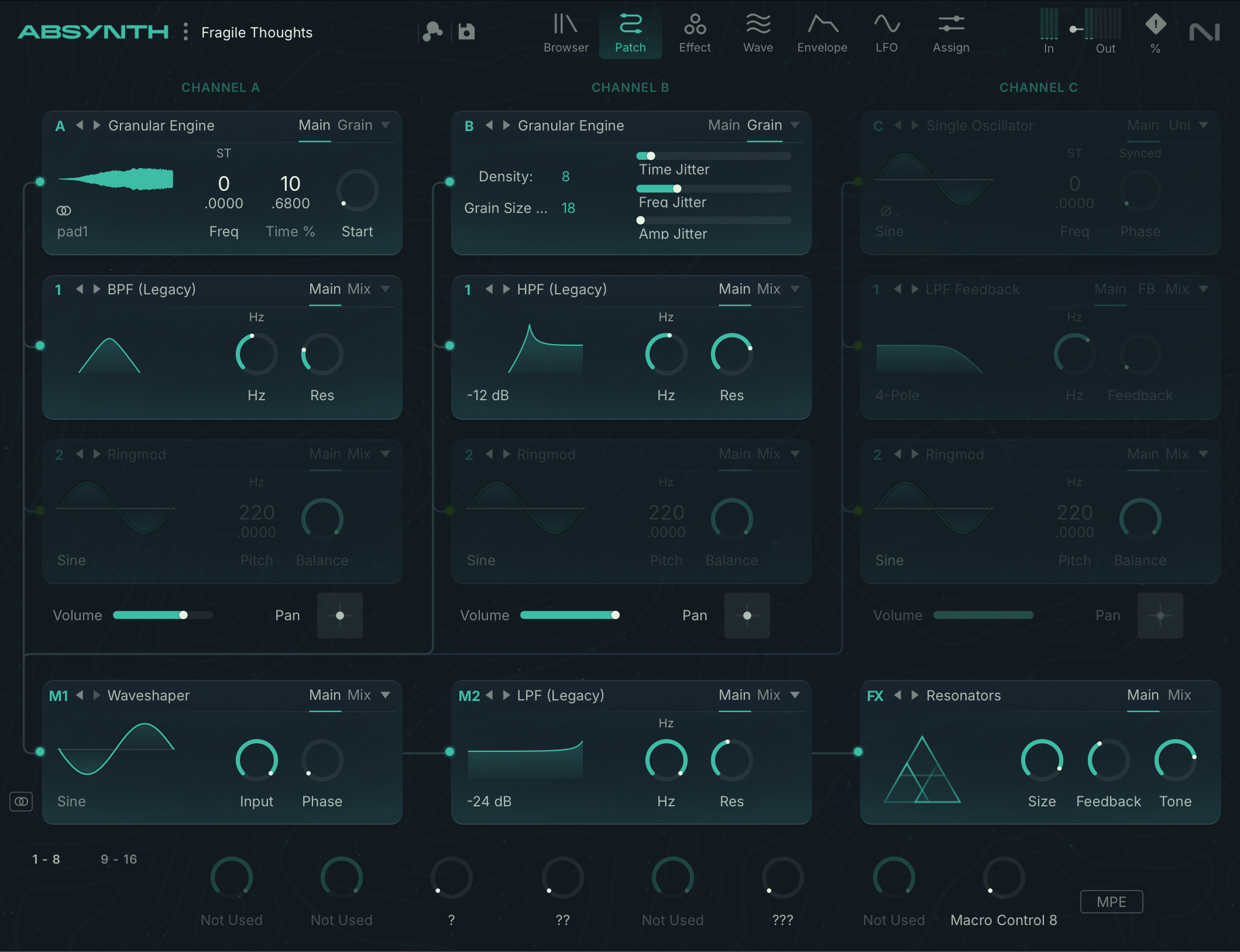
The generators cover a wide range: single-oscillator, dual-oscillator, FM, ring mod, Fractalize, granular oscillator, sample player, or even audio input.
Filters, meanwhile, offer both classic treatments, such as low-pass or high-pass, and more special modules, such as comb filters, Cloud, Ring Mod or even a waveshaper.
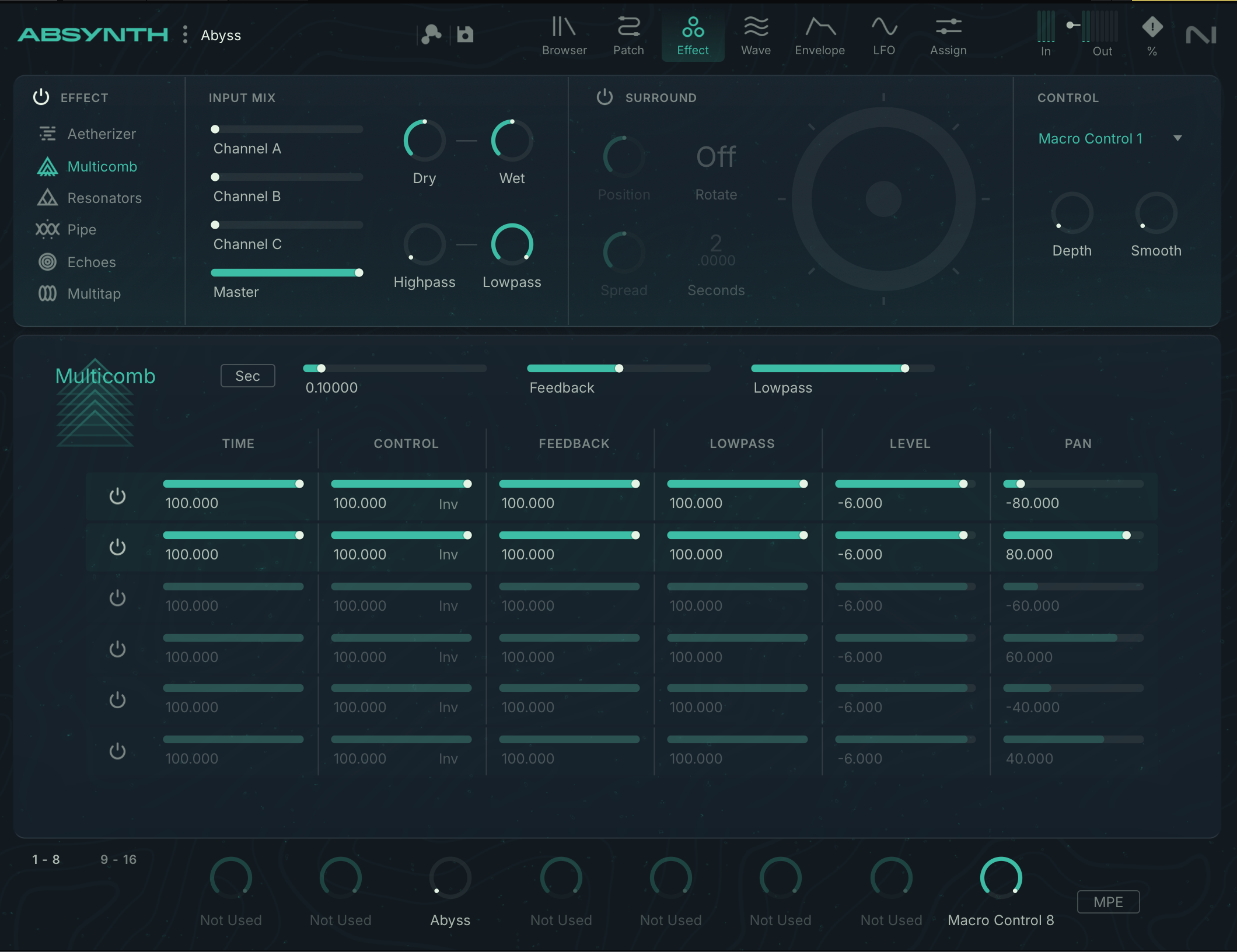
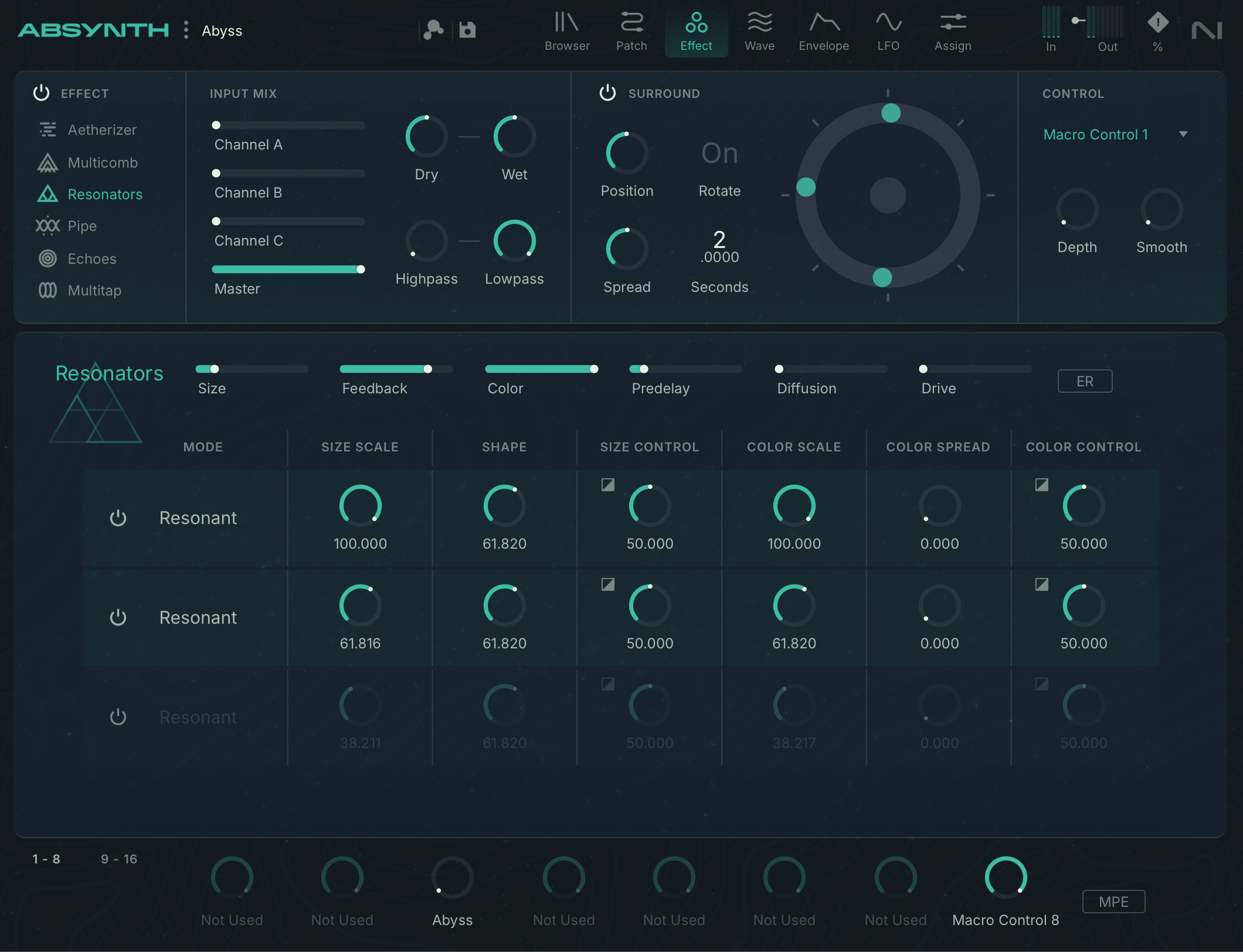
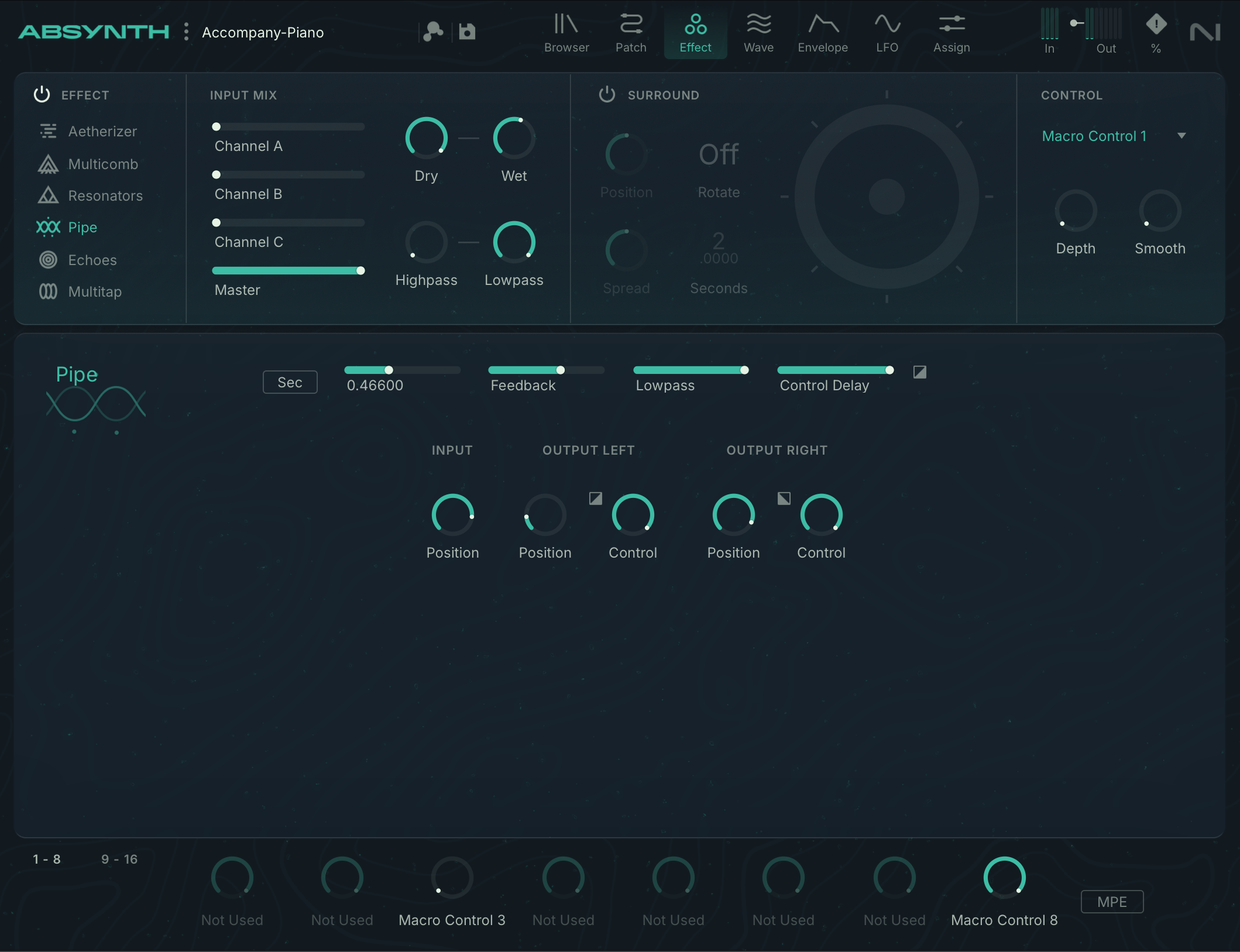
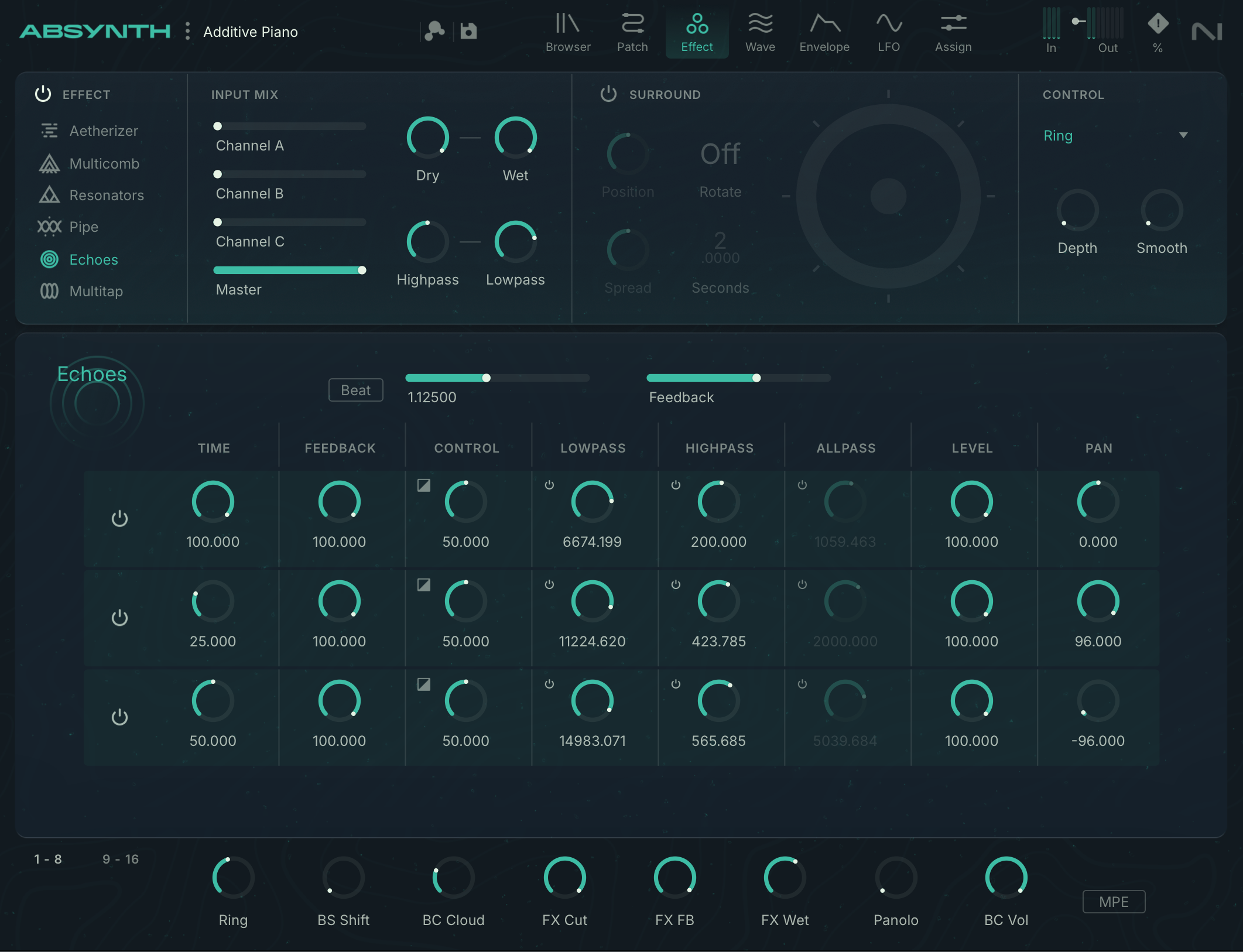
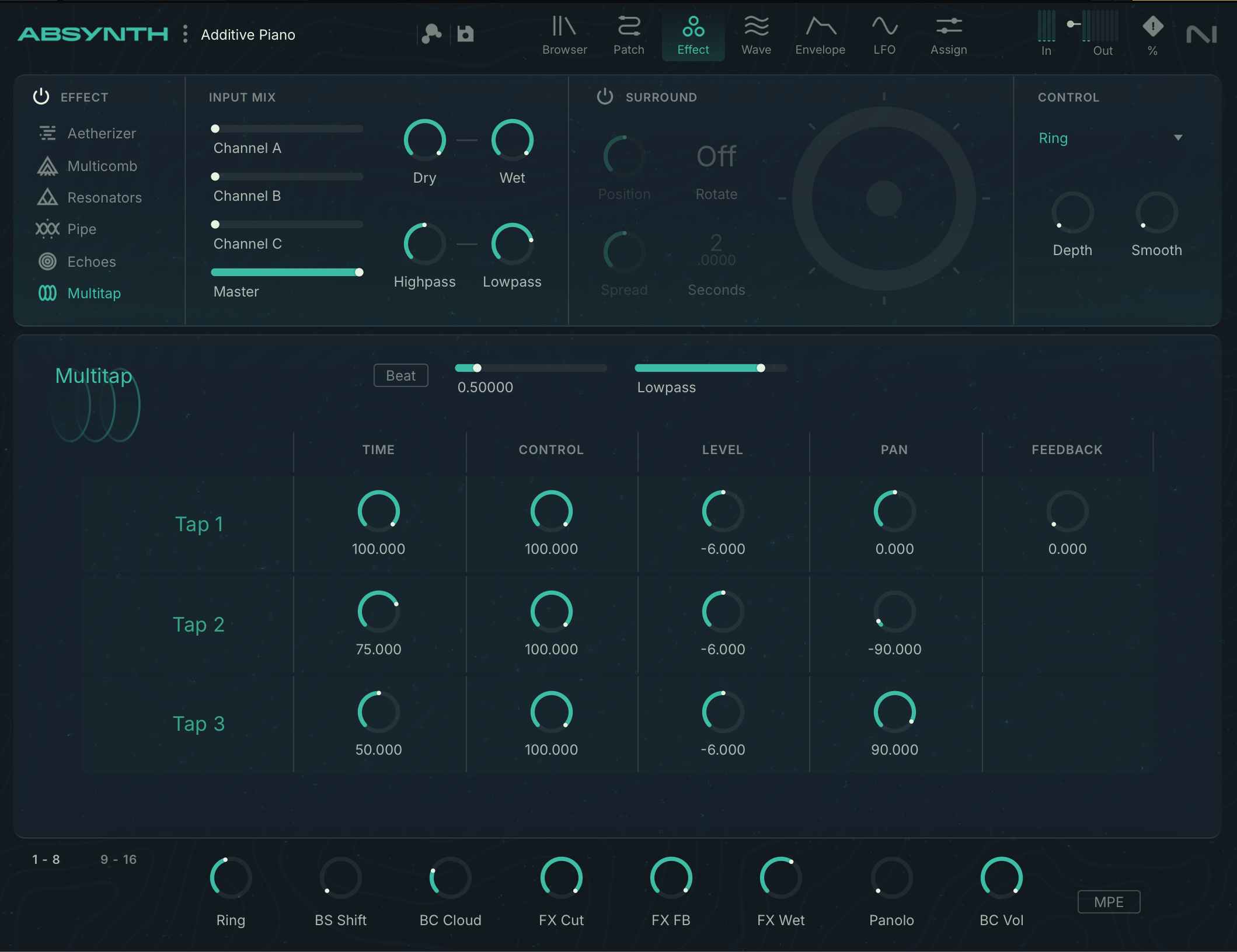
The three channels converge into two master filters, which provide the same processing as the channel filters, and then are routed to a global insert effect. The latter can be chosen from six types: Aetherizer, Multicomb, Pipe, Resonators, Echoes or Multitap.
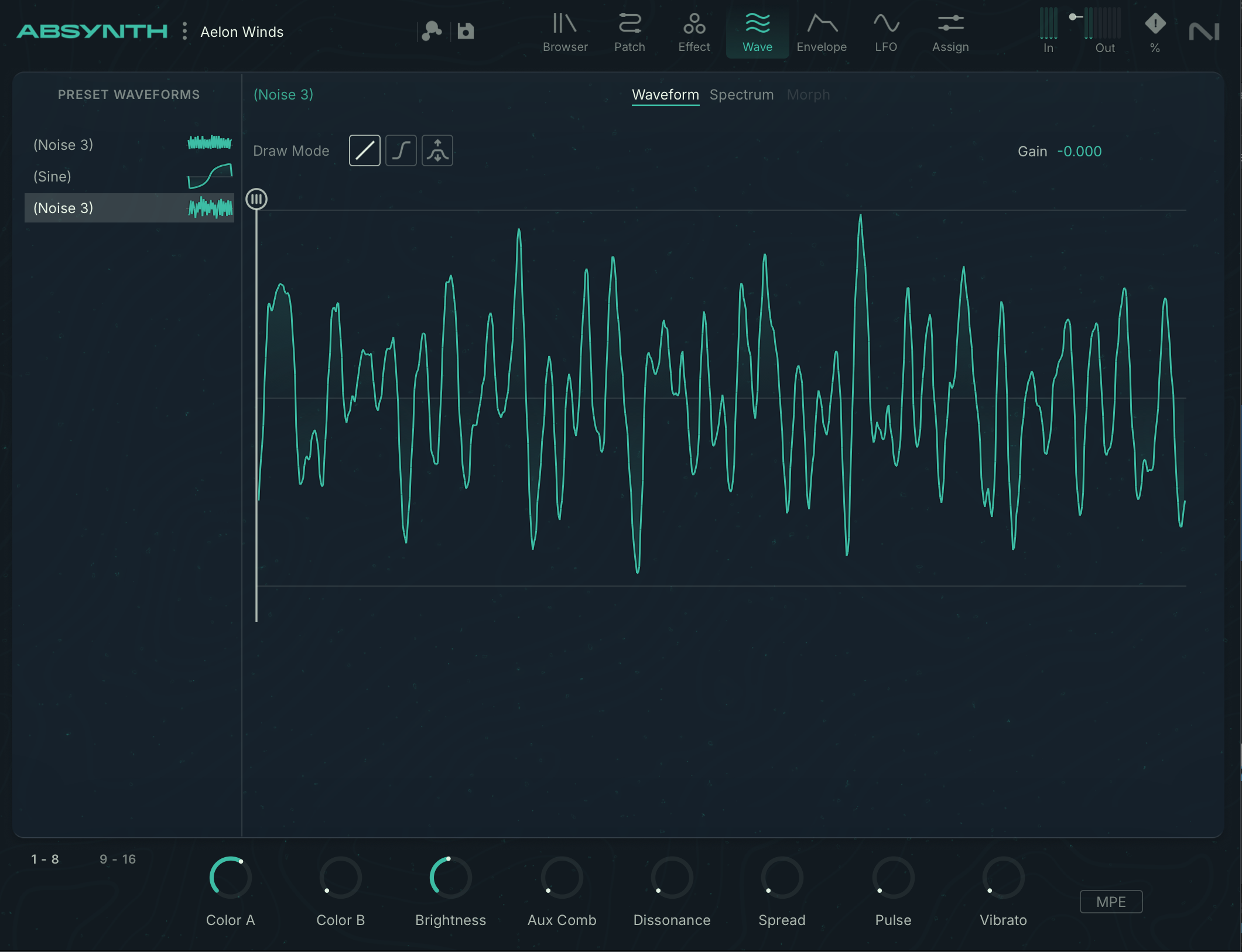
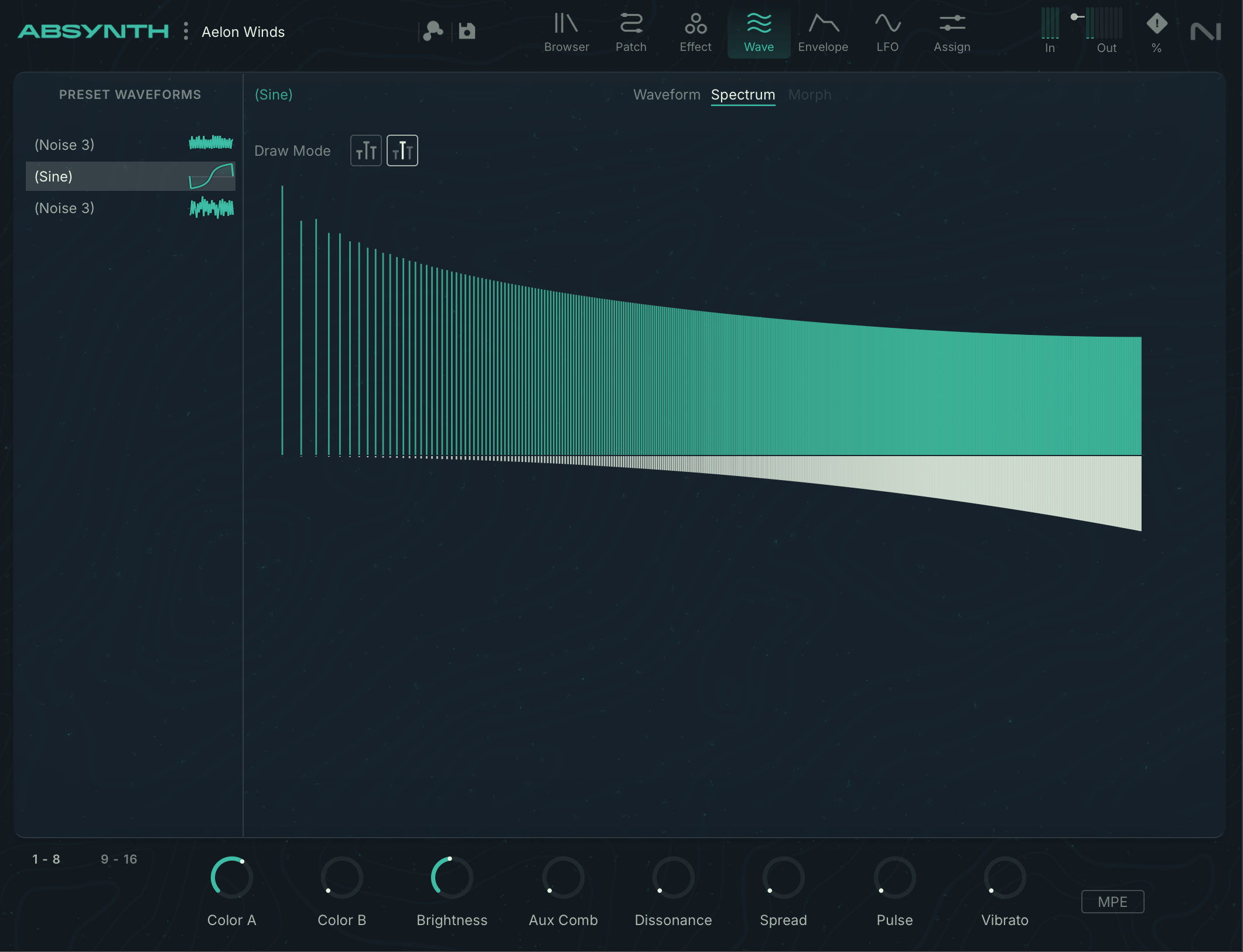
Wave page of Absynth 6: advanced waveform creation and editing
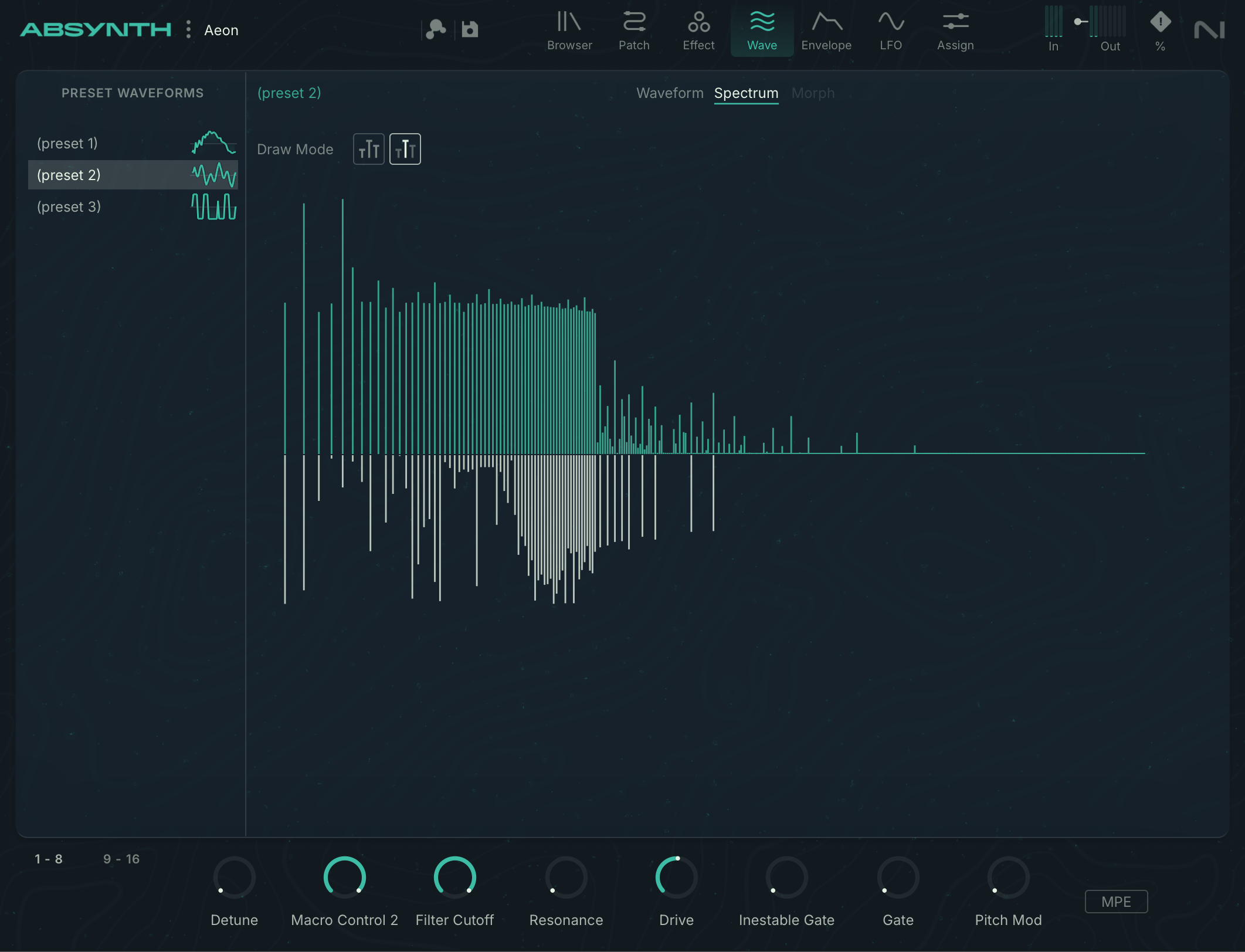
The tool also lets you work with multiple cycles, enabling timbral variations within a single waveform. While this principle is now used in other software programs, the Tab retains the role that has long made its reputation. That is, a veritable micro-synthesis workshop, enabling highly specific results and going far beyond synthesis based on conventional wavetables.
Modulations, multipoint envelopes and integrated effects from Absynth 6
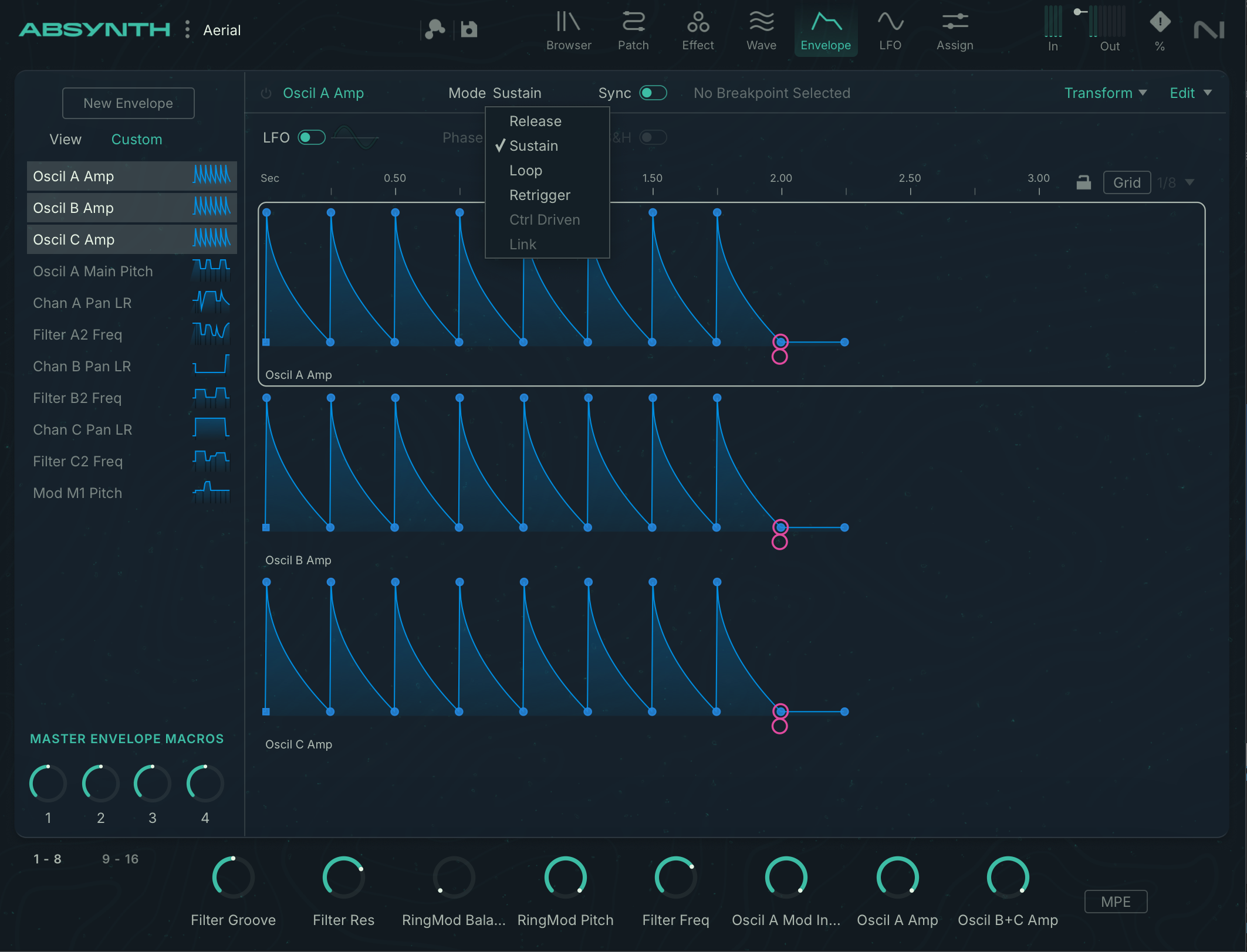
Each note can be modulated independently thanks to MPE and polyphonic aftertouch support. As Absynth excels at designing digital or hybrid acoustic-electronic textures, this additional expressiveness will undoubtedly be especially handy for users of compatible controllers.
The 16 new macros, to which many (but not all!) parameters can be assigned, are great for automation and for grouping essential performance settings.
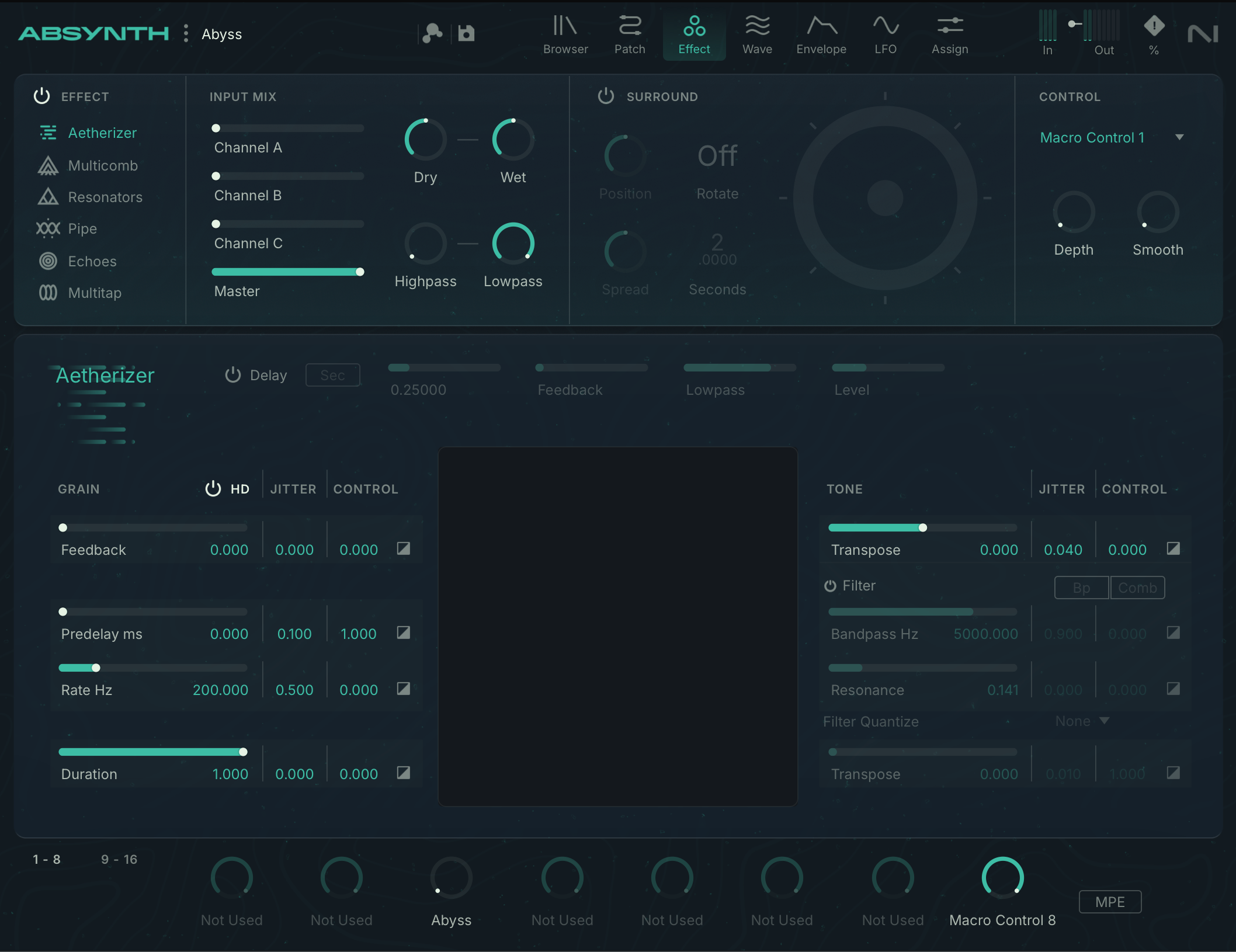
Absynth has always been praised for the quality of its effects. Little has changed here: there are still six (Aetherizer, Multicomb, Pipe, Resonators, Echoes, and Multitap), and they remain highly effective for adding depth or space, while allowing precise placement in a surround configuration. Yet it’s still impossible to use several of them simultaneously. At a time when many virtual synthesizers offer a number of effects to be placed in series or in parallel, this seems a little thin.