




With its new stand-alone DJ controller, Rane has set the bar very, very high, to the point of making the competition pale in comparison. And with good reason: this new machine seems to have everything it takes to seduce DJs the world over. So, mission accomplished? Let's put it to the test!

Connectics and interface: a complete tour of the System One chassis
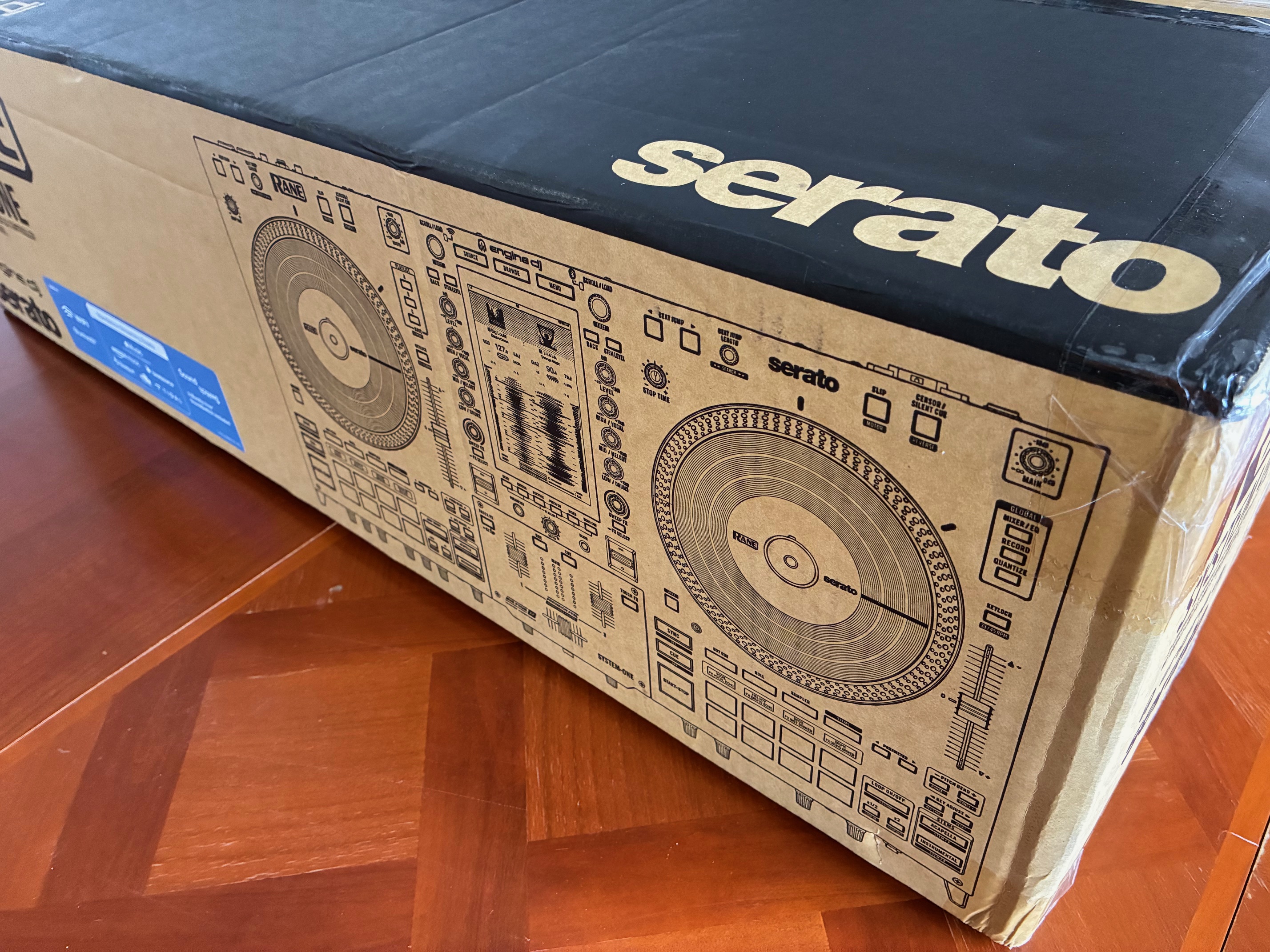

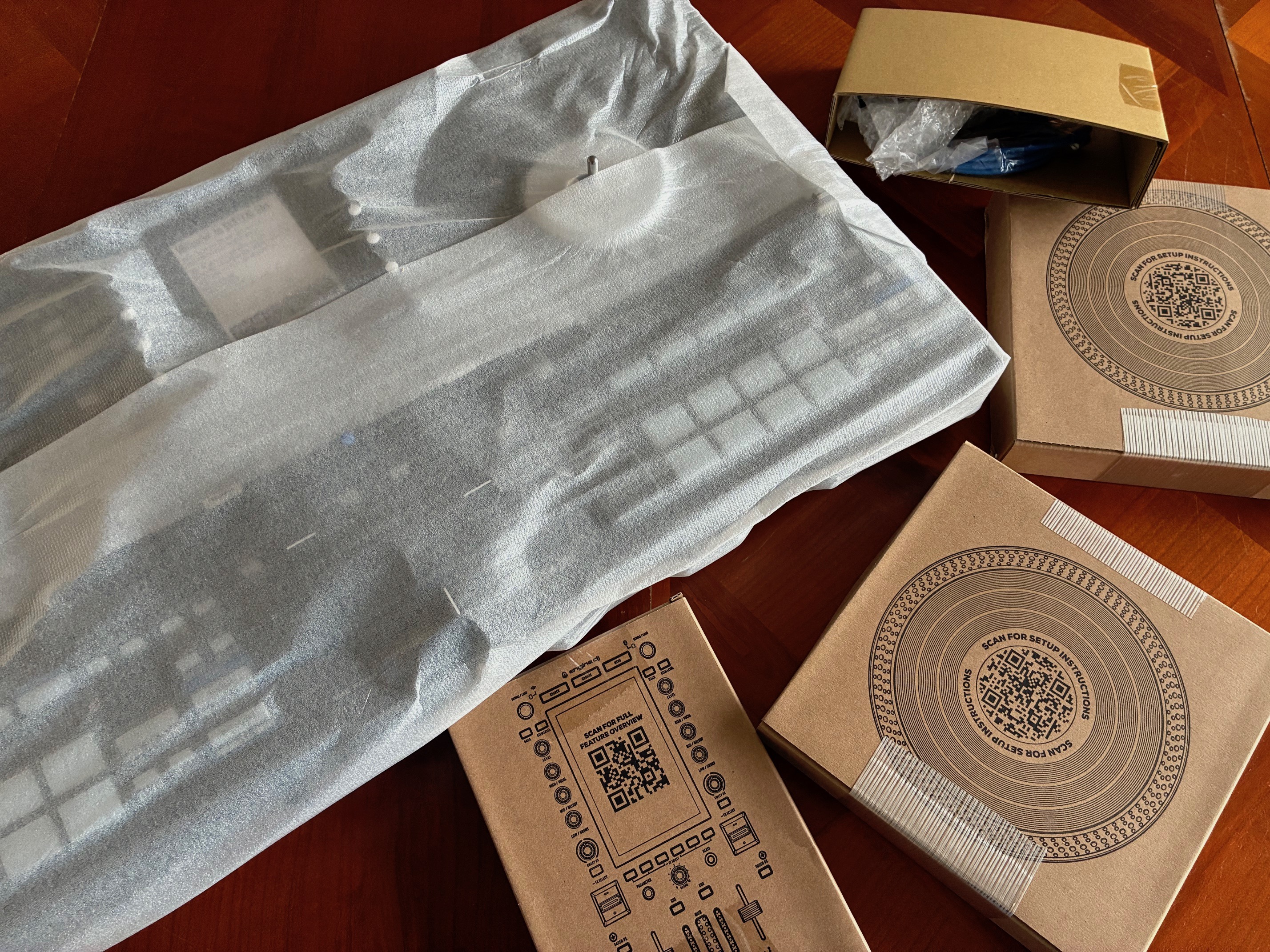
As soon as you receive the package, and even before you open the box, the System One impresses. The box is heavy and huge! At every stage of unpacking, we sense that we’re dealing with a premium machine. But let’s be clear: its advertised manufacturer’s price of €2,499/$2,499 had tipped us off. So we discover this beast with a certain enthusiasm, and it’s clear that this hunch will be confirmed at every step.
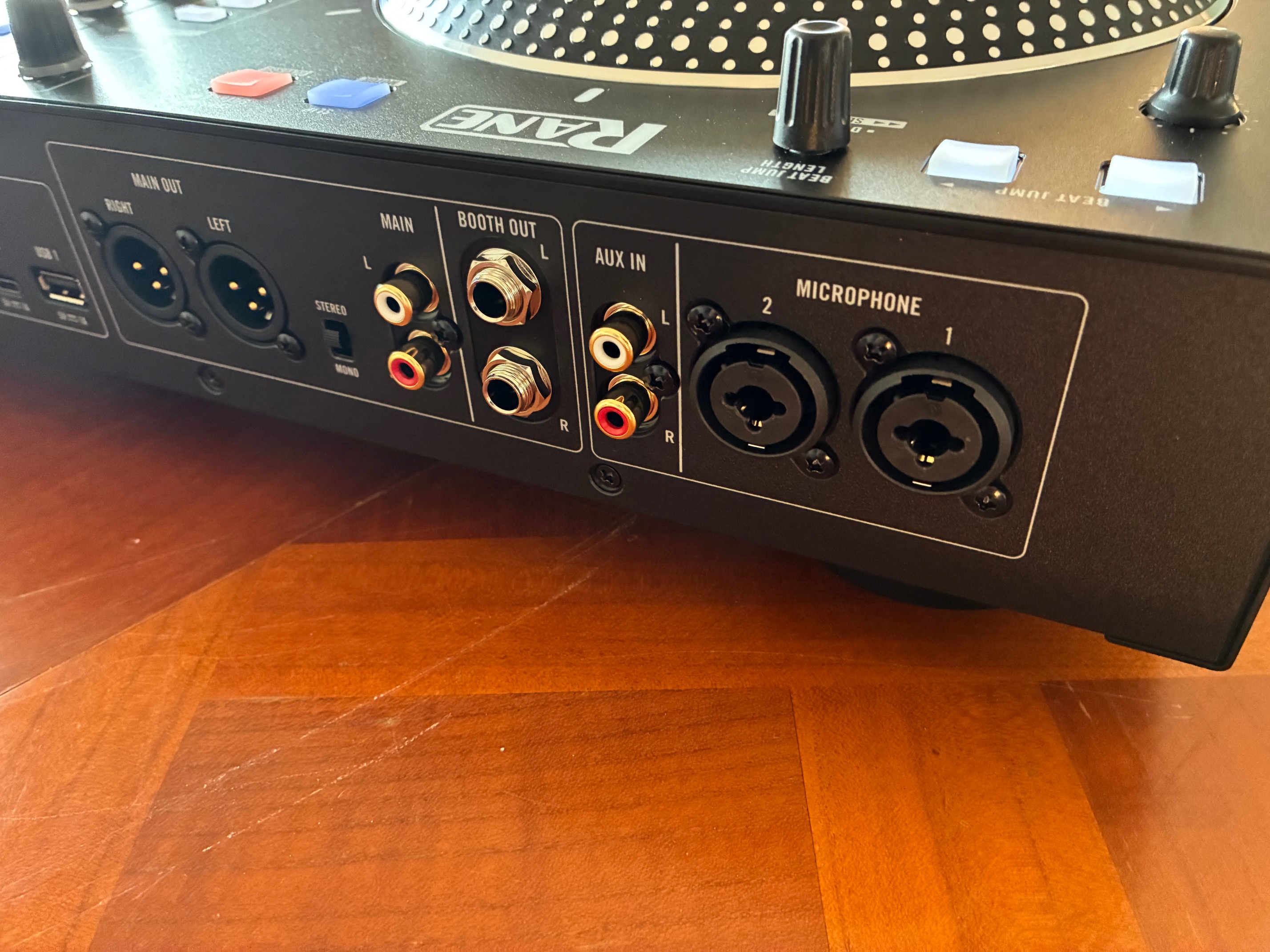
On the rear panel, you’ll find the IEC socket and On/Off button dedicated to the device’s power supply, but also two USB-A ports and one USB-C port for communicating with the computer and possible USB/DMX lighting interfaces (controllable directly on the central screen), two additional USB ports (A and C) for connecting external keys or hard drives, and an SD card reader.
As far as audio is concerned, there’s also access to the two main L/R outputs (available in XLR and RCA formats) fitted with a Mono/Stereo switch, and the secondary L/R Booth outputs — 6.35 mm (1/4-inch) jacks — which have their own internal equalizer. Input-wise, there’s an auxiliary input on a stereo pair of RCA jacks. You’ll also find two mic/line preamps in XLR/TRS combo format with their own dedicated processing, available on the front panel this time (level, two-band EQ, delay, reverb and Talk-Over parallel compression).
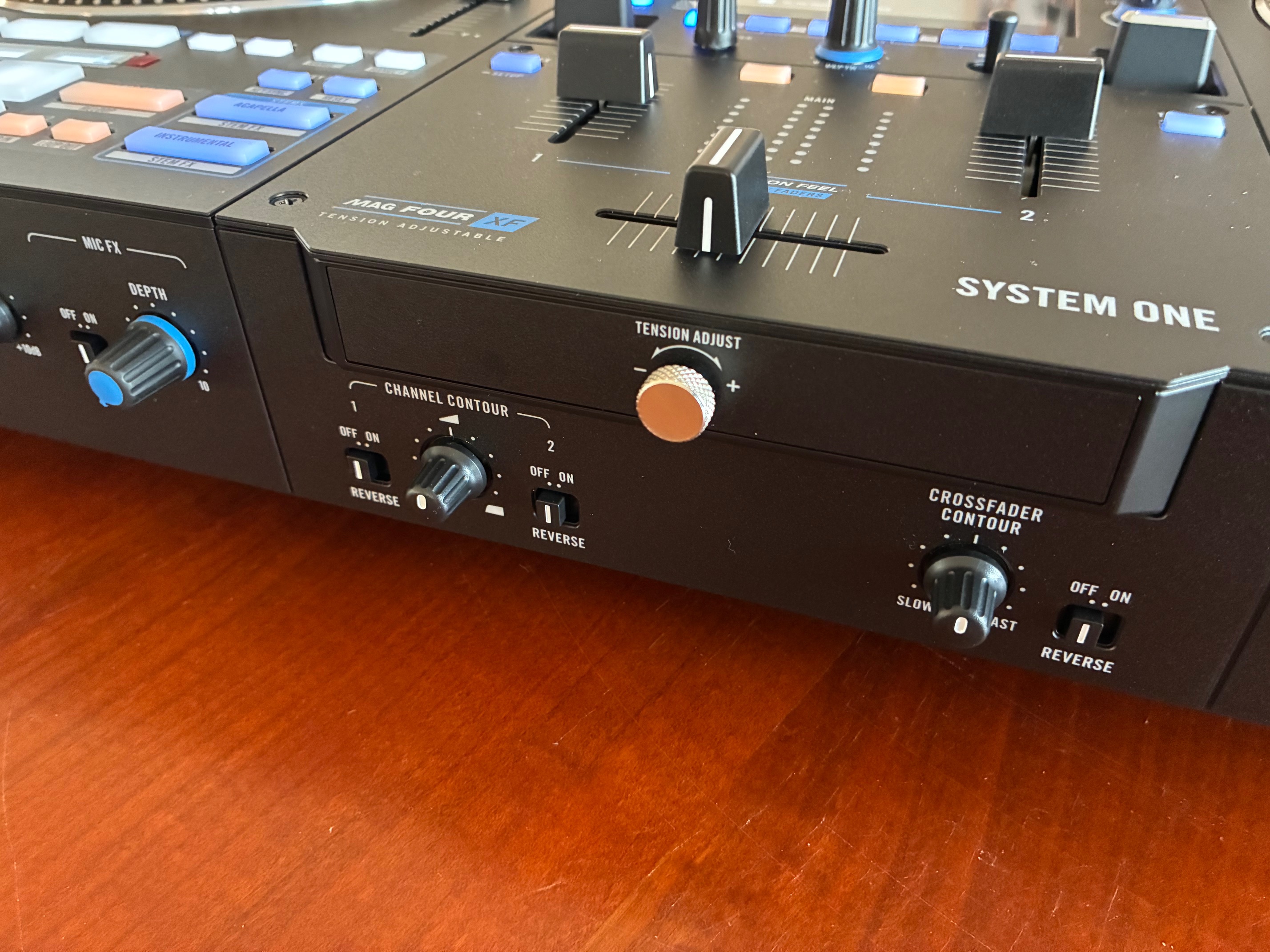
Then we move on to the rest of the front-panel elements and discover knobs for setting the travel of each slider (Channel Contour and Crossfader Contour, enhanced by a Reverse switch), as well as for adjusting crossfader resistance (Tension Adjust). Then there’ a knob for adjusting the output level of samples read on the fly (Sampler Level), and another for adjusting the level of the auxiliary input or incoming Bluetooth audio signal (Bluetooth/Aux), and finally the various settings for managing headphone listening (Mix Cue/Main, Split Cue On/Off and Level) with two inputs at your disposal; one in 6.35 (1/4-inch) format and a second in mini-jack format.


Gaming ergonomics: 7.2-inch motorized platter and backlit pads
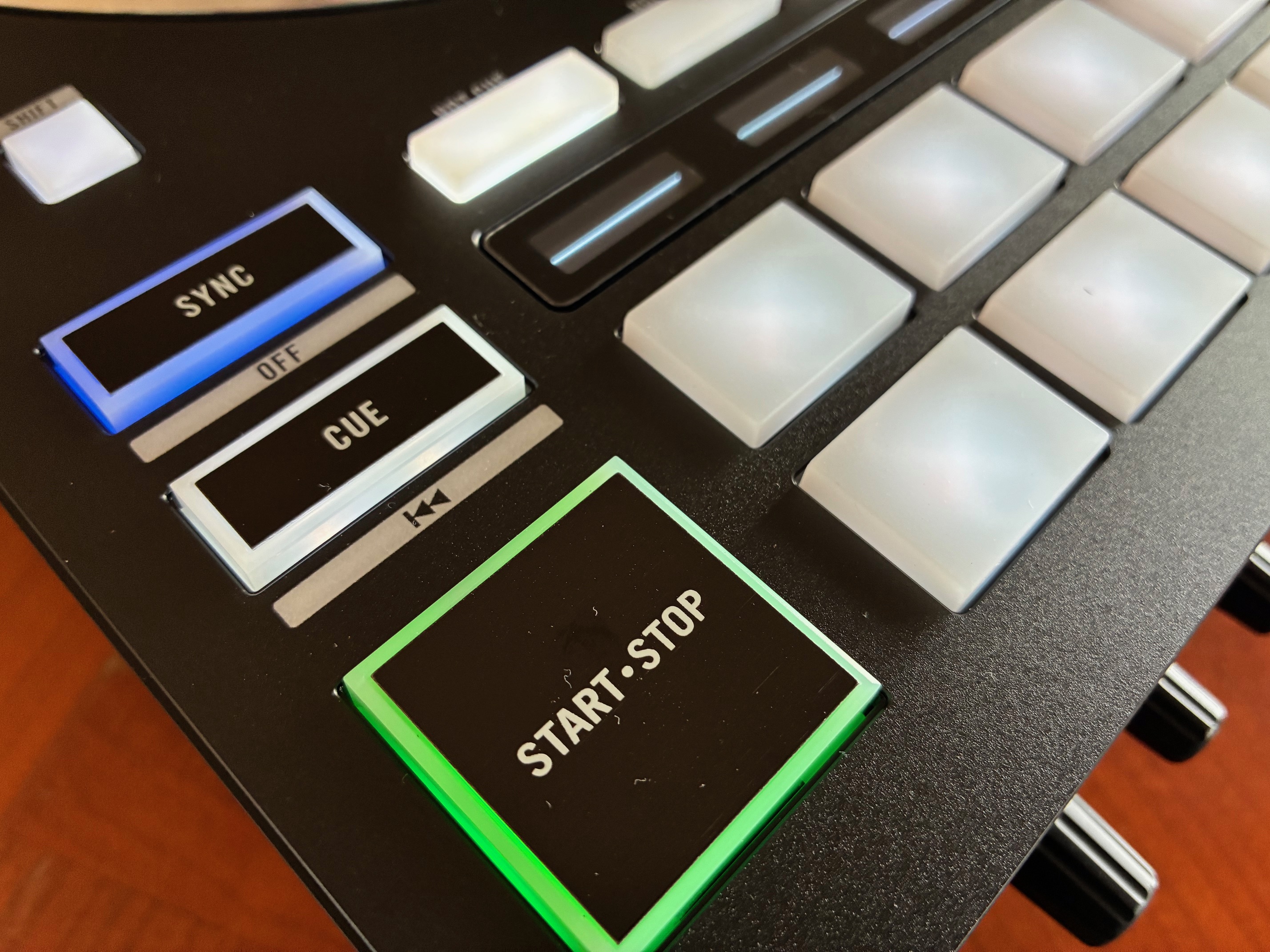
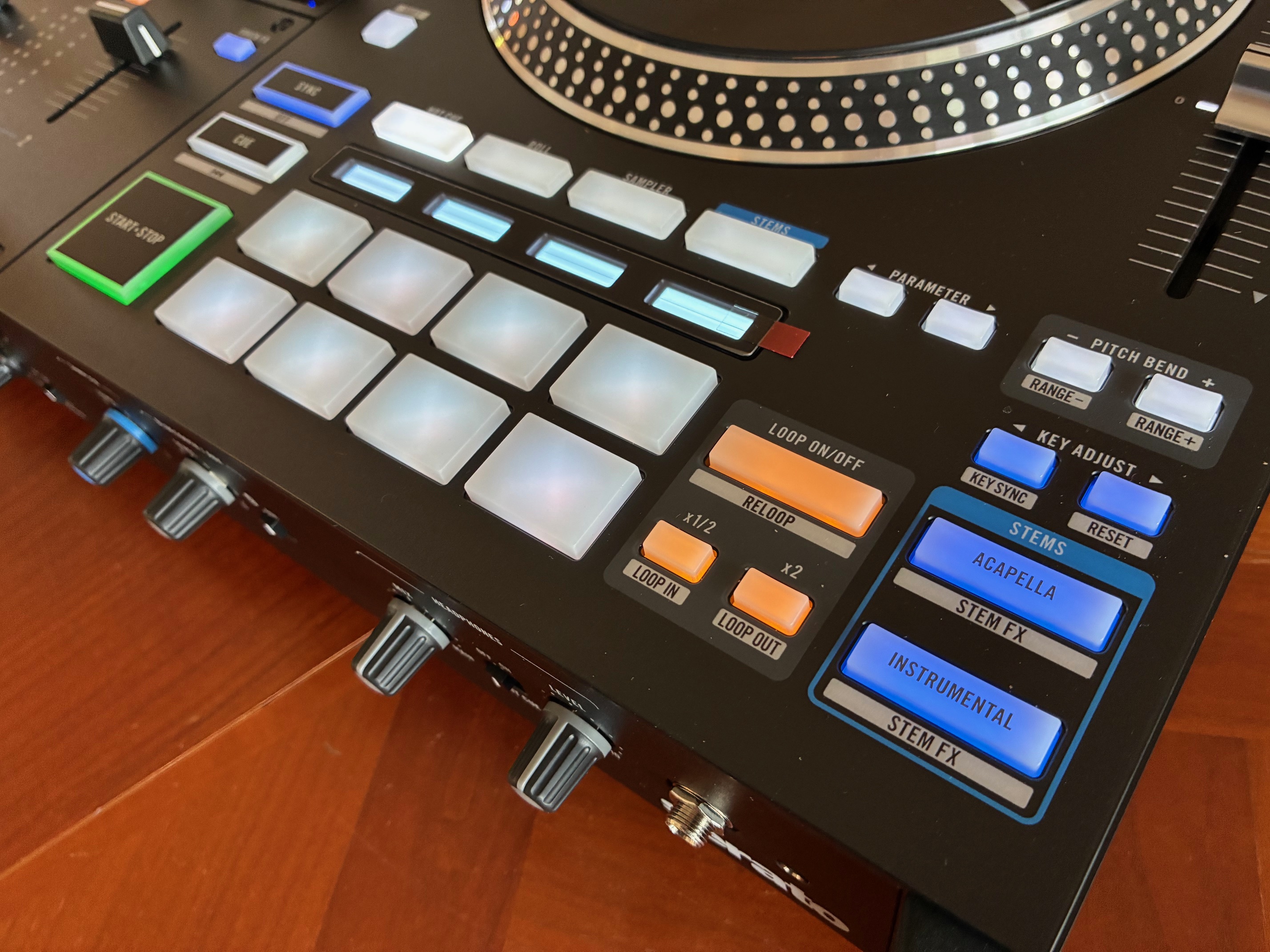
We continue with the eight backlit pads, which feature four buttons for selecting the playing mode (Hot Cue, Roll, Sampler and Stems) and their individual mini-screens (which appear to be identical to those already found on the Rane Performer). These screens are very practical, allowing you to always know which functions are assigned to the pads. Incidentally, the team’s favorite feature is the Stem FX function, which lets you apply effects independently to each of the four stems (Vocal FX, Melody FX, Bass FX and Drums FX).
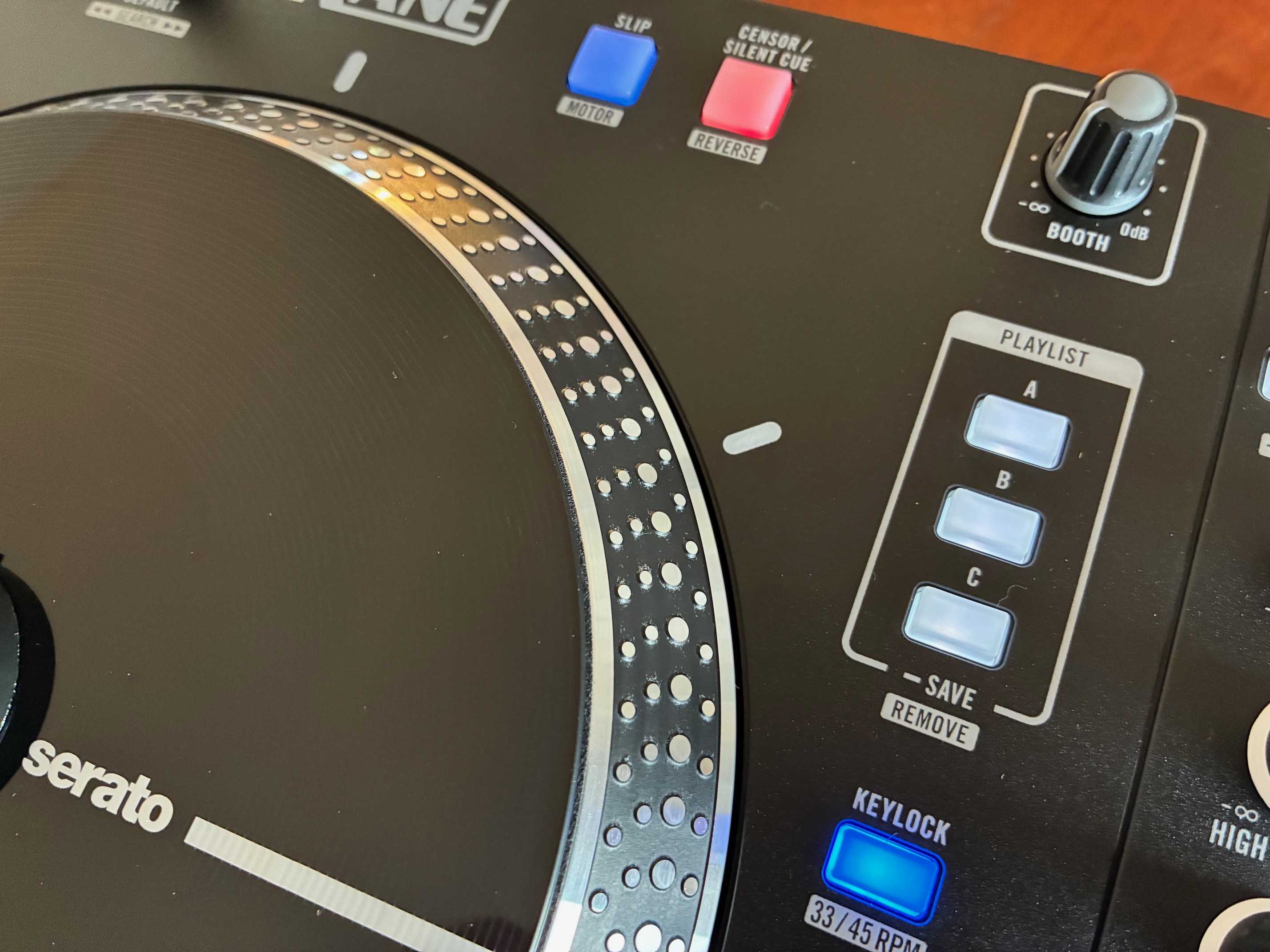
At the top left of each tray are the controls for the Beat Jump function and the two Stop Time potentiometers, used to set the stop time of each motor independently. At the top right are the classic Slip/Motor and Censor/Reverse functions (Shift + Reverse combination to reverse the playback direction).
Please note: for those who wish to stop the platters from rotating altogether, simply press Shift + Slip to navigate through the tracks as on a classic DJ controller. In addition, there are two potentiometers for level control of the Main and Booth outputs. The mixer section follows.
Mixing and navigation: Mag Four XF crossfader and 7-inch HD touchscreen
.

The two Precision Feel linear sliders, adjustable and reversible, are complemented by a Mag Four XF crossfader. Importantly, the crossfader’s hardness can be adjusted to a truly comfortable range, which will undoubtedly suit all DJing styles, from the most basic electro beatmatching to frenzied virtuoso scratch sessions.
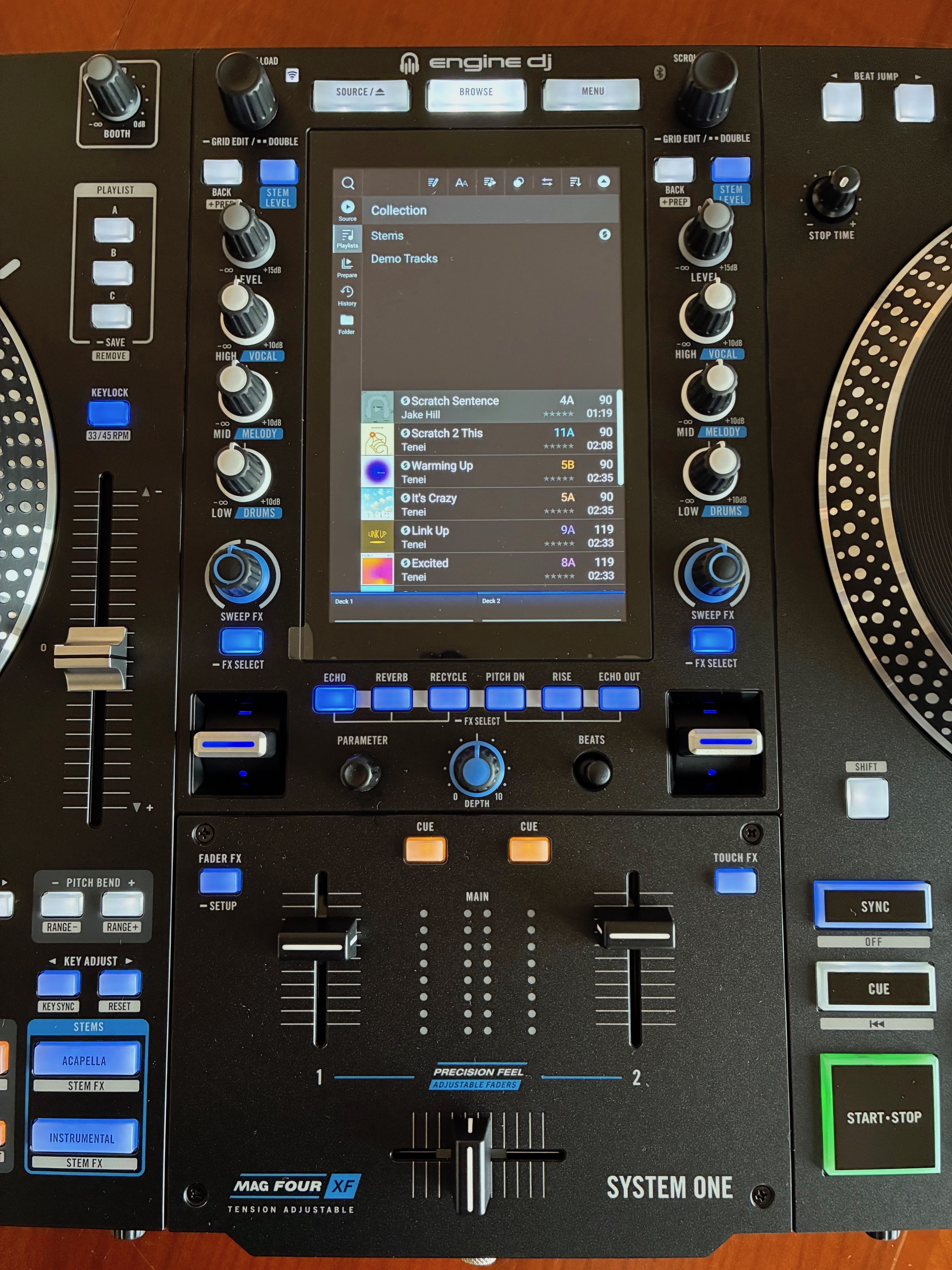
On top of the mixer are two encoders for navigating playlists and other media. They’re extremely precise and easy to use. What’s more, they offer additional functions that are useful when you’re in the middle of a performance: a double-click on the encoder loads the selected track onto both players simultaneously; if you hold down one of the two encoders for more than two seconds, you enter the grid editing window corresponding to the selected track. Simple and effective.
Let’s move on to the central screen, which lives up to its name “HD” and offers both highly satisfactory color rendering and excellent fluidity of use. Its 7-inch display provides excellent visual comfort, especially in the dark, when working with the in-house Engine DJ software. The display of essential data is quite clear (name of current track, tempo, key, time remaining, loops, Beat Jump, etc.), as is that of waveforms, which are presented with a color code corresponding to the dynamic amplitude of the signal.

Finally, three fully customizable display modes are available (View 1, 2 and 3) for choosing horizontal or vertical track scrolling, with or without the library, and more. On each side of the screen, there’s a classic three-band EQ section, switchable into a level mixer for each stem, via the top Stem Level knob. This is a really useful option, offering the chance to rebalance a track’s balance in a matter of moments: less drums, more lead vocals, etc. Anything is possible.
Creative arsenal: a guide to Sweep FX, Fader FX and Touch FX modes
Below the three EQ knobs is a fourth knob, Sweep FX, embellished with the FX Select button. Press and hold the latter to enter an effect selection menu displayed directly on the screen. By default, Sweep FX is always set to a bipolar filter effect (high cut <-> bypass <-> low cut), but can be modified at will to load the following effects: Noise, Wash, Reverb and Dub Echo.
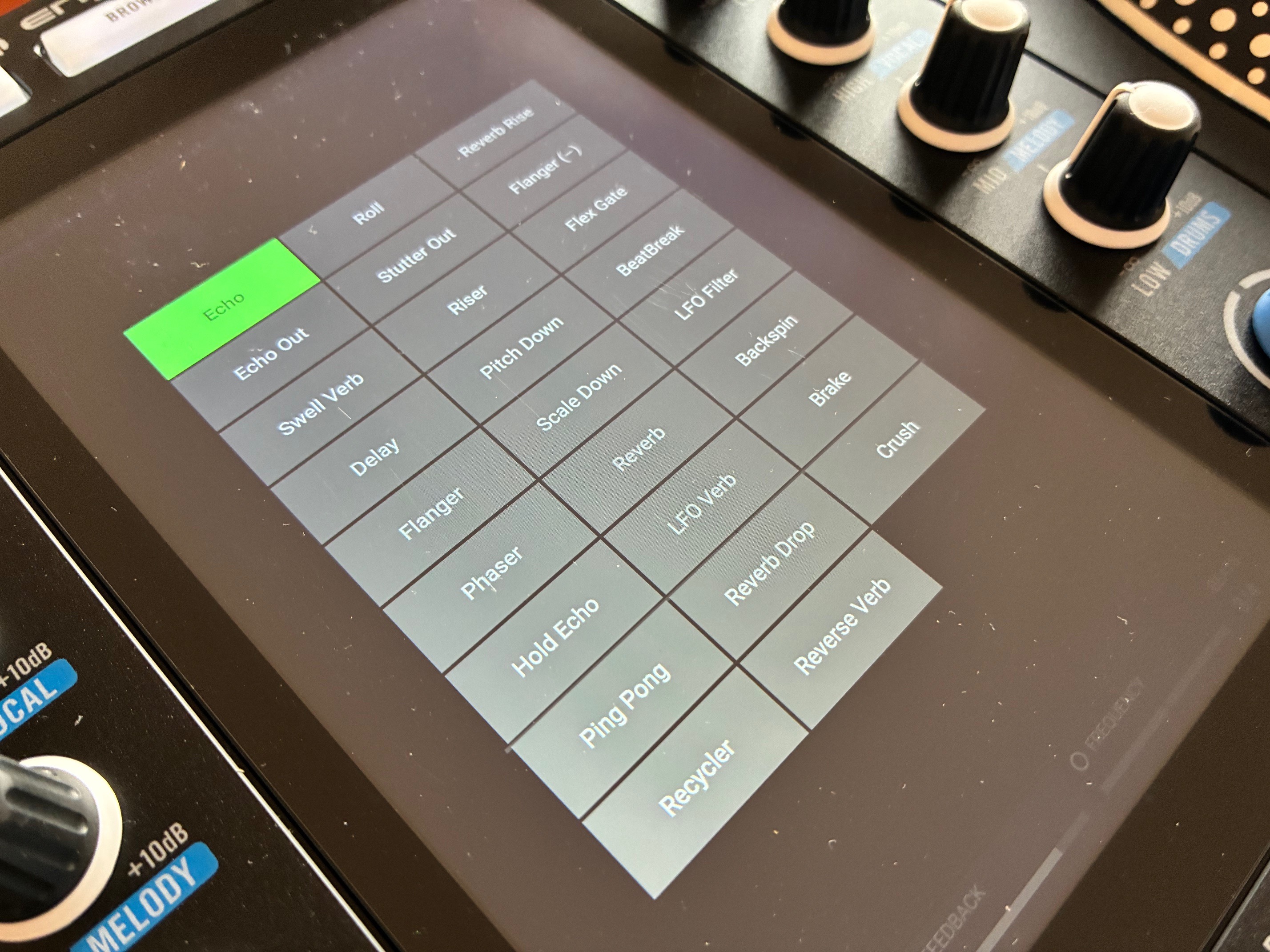
But here again, that’s not all: below the central display is the global effects section, with six buttons (Echo, Reverb, Recycle, Pitch DN, Rise, Echo Out) for selecting additional processing. They are complemented by two encoders for adjusting them (Parameter and Beats), and a central potentiometer for metering effect intensity (Depth). But the most interesting elements here are the two spring-loaded mini-sliders that trigger them on the fly. It’s a very practical system for creating sudden variations and surprising the audience. Well done, Rane!
Important note: by holding down any of the six buttons, you can modify the loaded effect and choose a new one from a much more extensive list, featuring no fewer than 26 options presented directly on the screen. The program includes the following algorithms: Echo, Ping Pong, Reverb, BeatBreak, Recycler, LFO Verb, LFO Filter, Swell Verb, Roll, Reverb Drop, Backspin, Delay, Stutter Cut, Reverse Verb, Brake, Flanger, Riser, Reverb Rise, Crush, Phaser, Pitch Down, Flanger (-), Hold Echo, Scale Down and Flex Gate.
Although limited in terms of settings, after a few minutes of use, you’ll quickly realize that they’re perfectly calibrated for live performance (the same algorithms were already available on the Rane Four controller, if memory serves). The Recycle and Riser effects are a particular favorite, sounding marvellous and always very musical in just about any situation. The only slight disappointment is the quality of the reverb algorithm, which we feel lacks a bit of depth and density, though that’s a matter of taste. In any case, nothing prohibitive, quite the contrary.
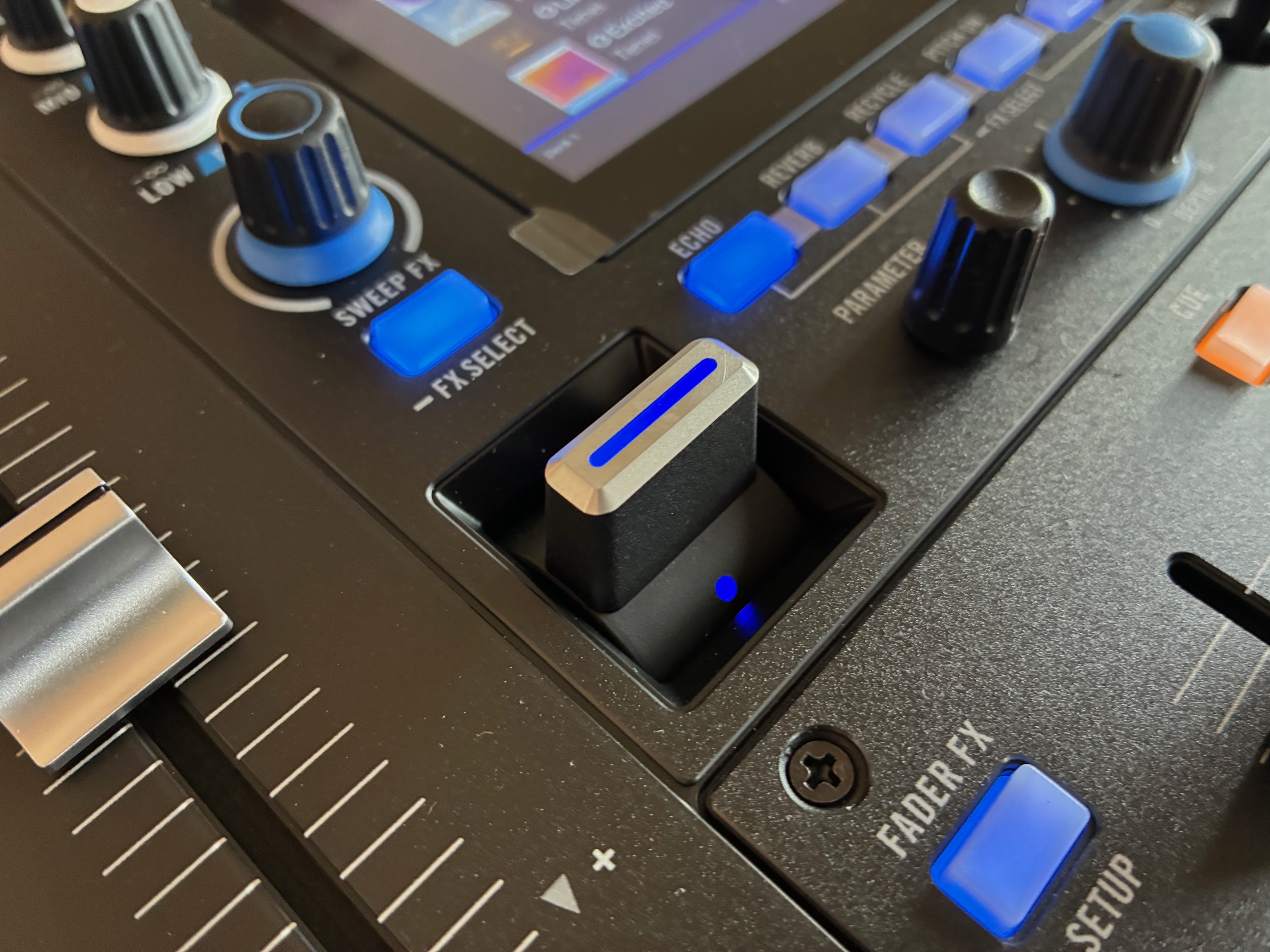
This mode opens up a rather unexpected yet always very surprising field of creativity. It doesn’t take long to imagine new combinations that could prove extremely rewarding, especially in live performance.
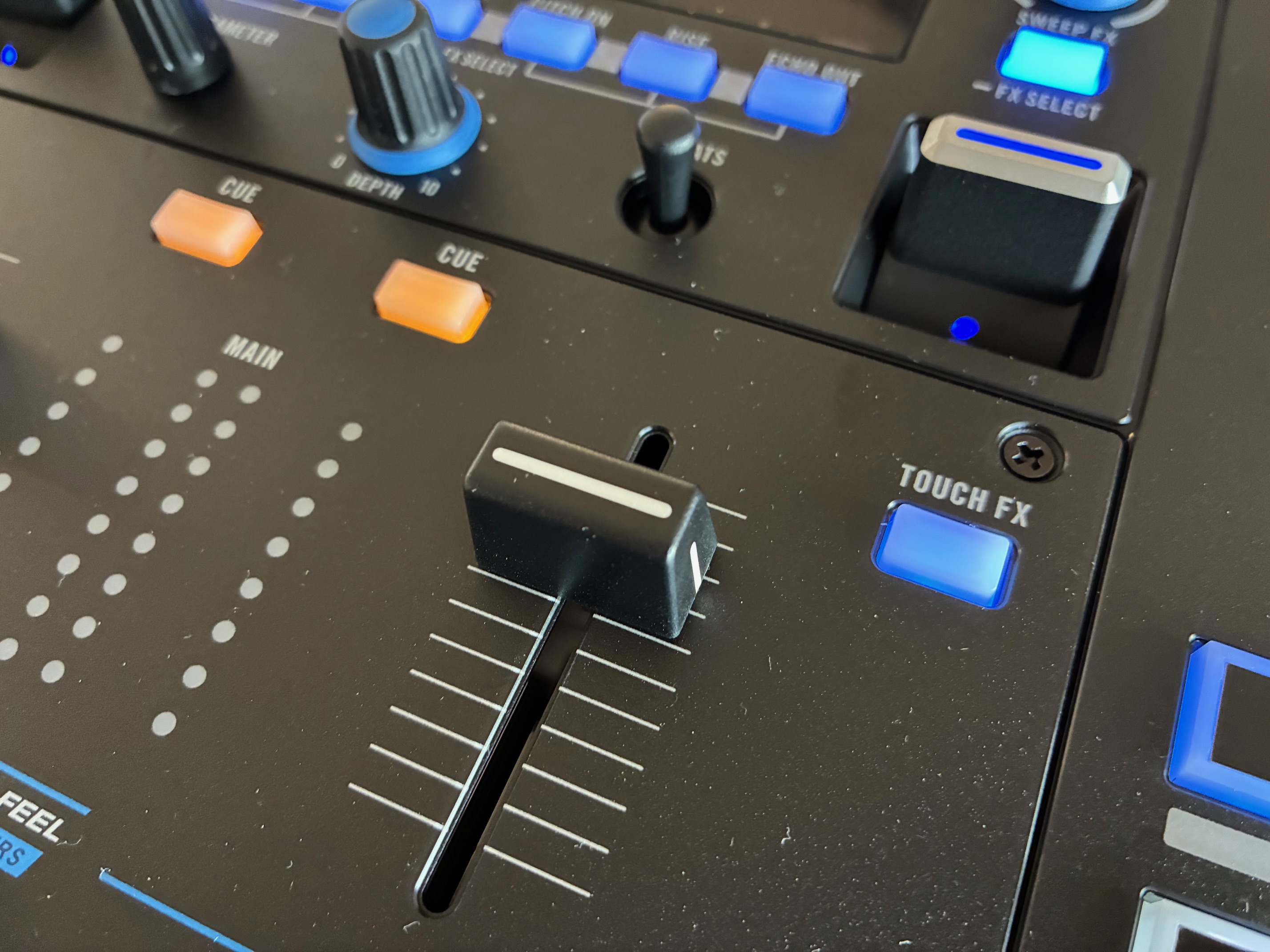
Finally, a special mention for the Touch FX function, which is activated in almost the same way. On the upper side of the right linear cursor, there’s a button labeled Touch FX. Pressing it transforms the central screen into a giant touch pad dedicated to live music creation (a thought for those of you who, like us, enjoyed Korg’s Kaoss Pad series).
Once this mode is activated, you can select an effect to be applied directly at the bottom left of the screen. Available effects include LFO Echo, Noise Gate, Filter Roll, Filter Reverb, Filter Echo, Flanger, Filter Dub Echo, LFO Filter, Filter Gate and Filter.
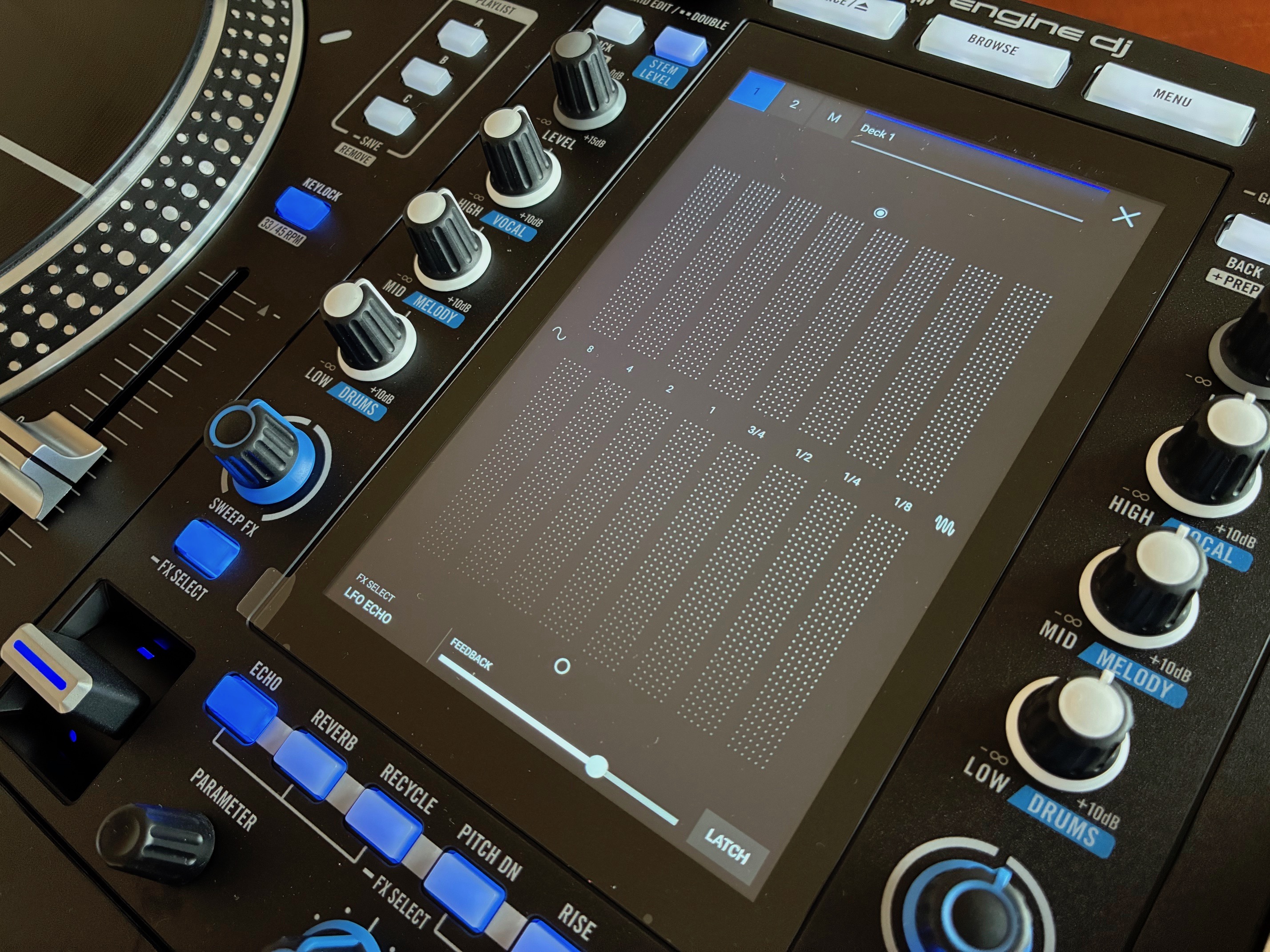
The operation of the pad is very simple: the horizontal axis controls the effect across eight rhythmic divisions, and the vertical axis adjusts the treatment intensity. Despite all these facilities, a little practice is needed to “play the pad” musically, as rough handling can quickly result in a rather messy effect in the mix. Finally, the three modes Touch FX, Fader FX and Sweep FX can be combined and used simultaneously. However, our advice would be to remain fairly conservative about their accumulation, to avoid turning your mix into a merry cacophony.
Omnisource system: playlist and streaming management via Engine DJ
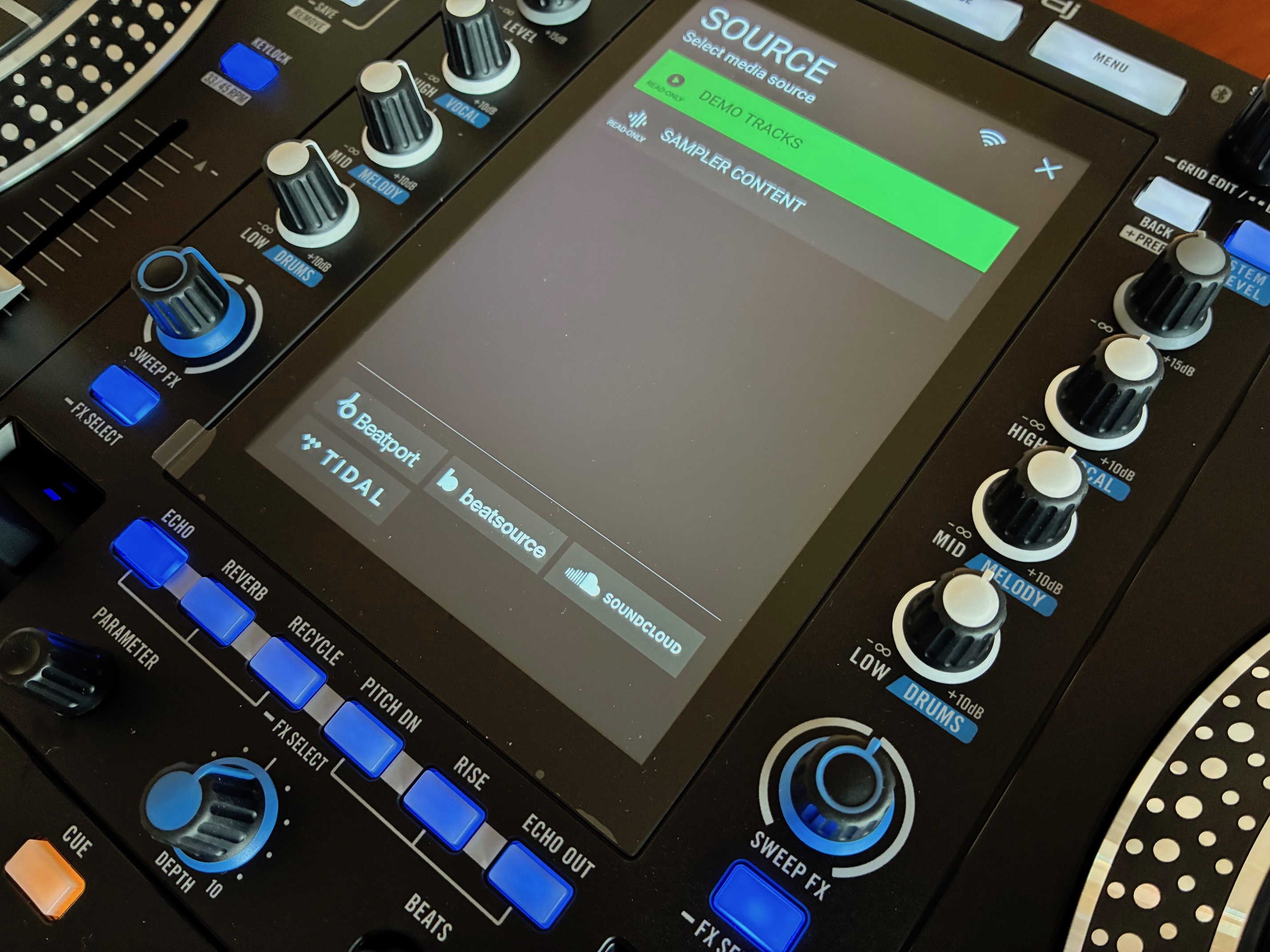
The controller’s sound engine is provided by Engine DJ software, and song and playlist management is handled by the OmniSource system. The latter enables you to navigate your library and playlists by calling up audio tracks from all media, without distinction, whether it’s a USB key or hard disk, a stream from streaming services (Apple Music, Amazon Music Unlimited, Tidal, Beatport, Beatsource, SoundCloud Go+), files saved on the cloud (Dropbox), or even sessions prepared on compatible software (Serato DJ Pro, Algoriddim djay, etc.).
Let’s take this opportunity to remind you, in passing, that a Serato DJ Pro license is included with System One. On the top left of the mixer section is the Source button. Pressing it displays all the media/sources connected to the device, and then it’s up to you to play!
If you wish, you can also install a SATA hard disk directly in the controller (the docking slot is located under the machine). If you choose this option, Rane recommends that you format your hard disk upstream in exFAT format to ensure trouble-free operation. The procedure is simple: once you’re connected to your computer, open the disk utility and start formatting. Then simply launch the Engine DJ software to transfer your tracks and playlists. By the way, transfer speeds are very high; for example, we loaded 10GB of files in less than two minutes. Who can beat that?
To the right of the Source button is the Browse button, which lets you browse the song library using a small search engine (only available on QWERTY) and create playlists directly on the controller. Rane has thought of everything, including offering several display options (sorting options, different font sizes, etc.), which may prove indispensable for the visually impaired or simply for greater reading comfort in the dark.
Among the functions we particularly appreciated was the automatic song recommendation algorithm: if you wish, the search engine can suggest a selection of songs that go well with the current title (similar tempo, compatible key, etc.). Basically, the controller does a little crate digging for you. This is particularly handy when you’re lacking inspiration for the rest of a mix, but the crowd is fired up. To take things a step further, a sub-menu is available for specifying the characteristics you’d like to see in the tracks on offer (acceptable BPM range, exact or non-exact key, musical genre, etc.).
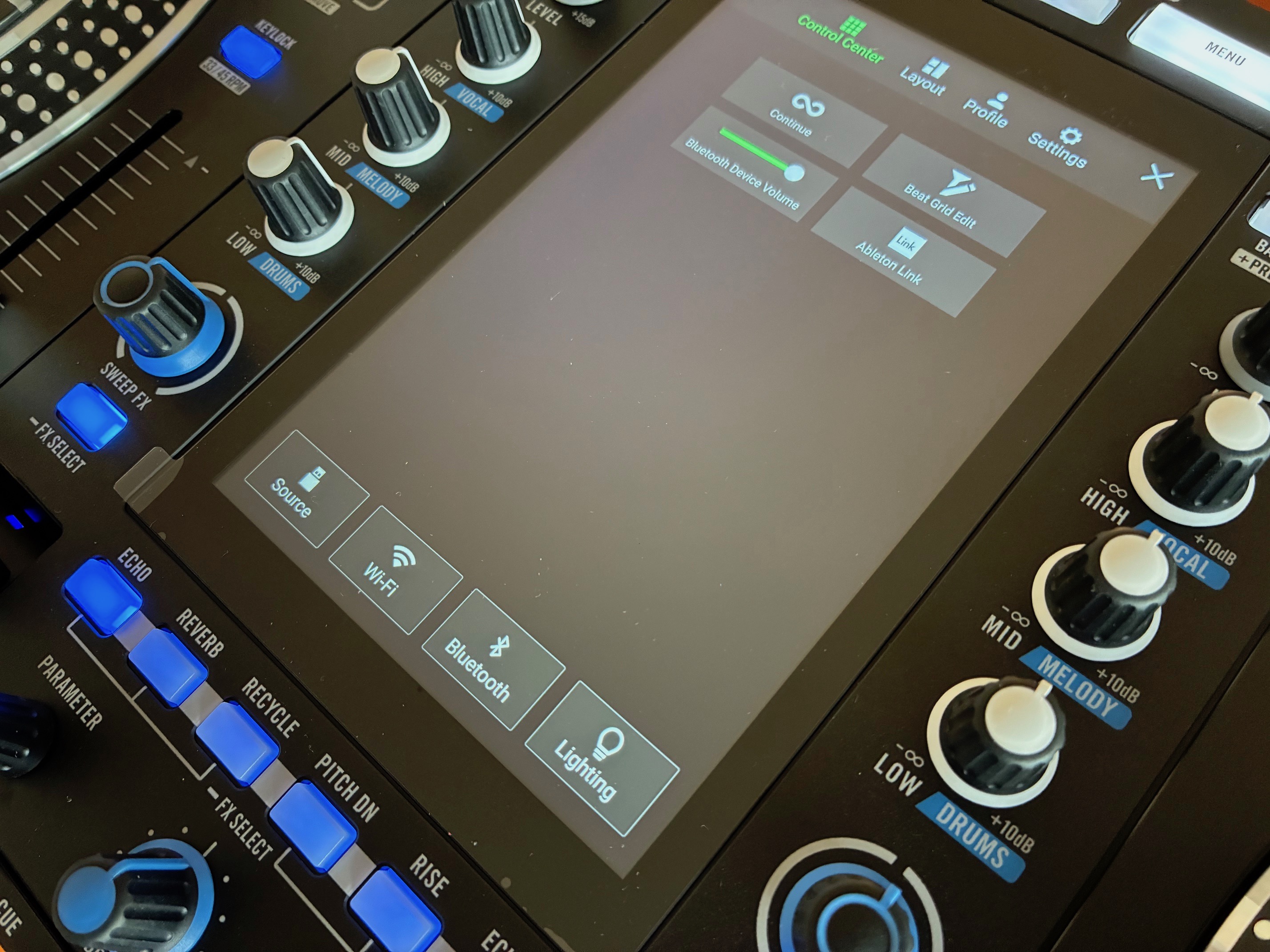

Last but not least, the Profile and Settings sub-menus let you set every mechanical detail of the controller according to your personal preferences, directly on the central screen. These include platter start-up time, motor torque, frequencies separating EQ bands, crossfader calibration, etc. You’ll also find countless options for setting the automatic looping method, visual masking of credits (Hide Title/Artist), and much more.
Gaming sensation review: the vinyl experience on a digital controller
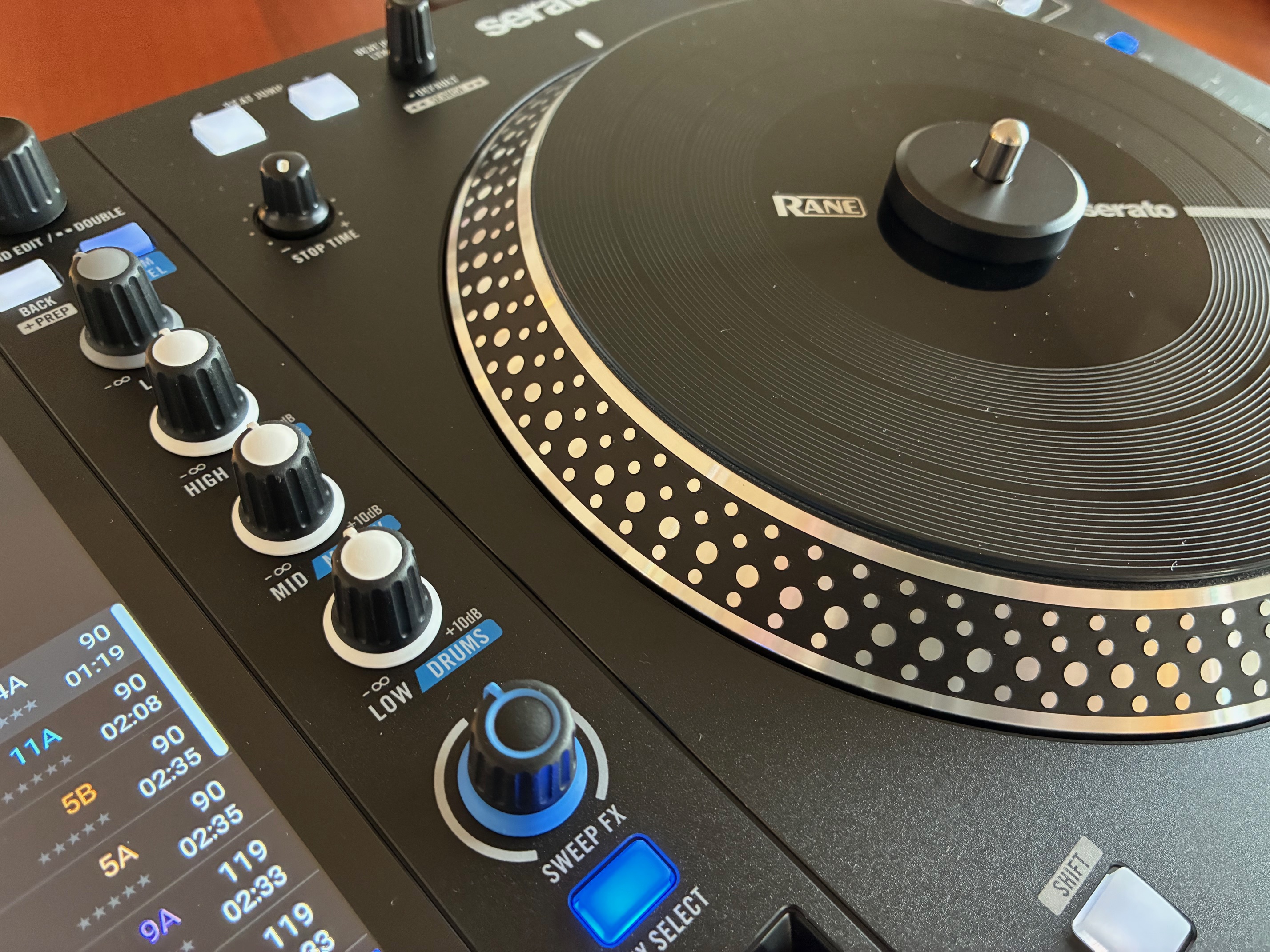
A word about the platters, which are the same as on the Rane One MK2 model, and really do bring together the best of both worlds. Their feel and response are absolutely superb, to the point of making our good old Technics SL1200 mk2 jealous. Playing sensations are simply equal to those experienced with a professional-quality direct-drive turntable, but are greatly enhanced by all the creative features and possibilities offered by Engine DJ software. Having already put our fingers to the test on a very large number of digital DJ controllers, stand-alone or otherwise, we can confirm that this is the best experience we’ve had to date in terms of playing pleasure. It really feels like you’ve got a real, ultra-responsive instrument under your fingers, which will delight both uncompromising scratch fanatics and the most nostalgic among us.
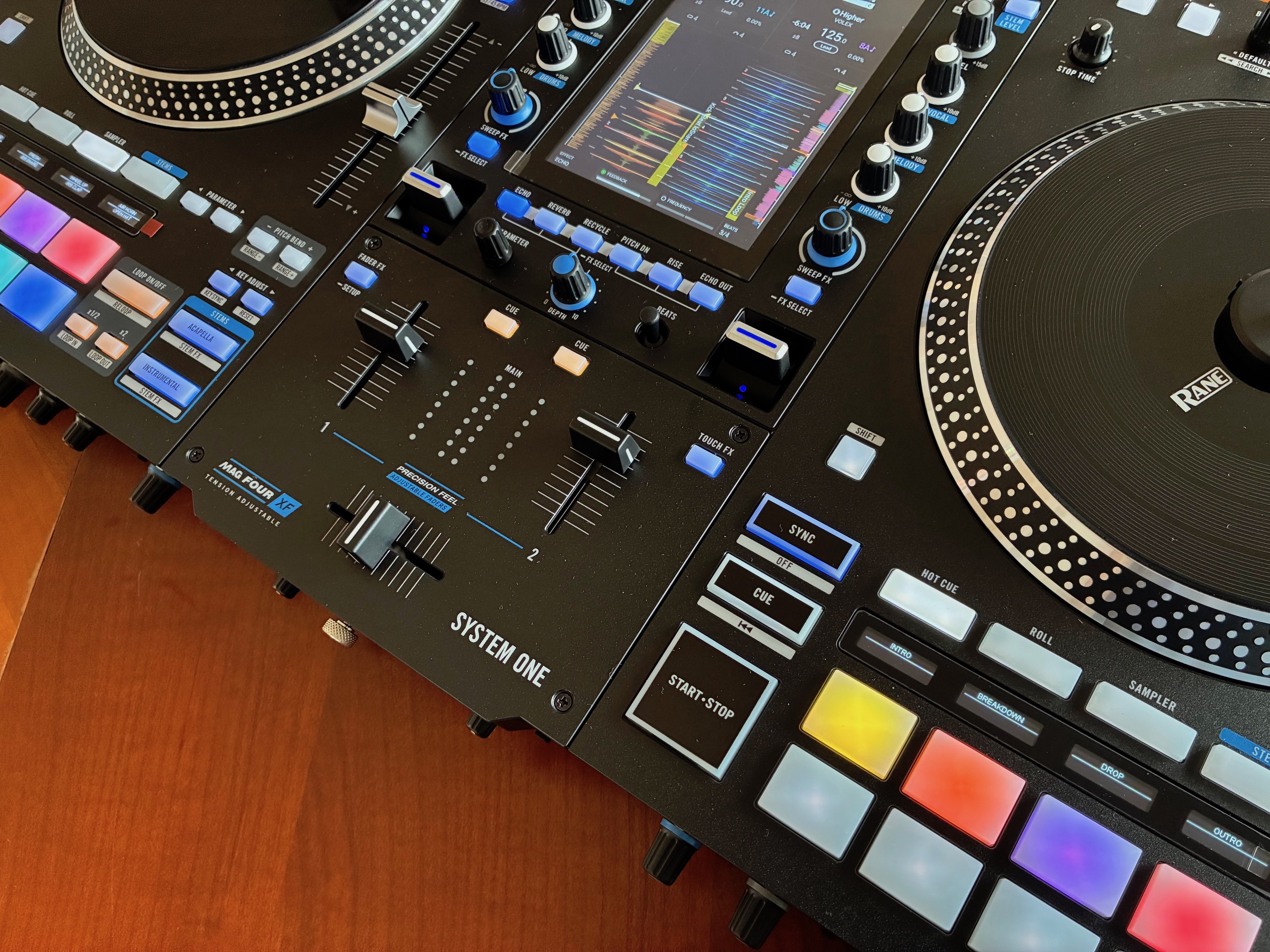
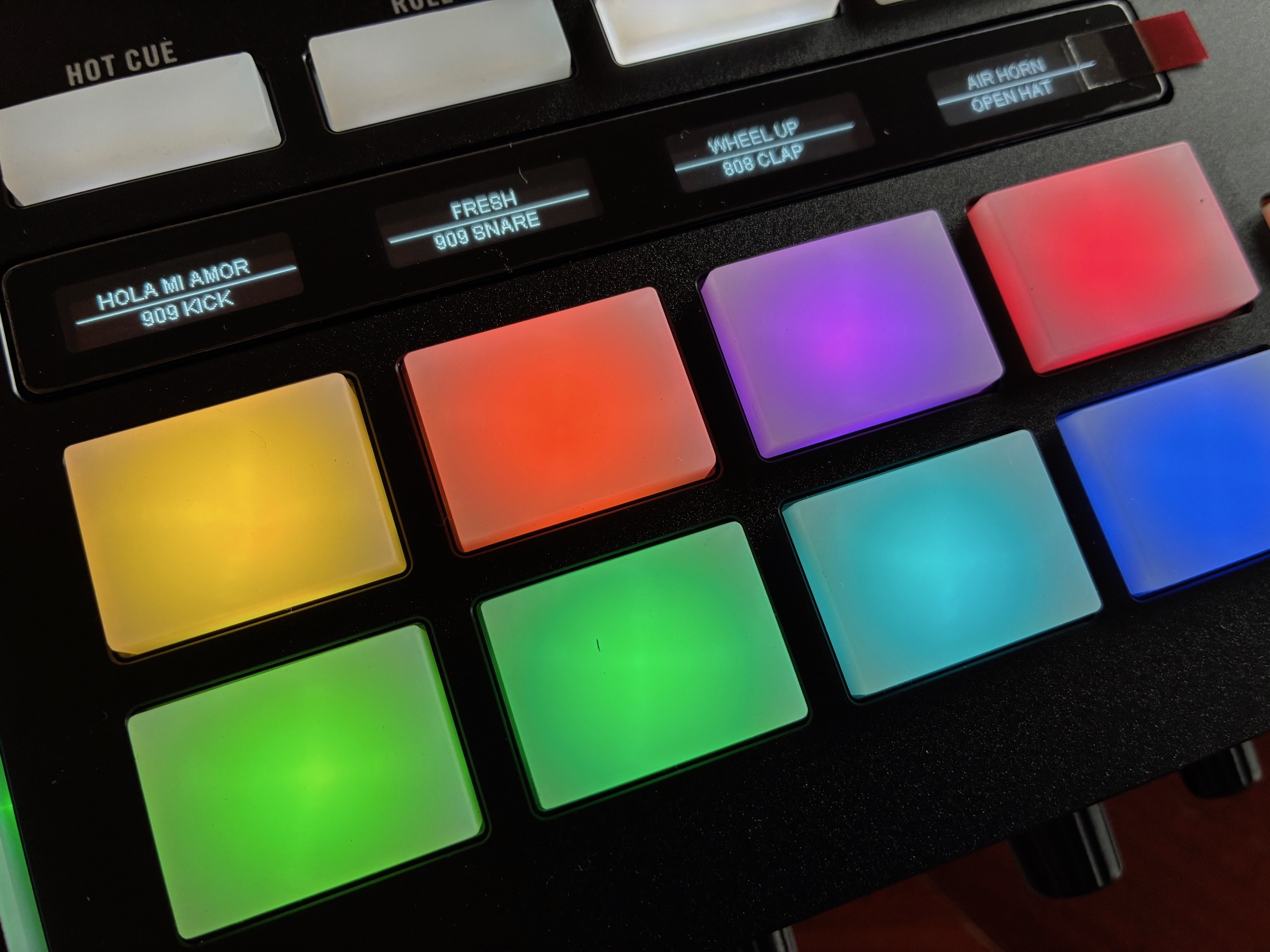
We continue with the feel of the pads, which is also excellent (unlike others): they respond very well and also feel very solid. In any case, their build quality and consistency give confidence.
We could sum up by considering that, apart from the platter motorization, the System One ultimately presents itself as a streamlined, but above all more accomplished, version of the famous Rane Four and Rane Performer models. Although those were excellent, they could be more daunting for novice DJs or simply too complex.
