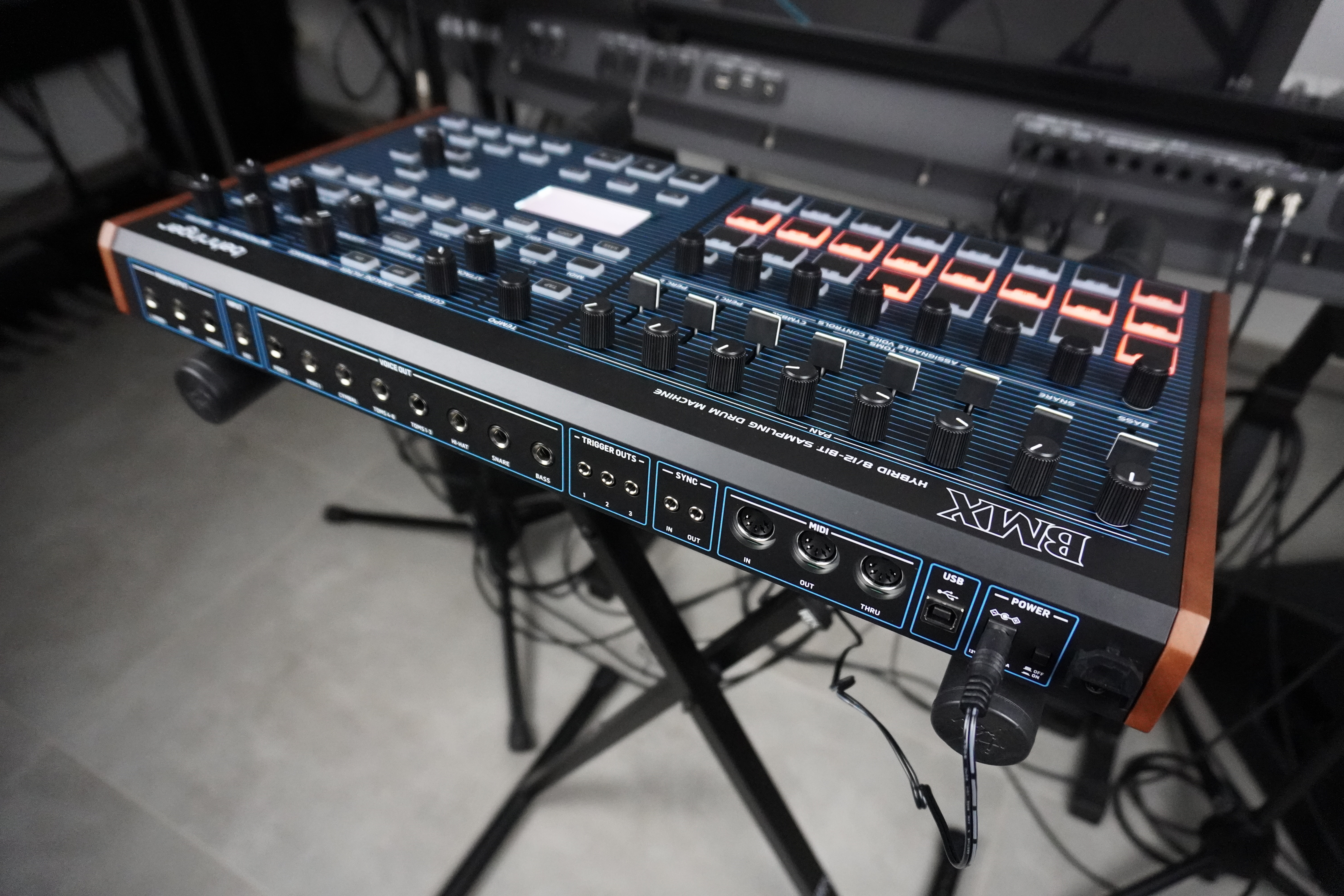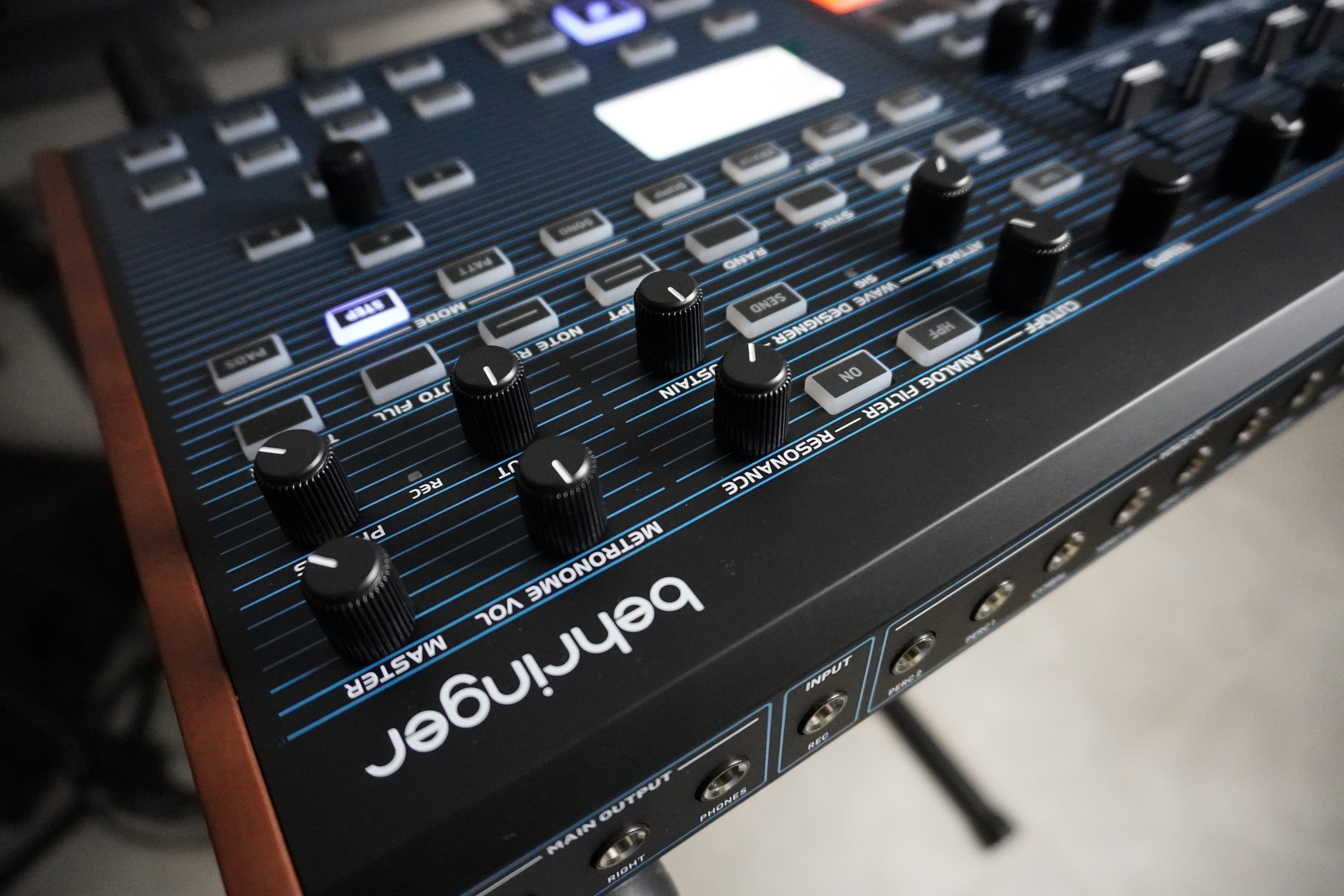
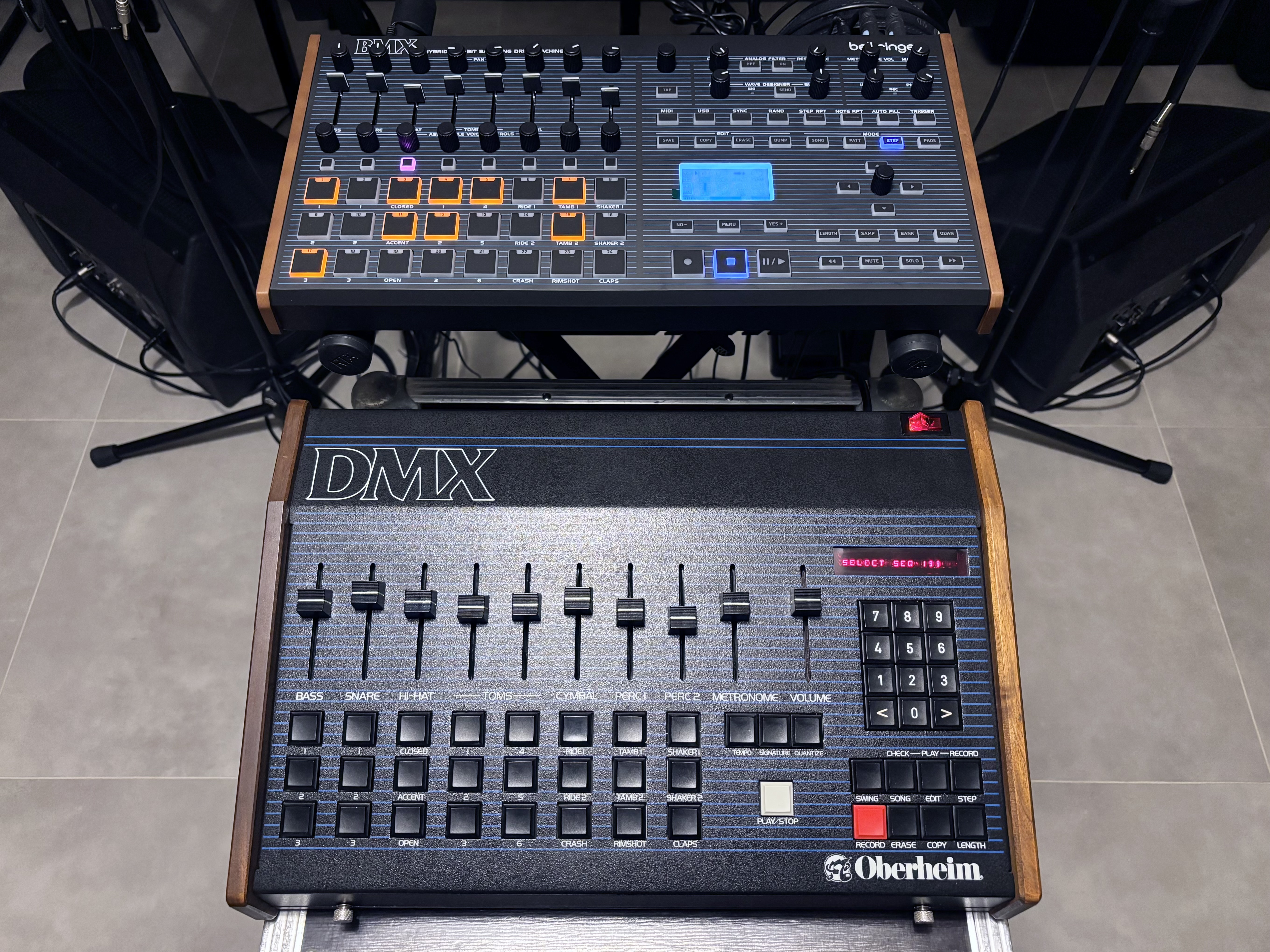
After releasing the LM Drum, a LinnDrum clone, Behringer put out the BMX, a recreation of the DMX, an early '80s EPROM drum machine from Oberheim. How does this newbie stack up with the original?

In 1981, in response to Roger Linn’s LM-1, Tom Oberheim created the DMX, a digital drum machine with sampled “real” sounds. To release it at a more affordable price, Oberheim made certain compromises. These included a maximum of 8 voices, a simple volume control for each voice, only 3 non-simultaneous instruments per voice, panning set in stone, and pitch modifiable only by internal adjusters. Nevertheless, it offered a very punchy 8-bit sound.
Less prestigious than the LinnDrum, the DMX delivered the clap on New Order’s “Blue Monday, ” Herbie Hancock’s “Rock It, ” Run DMC’s “Rock Box, ” Davy DMX’s “One for the Treble, ” and a good number of '80s hip-hop productions. A musician buddy of mine described the DMX as sounding “good but more boilerplate (less distinctive) than the LinnDrum.”
Some boards could accommodate 1, 2 or 8 EPROMs (for crash and ride cymbals), while others used the VCF CEM3320s (for sounds to be transposed downwards). They were, therefore, virtually dedicated, and changing an EPROM often meant replacing the entire daughterboard. This required opening the machine, ripping out the board, removing the EPROM… and you needed a supply of daughter boards to cover the different configurations. It was quite an era!
Let’s now turn to the BMX, Behringer’s DMX clone. The question here is: does it free itself from the constraints of the '80s while retaining the DNA and grain of its ancestor?
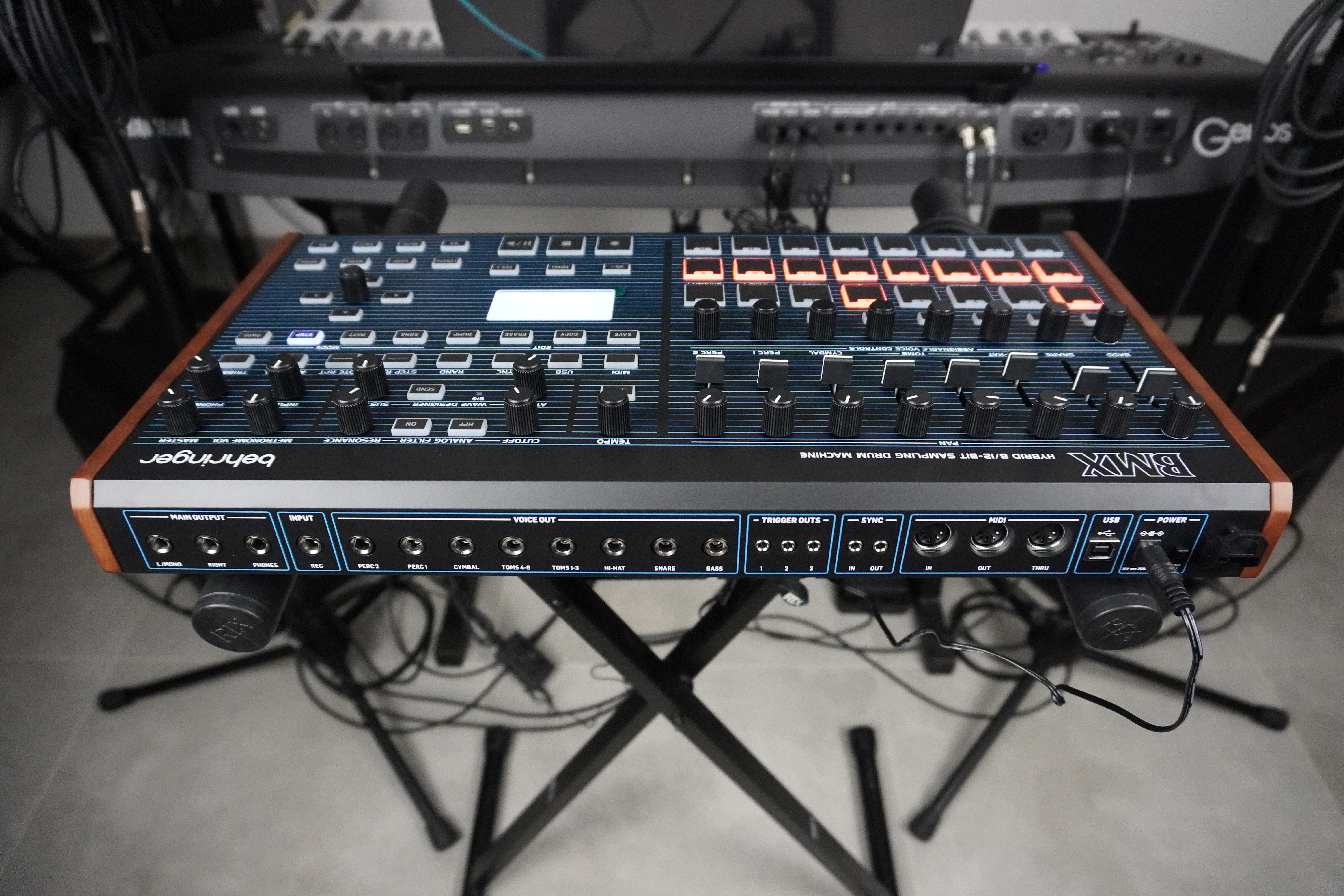
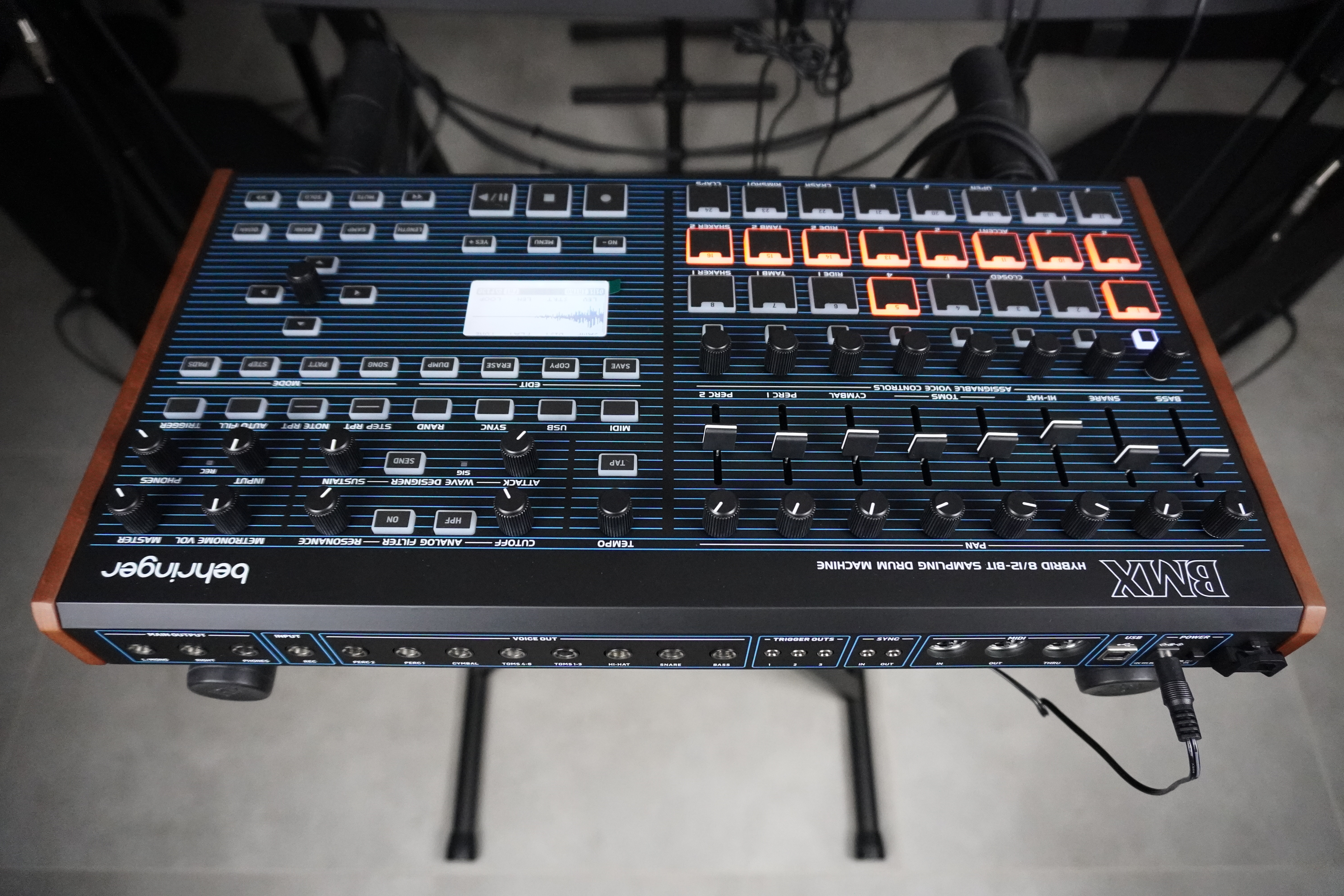
A good-sized drum machine with essential controls in front
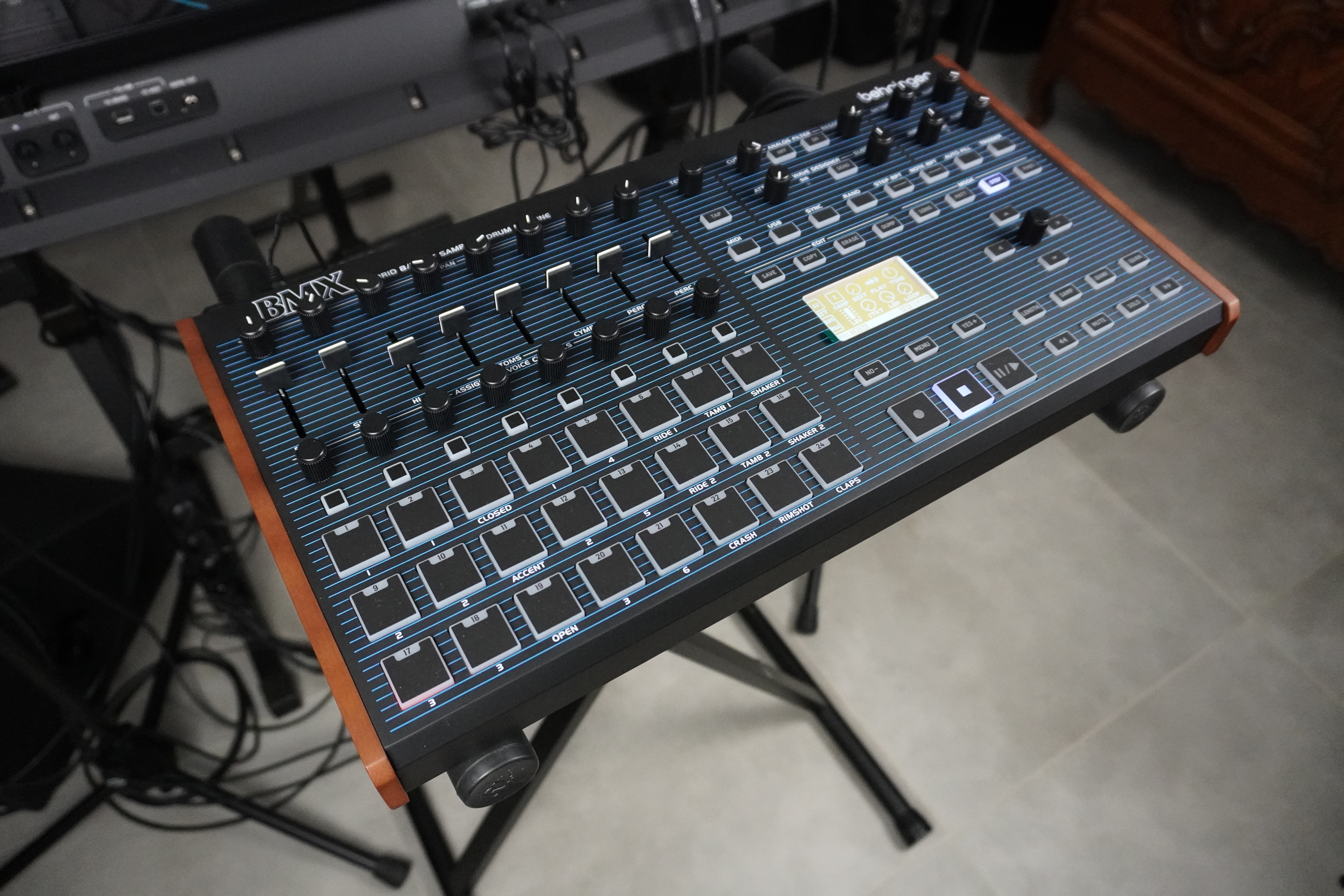
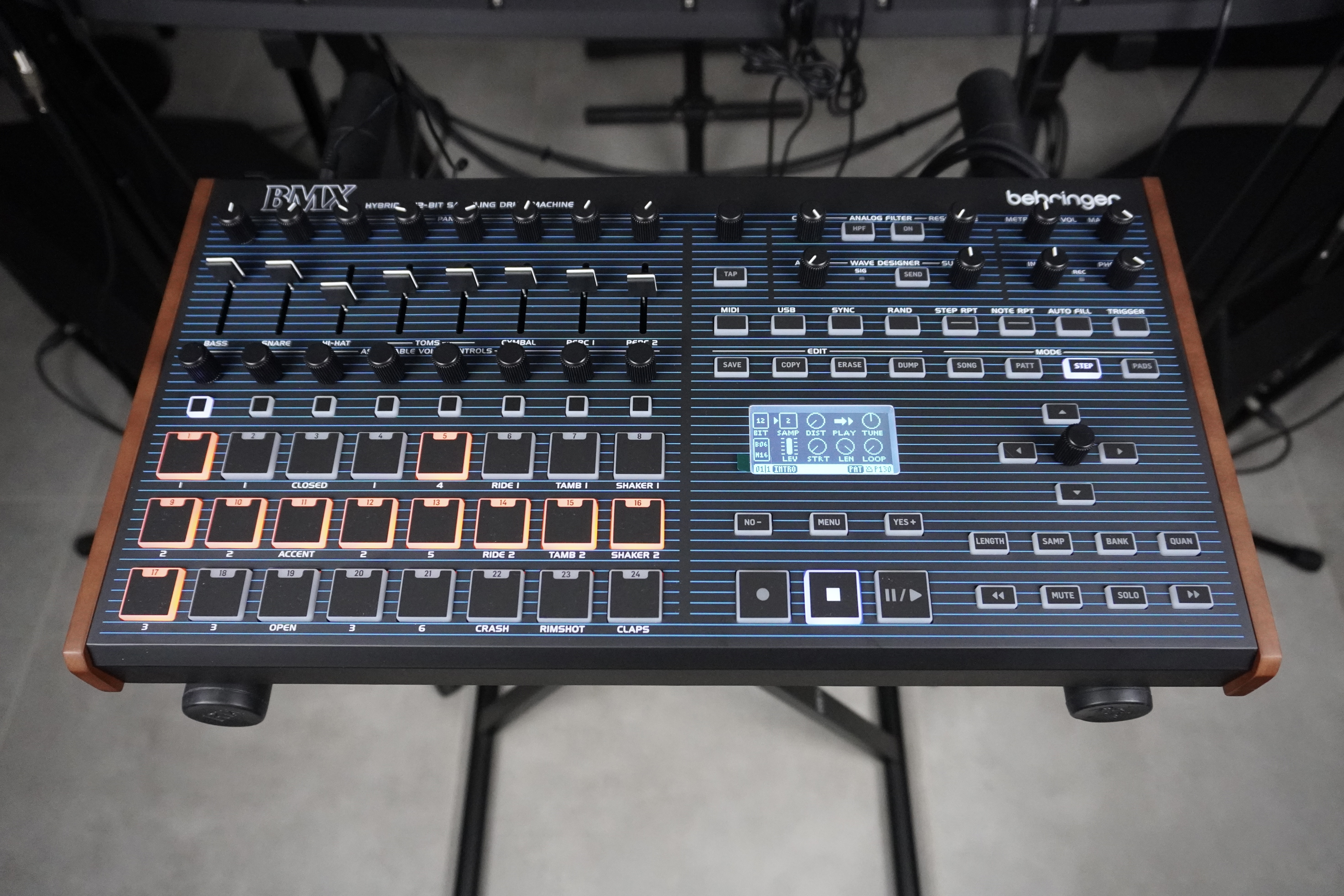
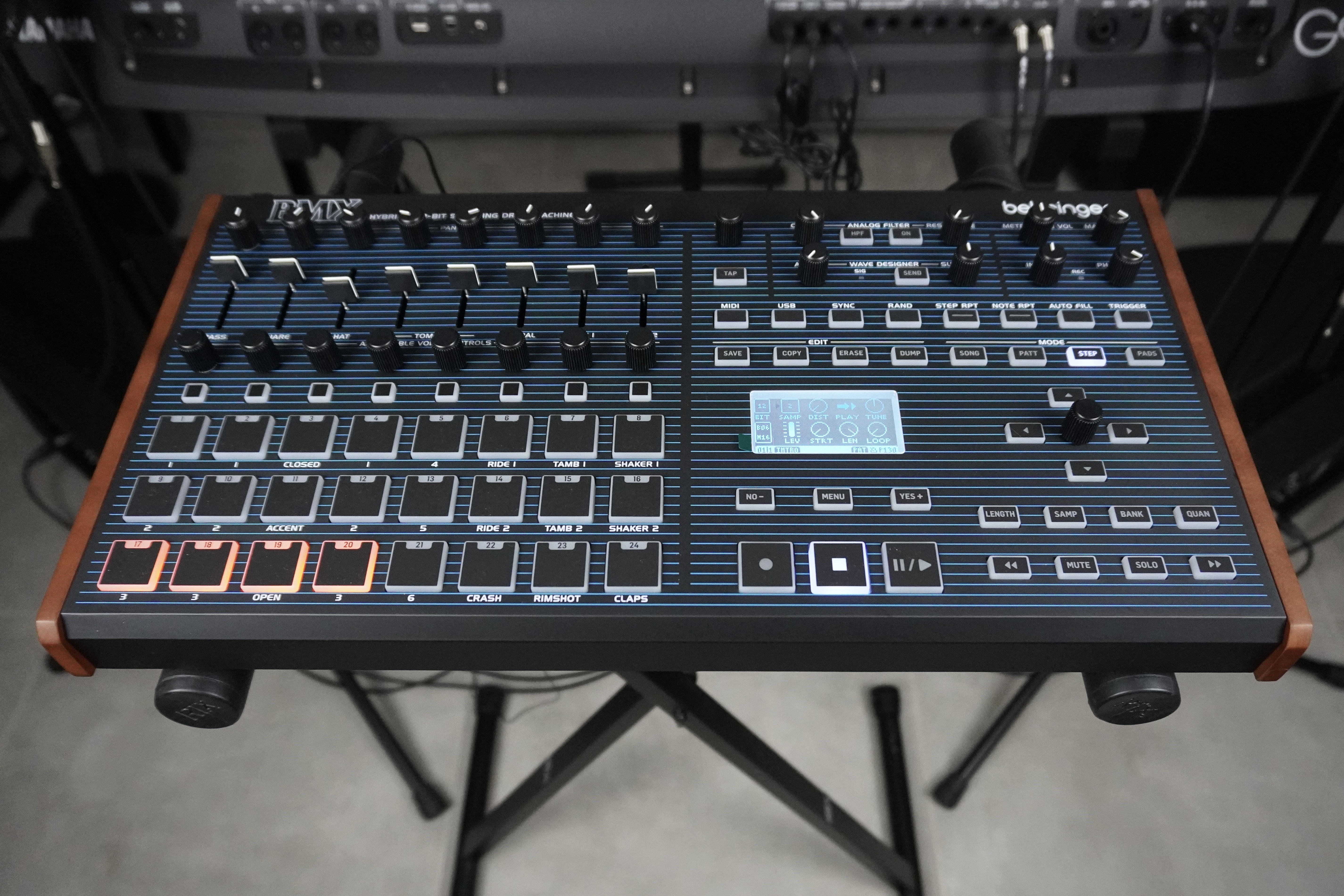
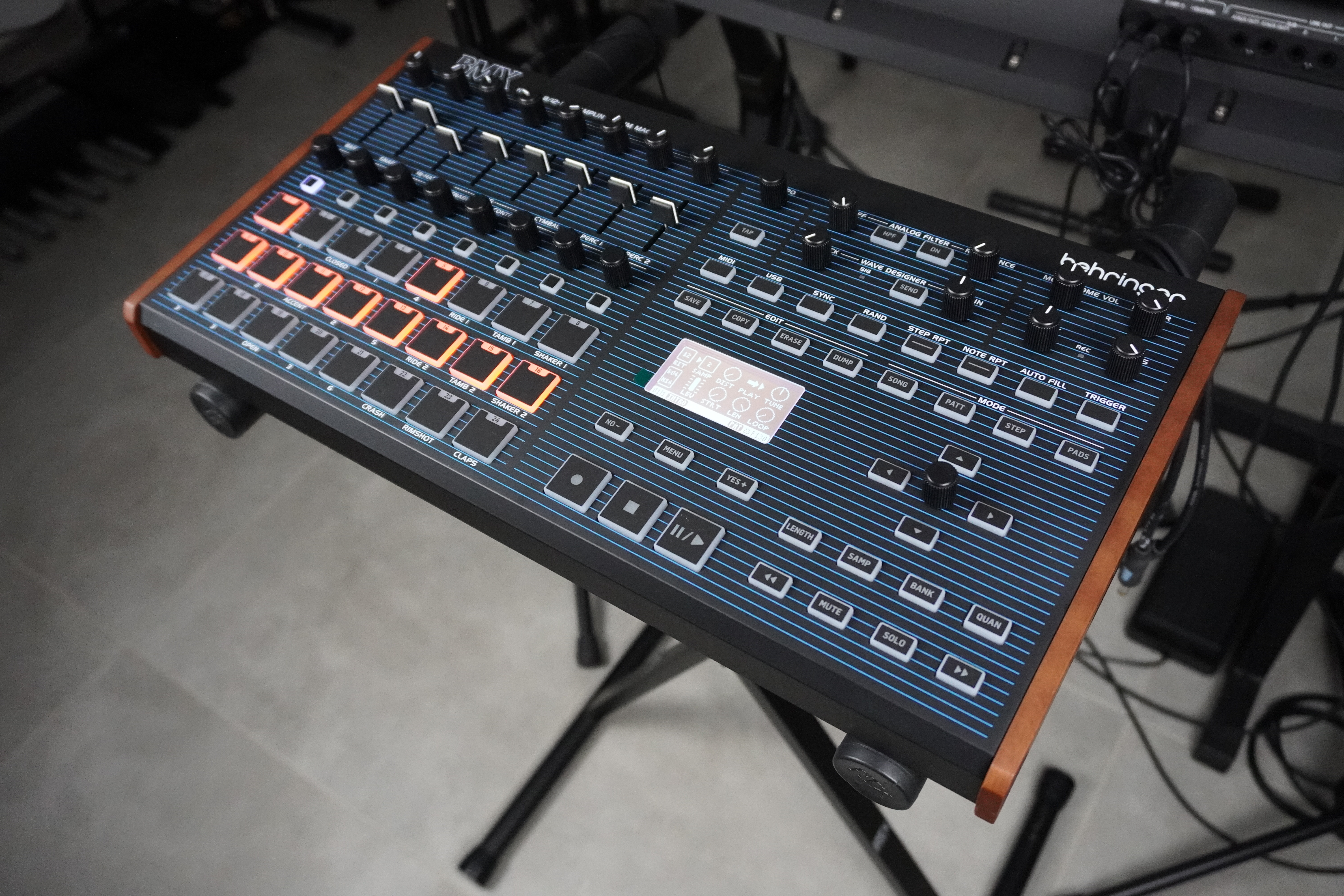
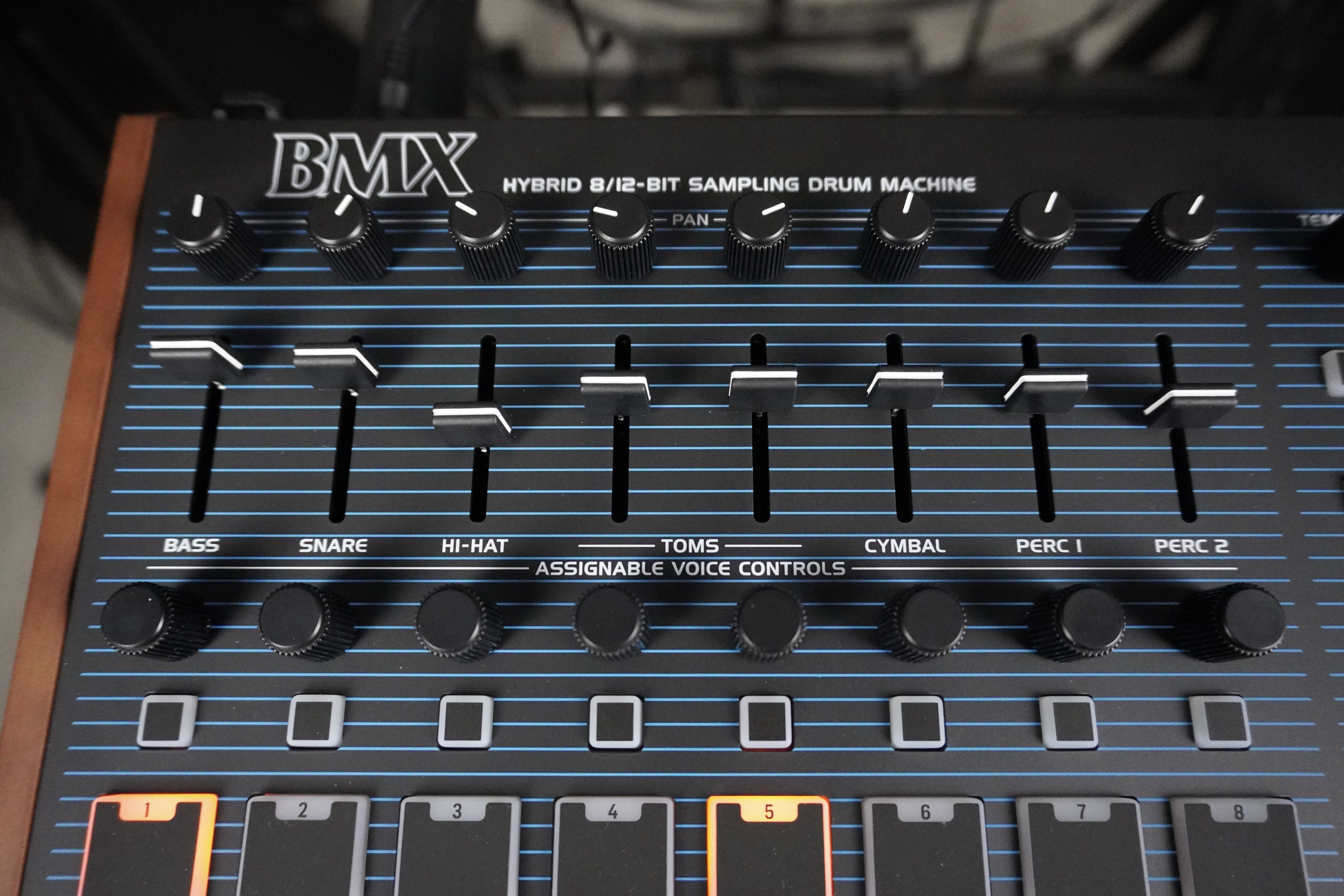
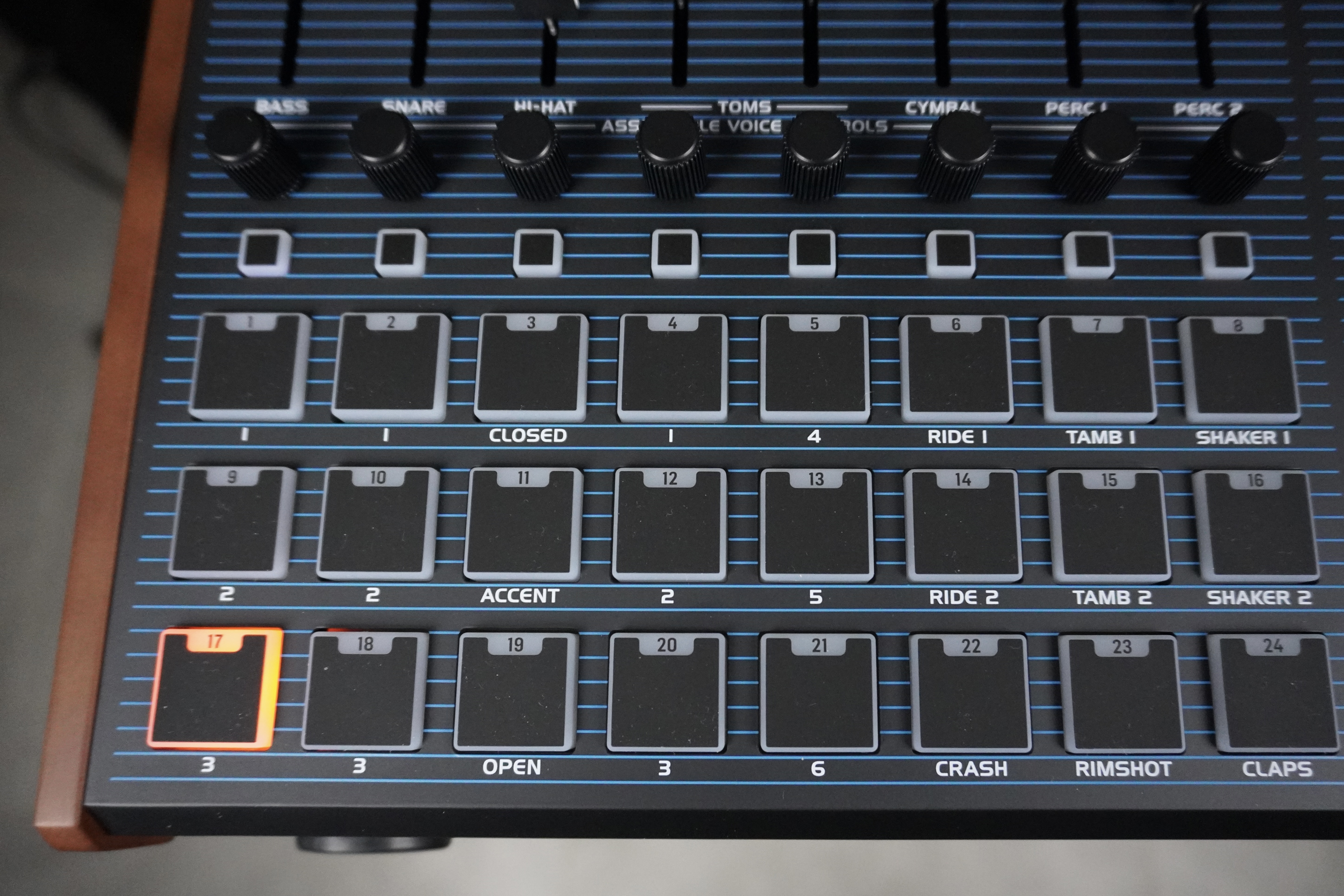
The pads on the BMX are velocity-sensitive, but the values are not stored in the internal sequencer. The 128×64-pixel white LED display on a black background is legible at reasonable angles, but it’s not OLED. The layout of the pads and mixer controls is largely DMX-inspired, as are the color codes (apart from that homemade anthracite background far less elegant than deep black).
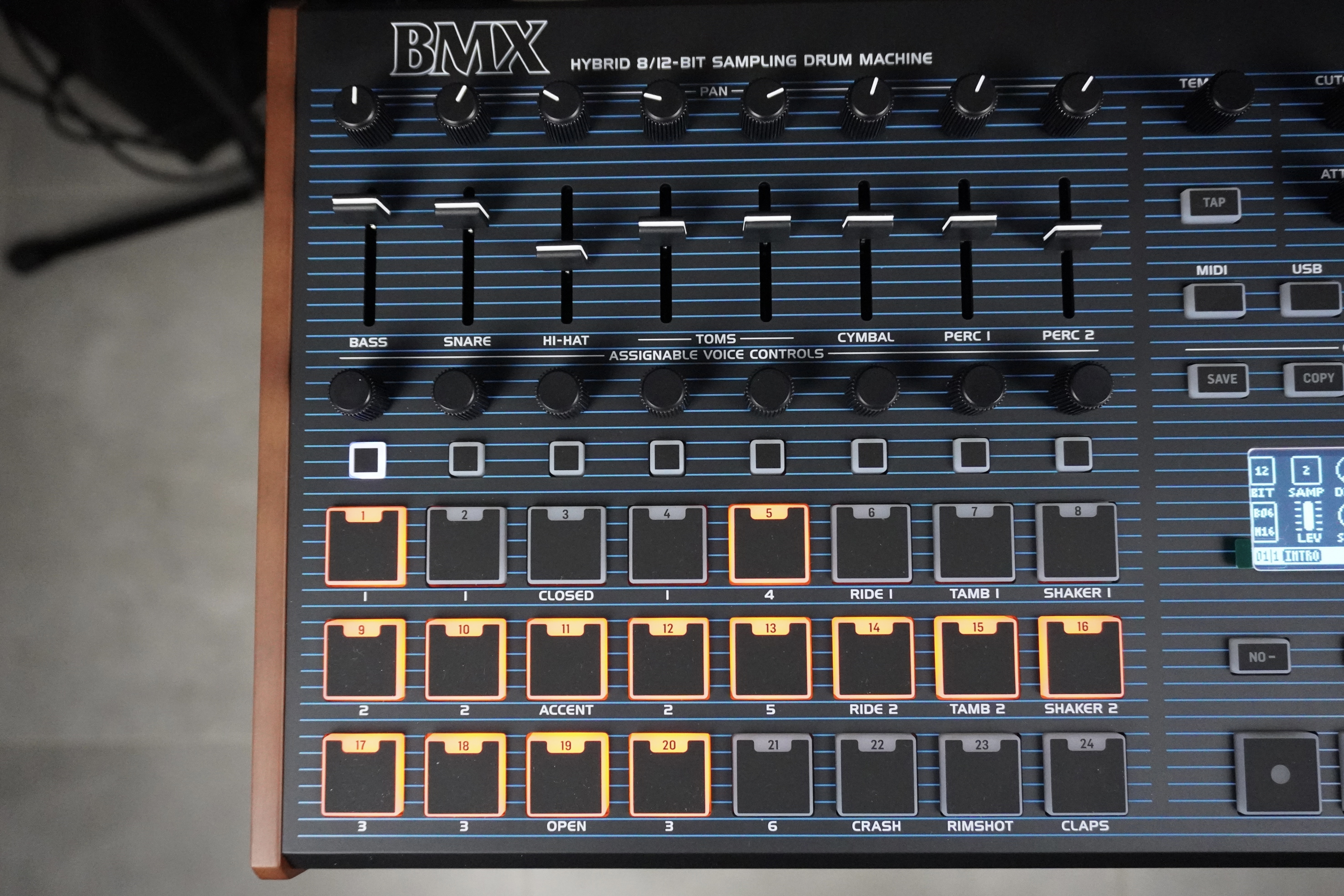
Menu navigation is straightforward, and the graphical interface is clear, whether for pad-based sound settings (available in most modes), sample editing or global editing. Despite this impression of déjà vu, there are some interesting new features and improvements that we’ll discuss as this review progresses.
A sound architecture that repeats some of DMX’s limitations
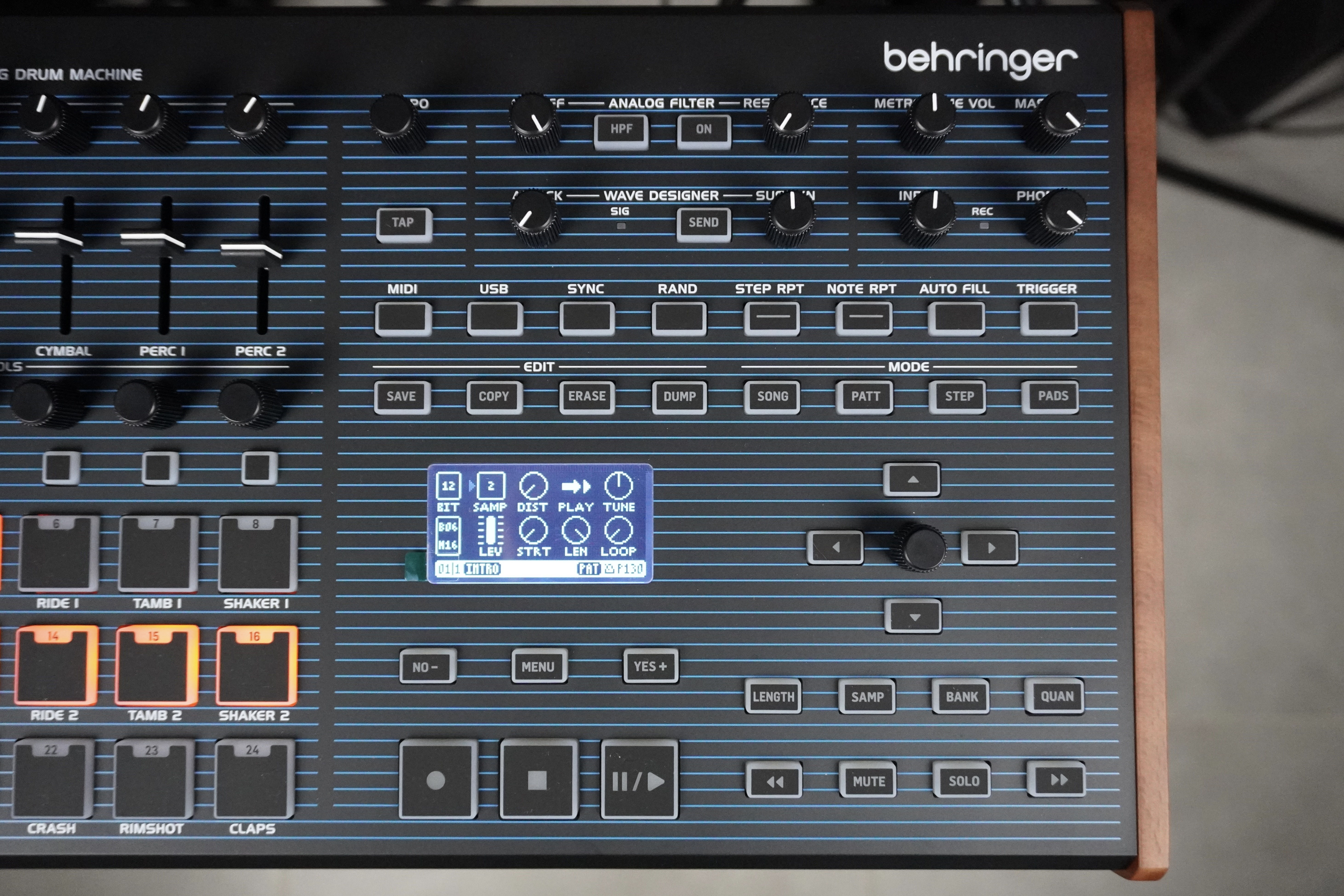
Similarly, panning, slice volume, individual output and routing to effects are common to all 3 sounds of a voice. Worse still, the role of each voice is predefined: 3 different volumes for the kick and snare, 3 frequencies for the toms, and different combinations of volumes and frequencies for the other percussion instruments.
There are times when the ultimate quest for authenticity deserves a little more discernment, especially as the voices don’t seem to be individually filtered or enveloped (unlike the LM Drum). We’d really have preferred an open architecture and independent settings. You can, however, “catch ” some of them in the pad settings, but not for panning or effects assignments.
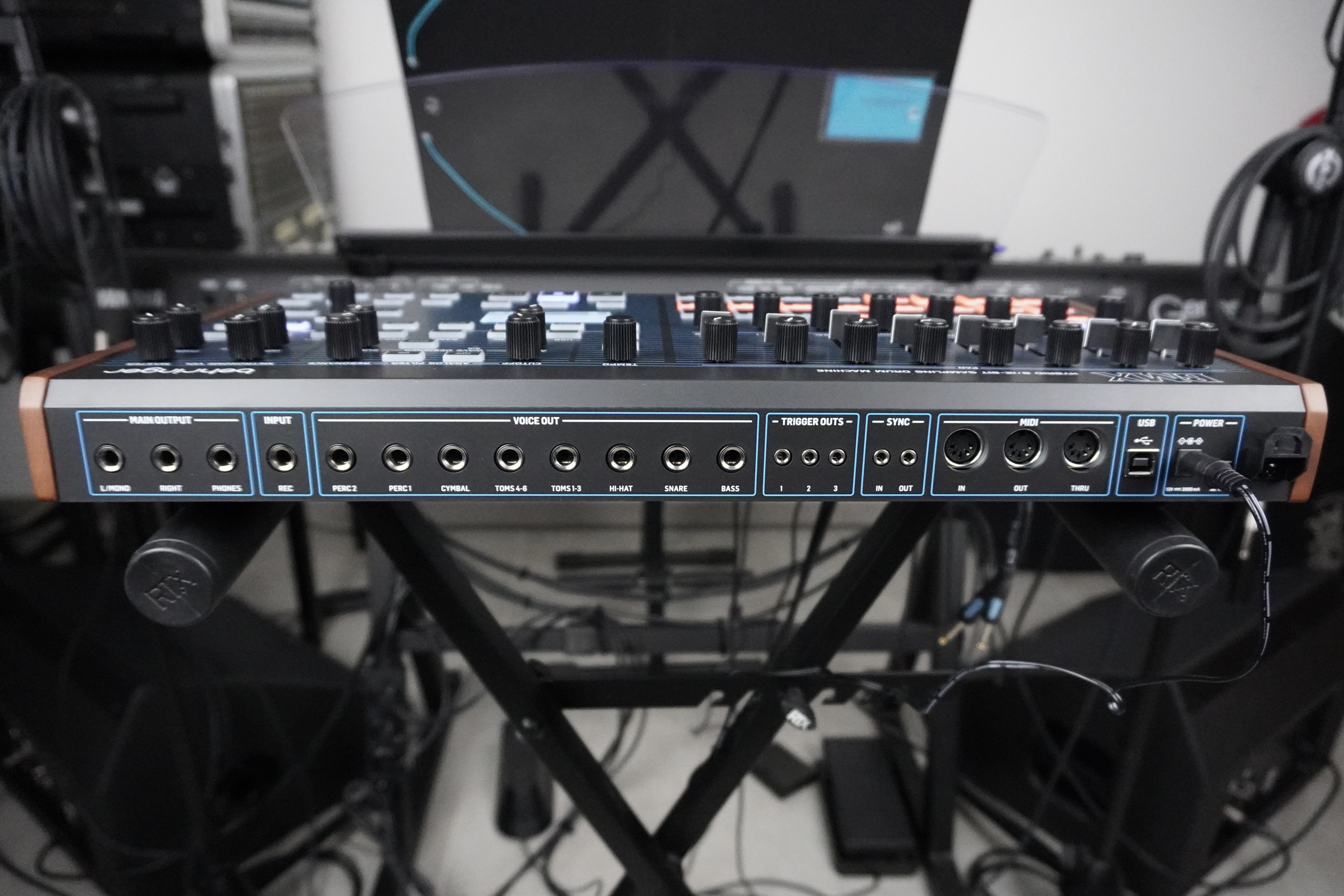
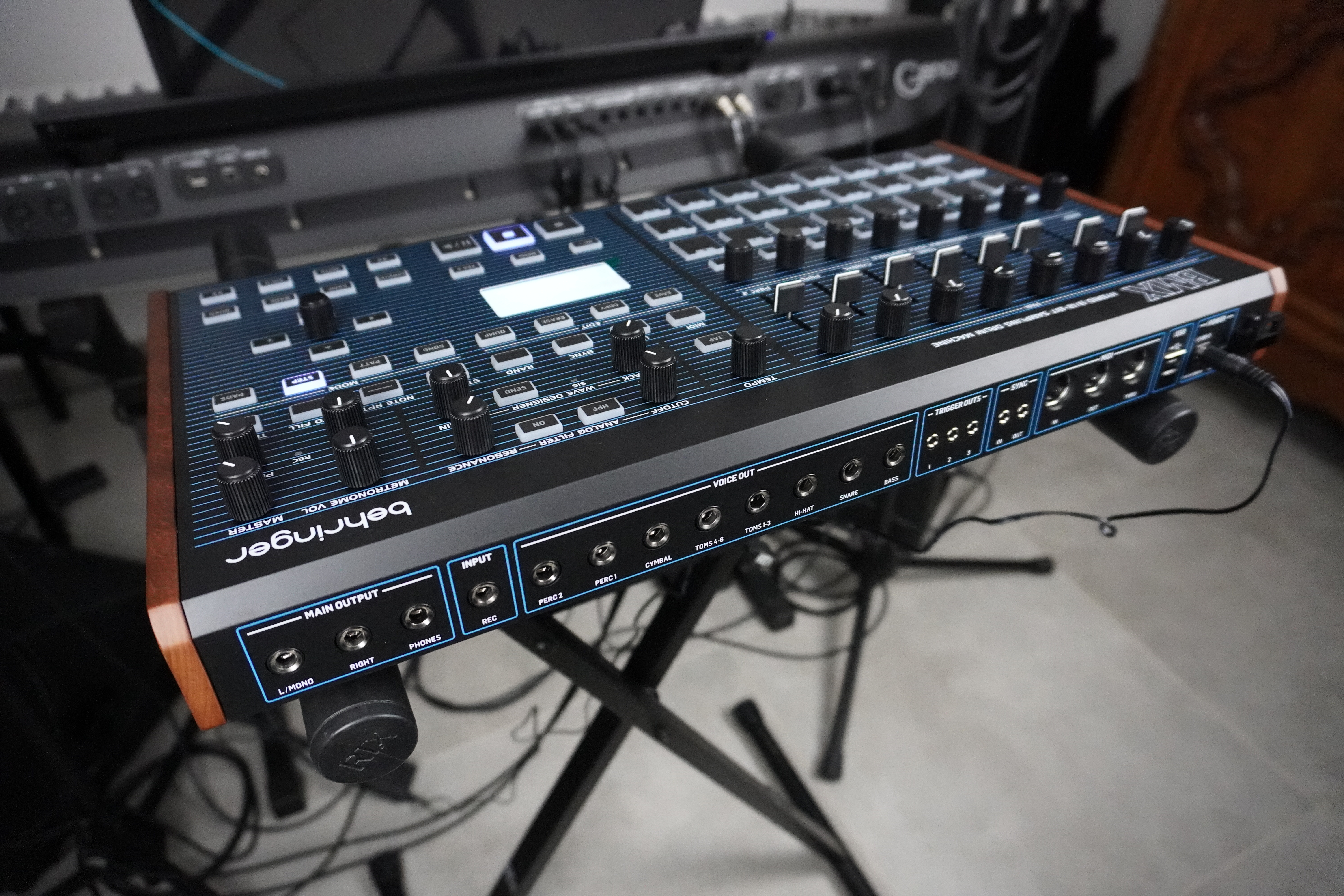
The individual outputs are not affected by the mixer (volume/panoramic), nor by the effects, and inserting a cable into one of them does not cut off the relevant voices from the stereo mix. On the quality side, we can regret the mobility of the unscrewed plugs, the Achilles heel of many products in this range.
Samples from the bars of the '80s, with a punchy, crackly sound
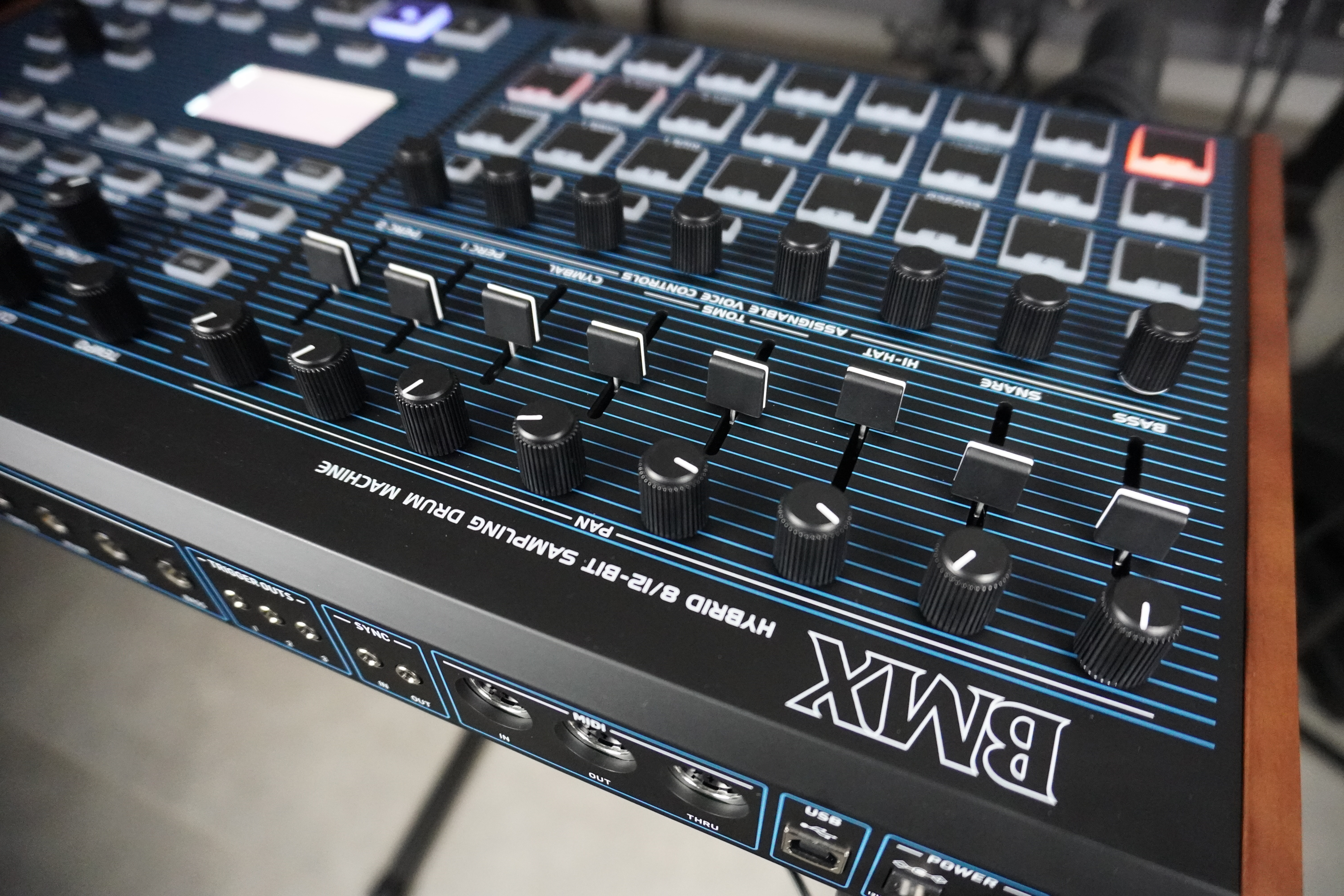
In all, the BMX includes 121 factory percussion instruments that sound punchy and crackly overall, with a fair amount of parasitic noise on some long samples (compression). Some (snare, toms, cymbals…) come out louder than on the LM Drum, and others brighter (the toms, apparently unfiltered here). As a result, the BMX is brighter than the LM Drum, but better balanced. In our opinion, the factory set supplied is inferior to that of the LM Drum, and lacks character beyond the DMX/DX sounds. Fortunately, you can import or sample your own sounds, as we’ll see.
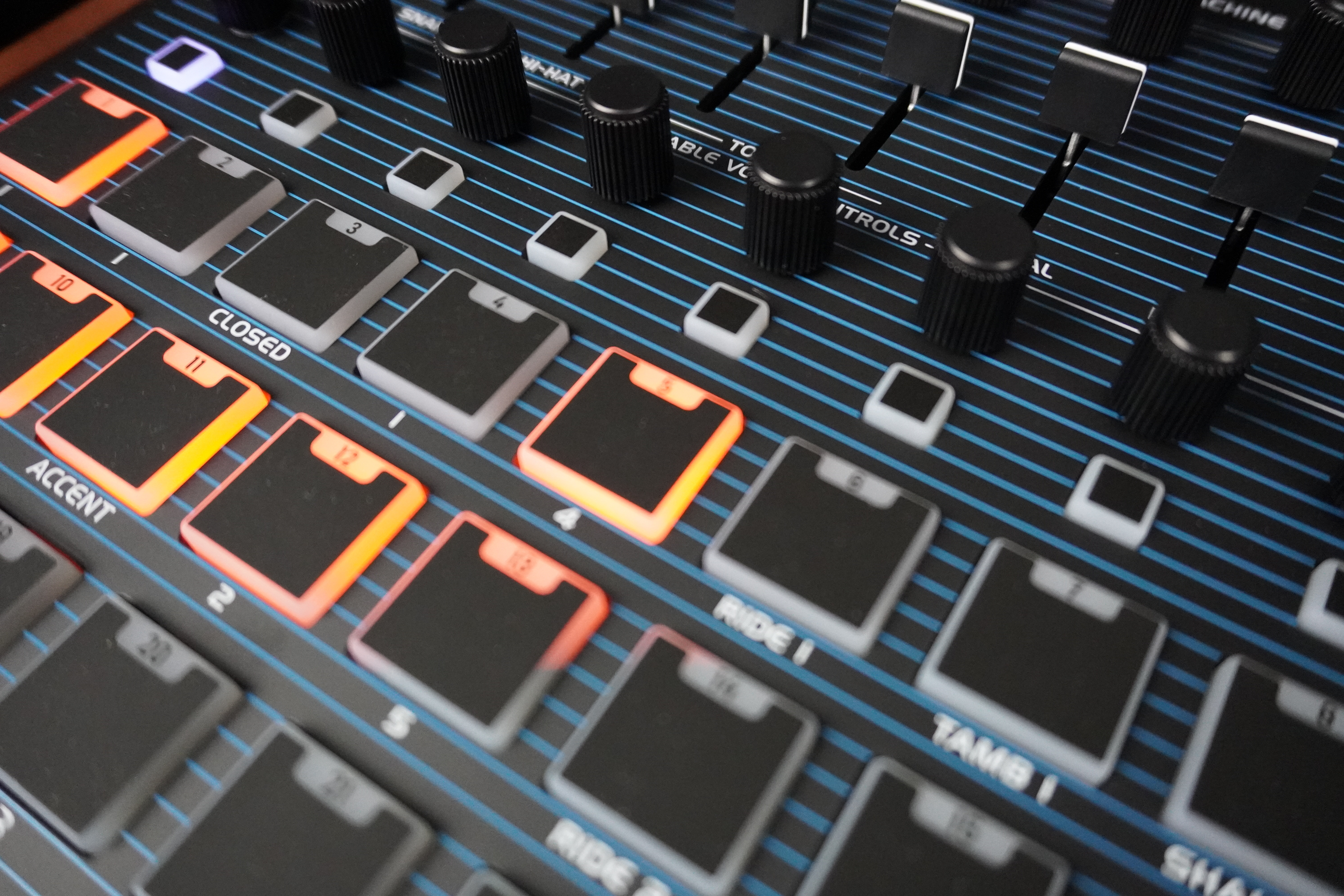
On individual sounds such as the dark kick, the fat snare drum, the hard-hitting clap, the shimmering short hi-hat, the 6 very dry toms, they sound very similar. But on a complete “out of the box” pattern, it’s clear that the DMX sounds punchier, wider, airier and more balanced — there’s no mistaking it.
However, the BMX offers improved sound projection. As for its 48 factory patterns, they’re very anecdotal, just there to prove the DMX connection and demonstrate the new features. Given that the internal memory isn’t very generous, we’ll happily reclaim these slots as manna to save our own patterns.

A percussion-oriented 12bit/24kHz mono sampler
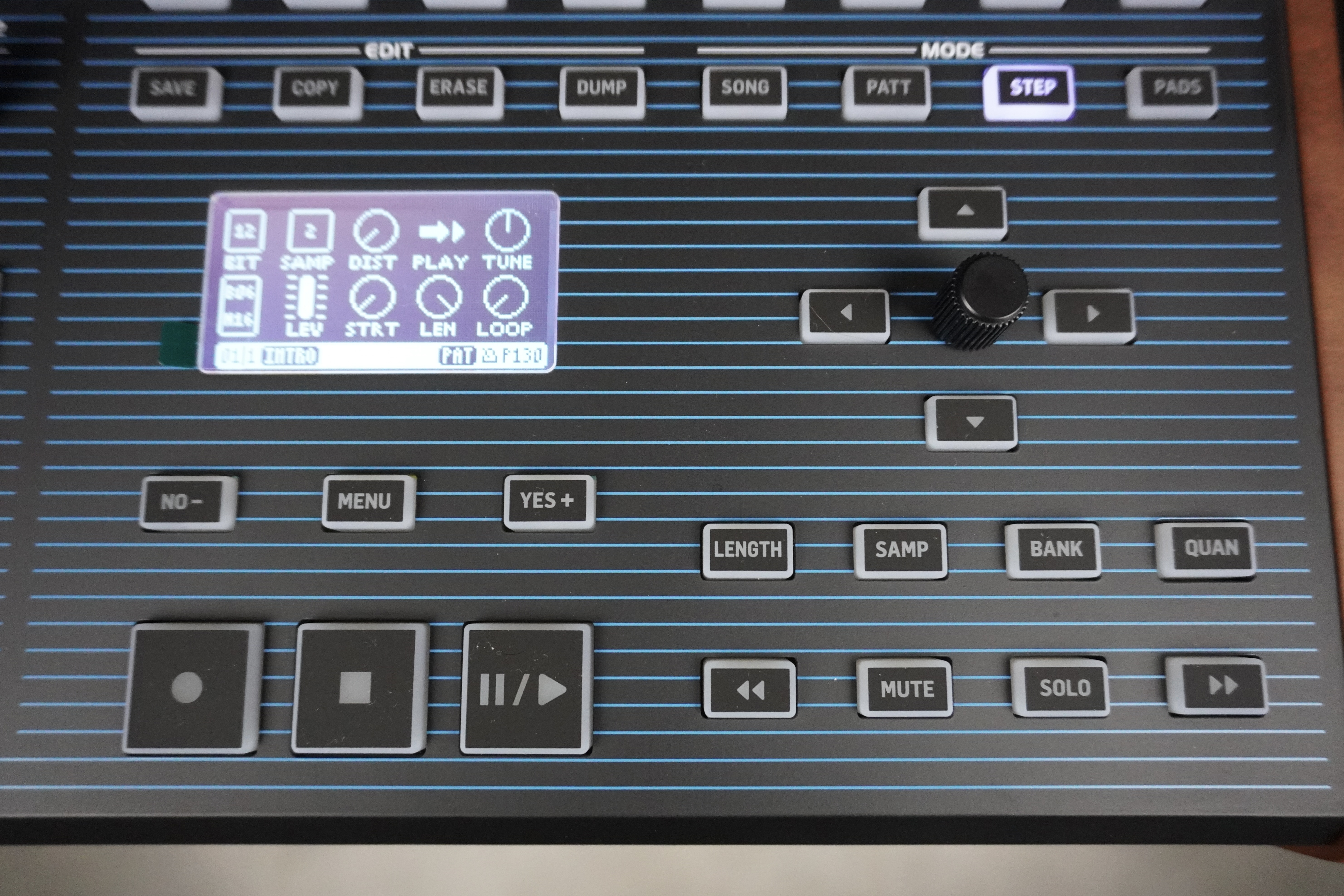
For each sound, you can set distortion level, playback direction (forward, forward loop, reverse, reverse loop), decay (10 ms to 10 s), tuning (+/-24 semitones with coarse or fine adjustment) and level on a single screen. Finally, you can modify the sample’s starting point, length and loop point (non-destructive settings).
Pressing the encoder brings up the waveform display, useful for these last three settings. All these values are saved in the sample banks, not in the patterns. Accessible via the menu, a bit-reducer lets you lower the sample resolution from 12 bits to 1 bit per instrument type, making sounds even dirtier. Resolution values are saved with the patterns. It would be nice if the manufacturer did the same for all sound settings, rather than just in the sample banks.
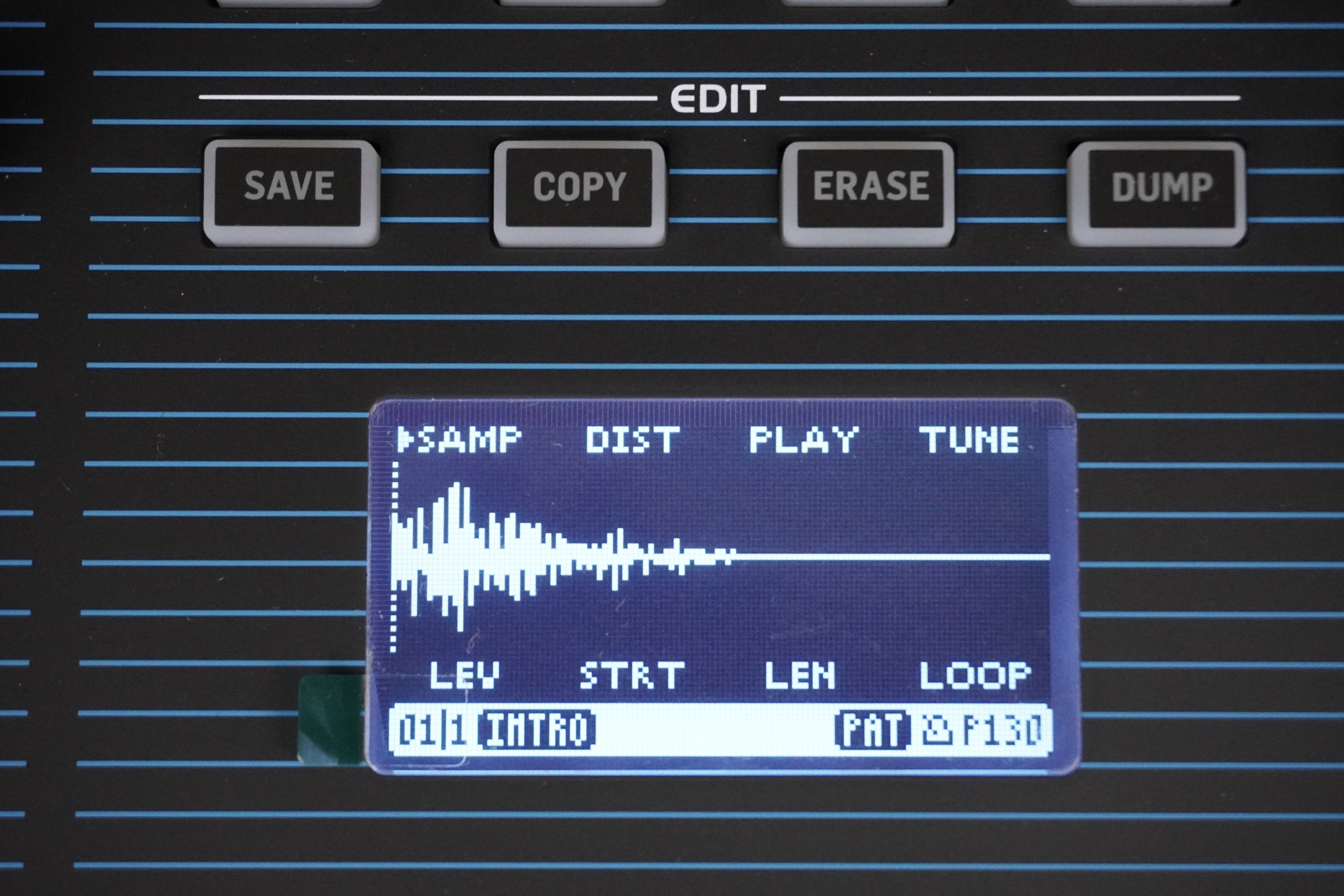
You can import samples of up to 682 KB in 12-bit/24 kHz mono WAV (with fixed default values). The total memory available for user samples is 14.5 MB, or 316 seconds (5'16''). You can also sample directly from the BMX via the audio input (but not by directly resampling its audio outputs).
Once the source has been connected and the level set, sampling is triggered either manually or from an audio threshold to be defined. You can choose between automatic input gain control, auto-normalization or uncorrected sound.
After a sample has been captured, it’s easy to pre-listen to it, slice it (with waveform zoom to visualize start/end points), name it, save it (albeit slowly) and assign it to one of the pads. The BMX remains a percussion- or short-phrase-oriented drum machine, not an audio processing unit with automatic slicing. There are a number of functions for managing banks and samples, collectively or individually: selecting all samples, selecting samples used in the bank, unloading the bank and replacing samples.
Evolving patterns with probabilities, polymetrics and ratchets

Each pattern can contain from 1 to 64 steps. Better still, each instrument track has an independent length (polymetry), allowing you to create different chaotic patterns with each loop. Even better, you can define random playback for each instrument on each step, as well as fla (overall, per song or per pattern).
It’s easy to isolate or mute a step and instrument(s) in real time, thanks to the instrument selection buttons in the mixer section. Live gamers will appreciate the on-the-fly step repeat button (1–2–4–8 steps) that lets you hold down a dedicated button and choose the number of repetitions with the 4 arrows, or the on-the-fly note repeat (1–2–4–8 times) using the same principle, with a choice of percussion instruments to be repeated. And let’s not forget the Autofill function, which lets you launch a predefined pattern by pressing the appropriate key, with the BMX automatically returning to the previous pattern after playing it, a well-known feature on arrangers.
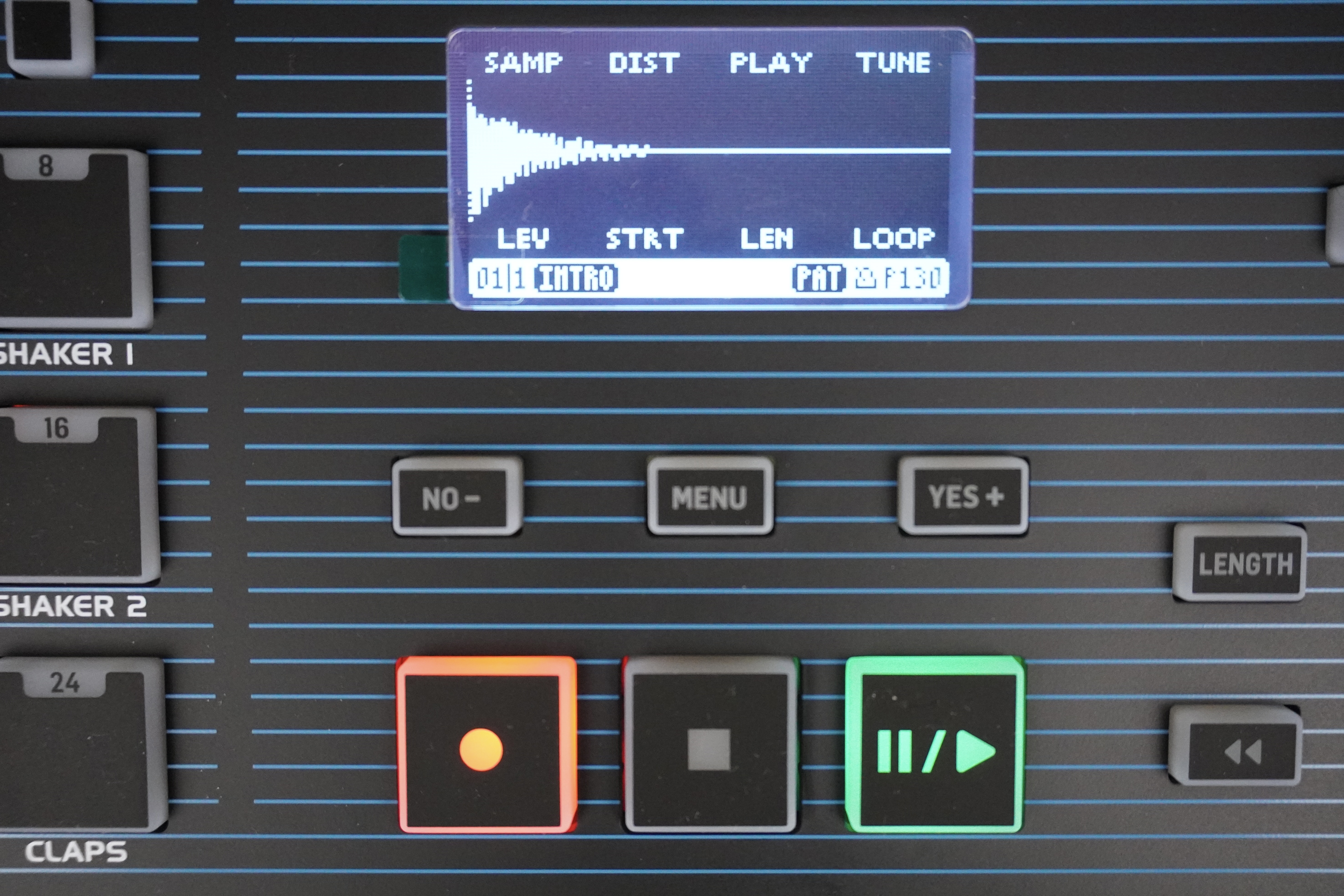
The designers have included micro-timing and quantization, both global and per instrument, which is great! On the other hand, there’s no automation for sound parameters (volume, panning, decay, distortion, playback direction and playback points), which is a shame. Only the global filter’s cutoff frequency (see below) can be set for each step. The swing function (25–75%) has not been forgotten. It’s possible to copy one pattern to another, but not a piece of pattern to itself (at the end or in insertion), neither globally nor by instrument.
Song mode lets you assemble patterns into complete pieces
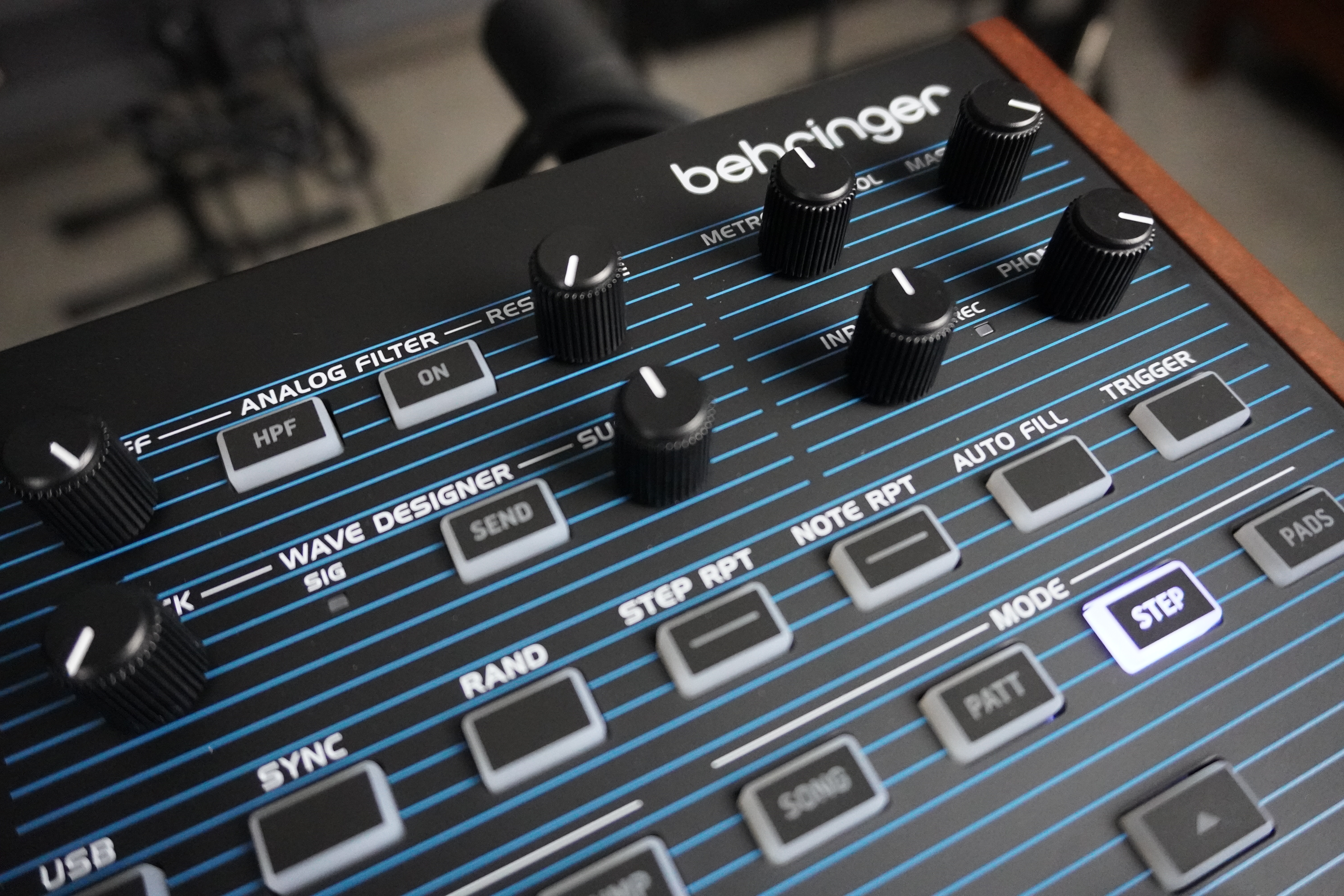
Once the first step is complete, you move on to the next, and so on. You can define whether the song stops after the last step, loops back to the last pattern or loops back to the beginning. We would have liked the ability to use all the patterns in memory to create a song, rather than being limited to the 24 patterns in the active Song. Similarly, we’d have liked to have more than 16 steps per song and more songs in memory (64, for example).
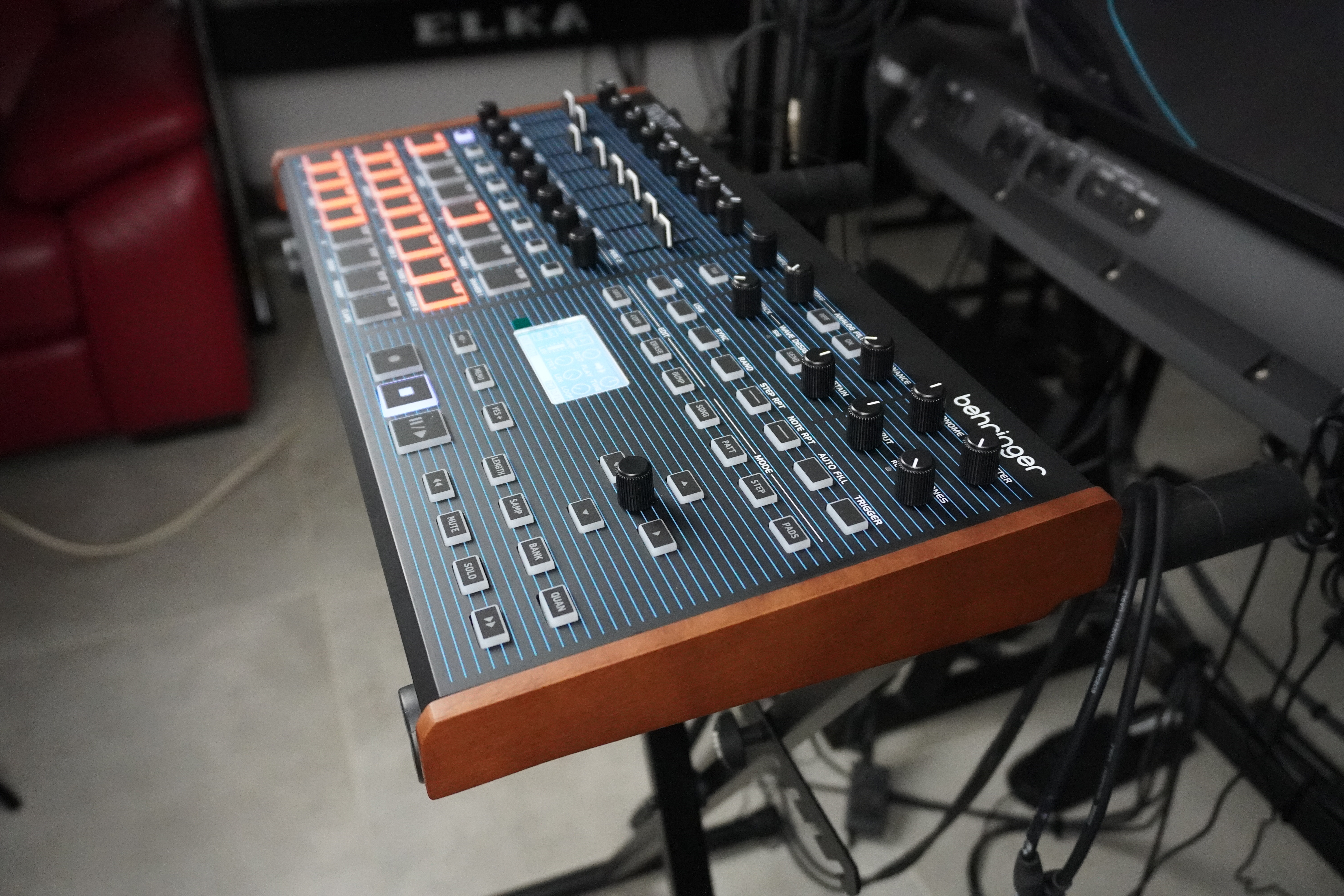
You can choose what happens at the end of the list: simply stop, loop after the last song, or loop all the way through. Like patterns, songs can be exported to a DAW (via MIDI dump) or using the Synthtribe app. The great strength of the BMX is its ability to record patterns in two separate modes and then assemble them into pieces without stopping the creative flow.
Stereo analog effects to process percussion voices
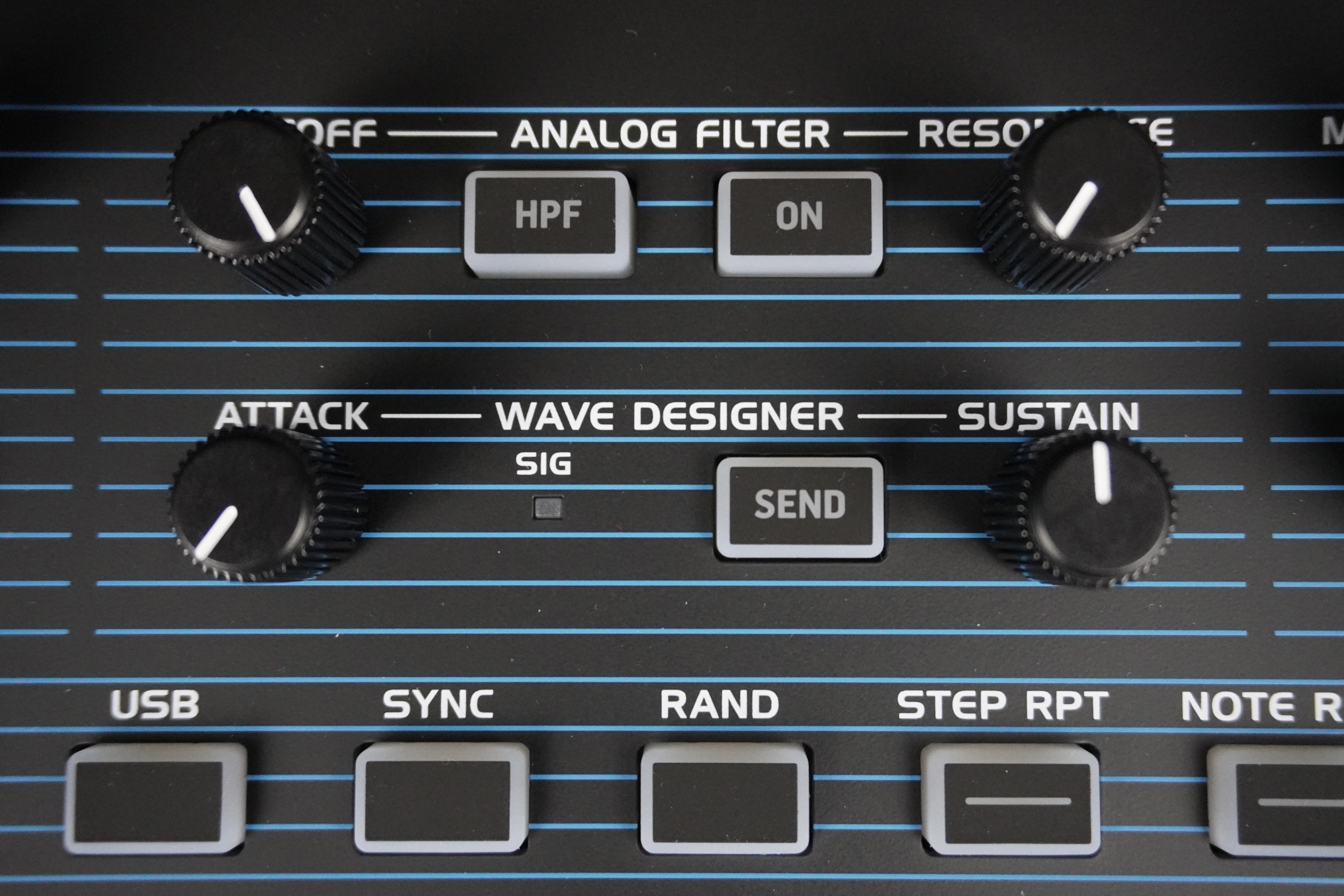
The first effect is an attack/hold envelope, allowing you to compress attacks and obtain pumping effects. Its action varies depending on the sound you’re applying it to. We have to confess that we didn’t manage to get anything conclusive out of it, apart from some background noise when exaggerating the hold setting. Voices sent to this compressor are then routed to the analog filter.
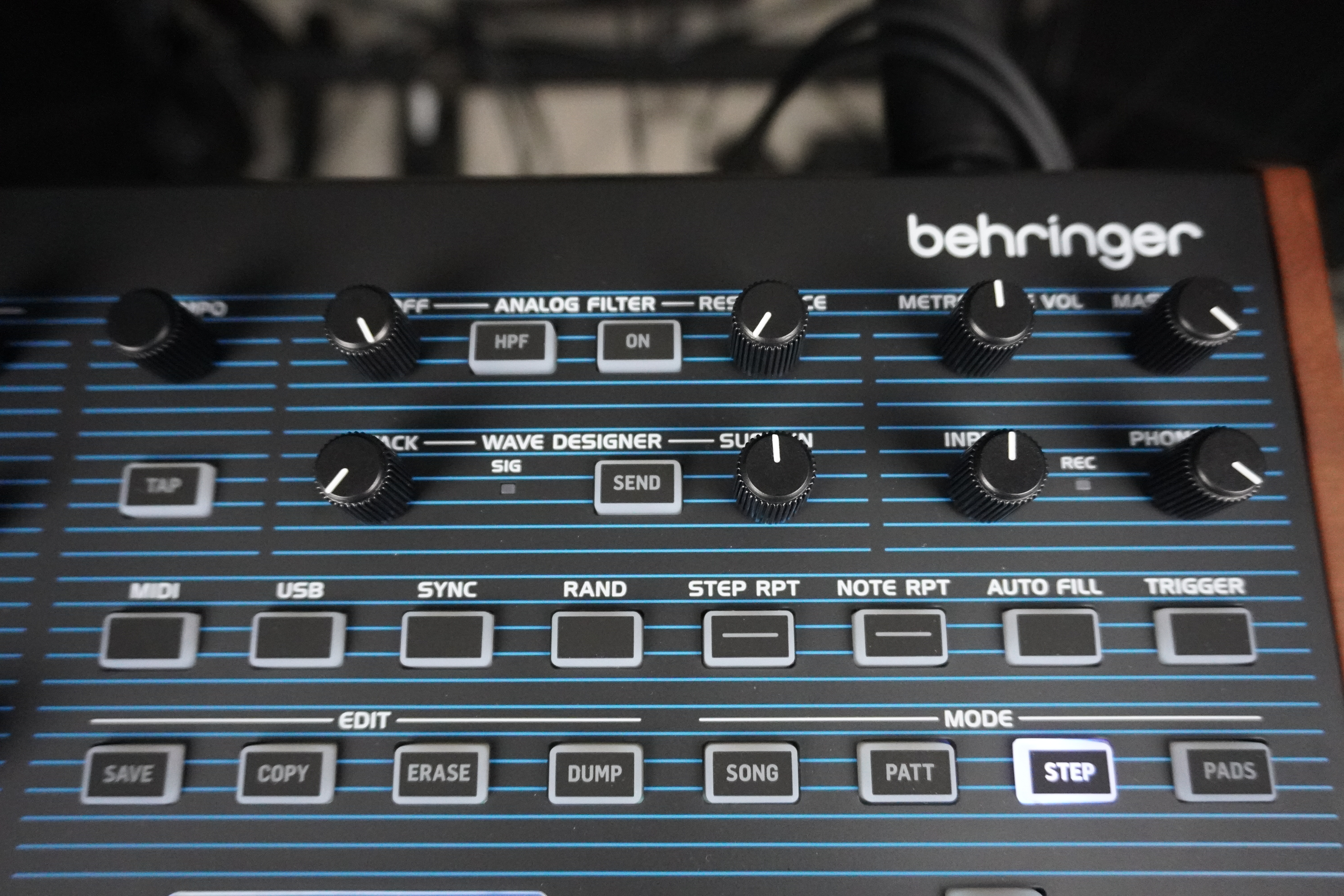
The filter can’t auto-oscillate, which isn’t too much of a problem given the machine’s drum machine orientation. The quality of this filter is very good, allowing you to subtly or radically modify the sound of the BMX, given the range of settings it offers. Like the compressor, the VCF is stereo, so the panning of the routed voices is preserved.