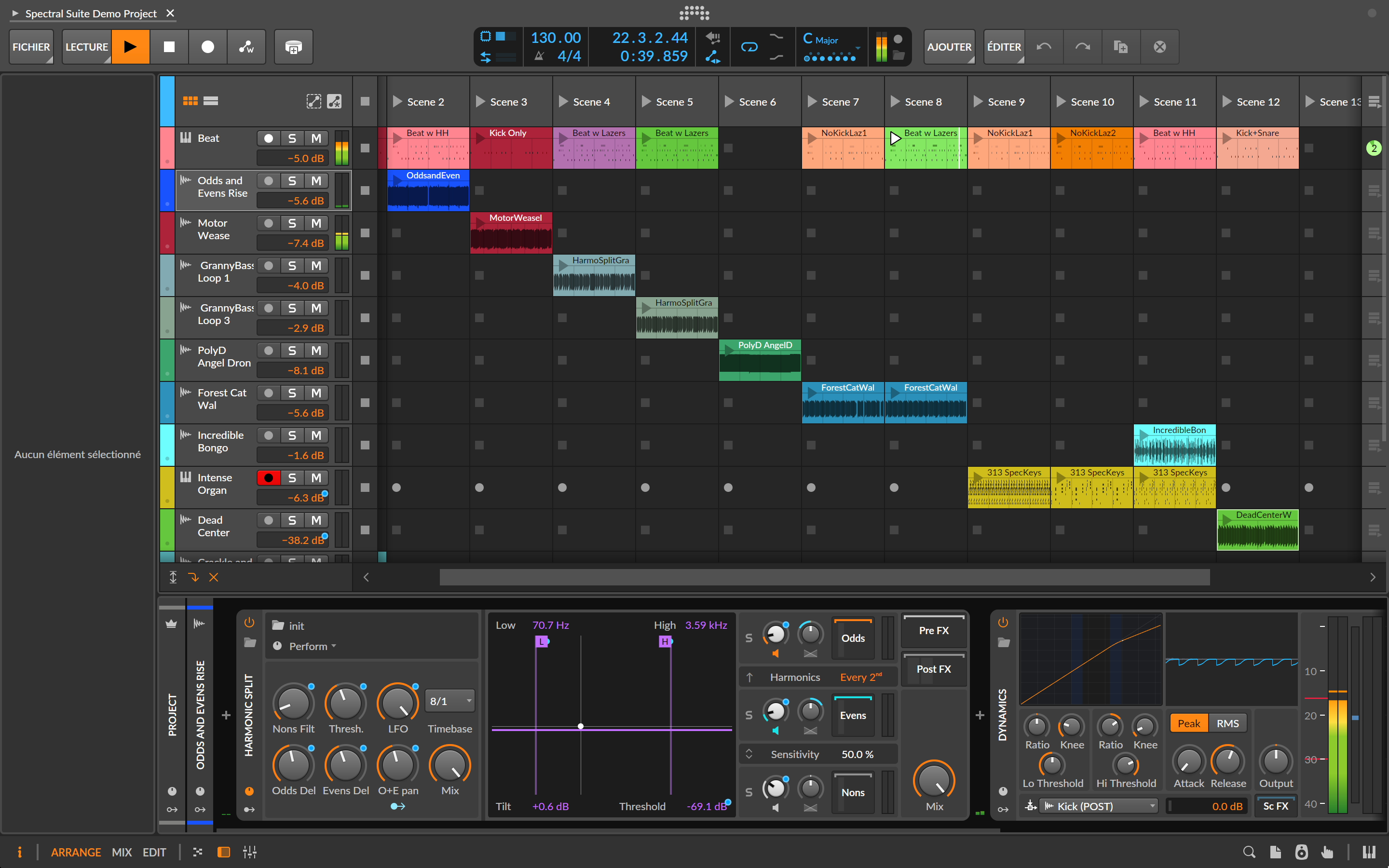

Bitwig is back with version 6 and is set to continue shaking up the DAW world. After a long beta-testing phase, this new version arrives with the promise of even more ergonomic software and features designed to simplify our lives.

The story is well known: the Bitwig Studio adventure began in 2014 in Berlin, under the impetus of a team from Ableton. This team wanted to achieve what they couldn’t do at the Berlin giant, such as offer simultaneously visible Session and Arrangement views. When its launch was announced, some were impatient, while others remained perplexed: why a new DAW in a market already saturated by Ableton, Logic, Cubase, Studio One and more? Yet Bitwig quickly found its place, exploring new avenues and offering an alternative with a real personality.
With The Grid, its modular system introduced in version 3, Bitwig quickly attracted those who wanted to build their own instruments and effects, as well as sound design enthusiasts. By creating a playground centered on sound, modularity and modulation, Bitwig truly lived up to its promise. Gradually, the DAW has won over electronic producers, sound designers and composers looking for a flexible, modular alternative. While version 5 was already highly accomplished, version 6 further expands the concept and reveals a definite maturity. Let’s take a look.
Interface and ergonomics of Bitwig Studio 6: evolutions and ease of use
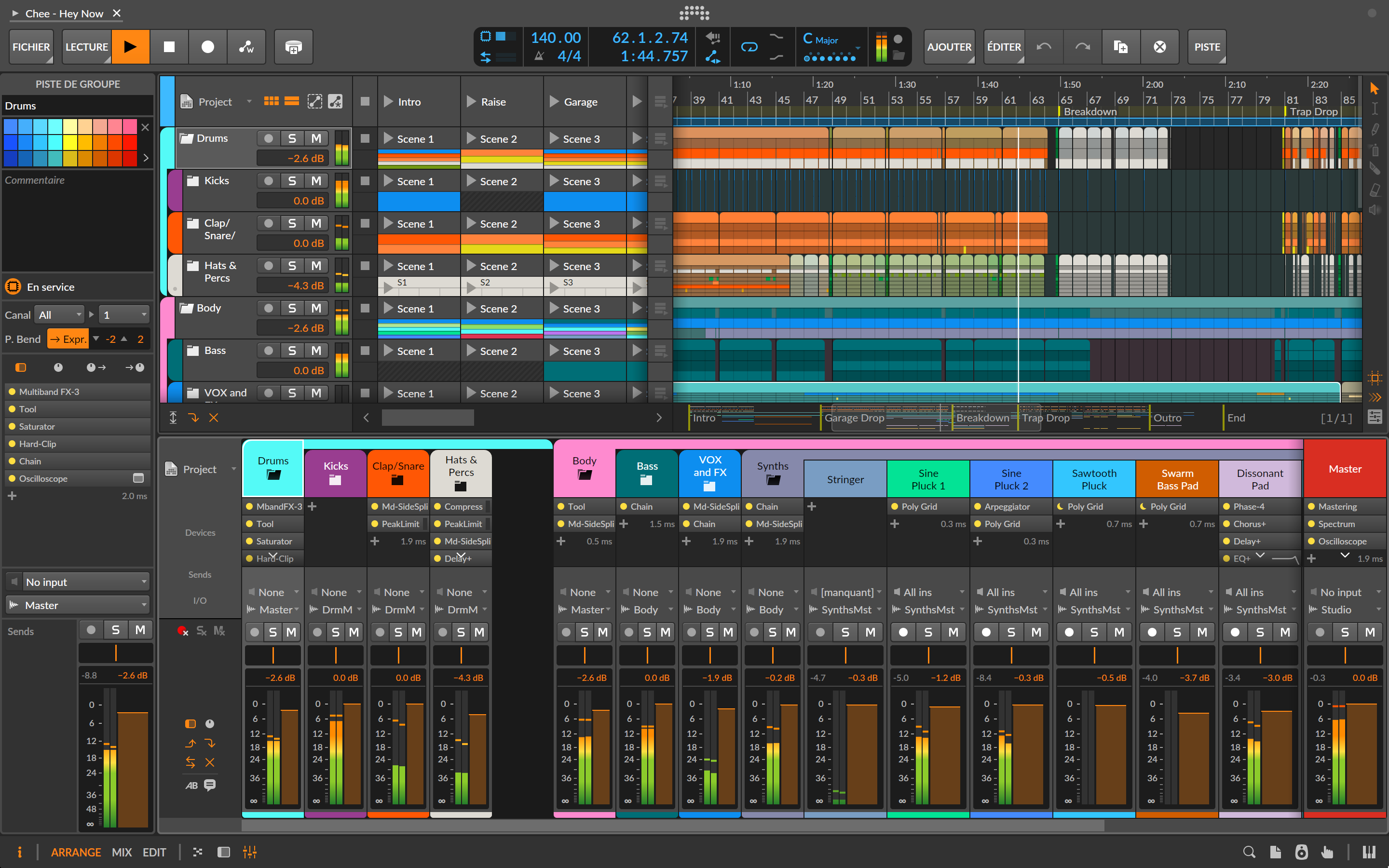
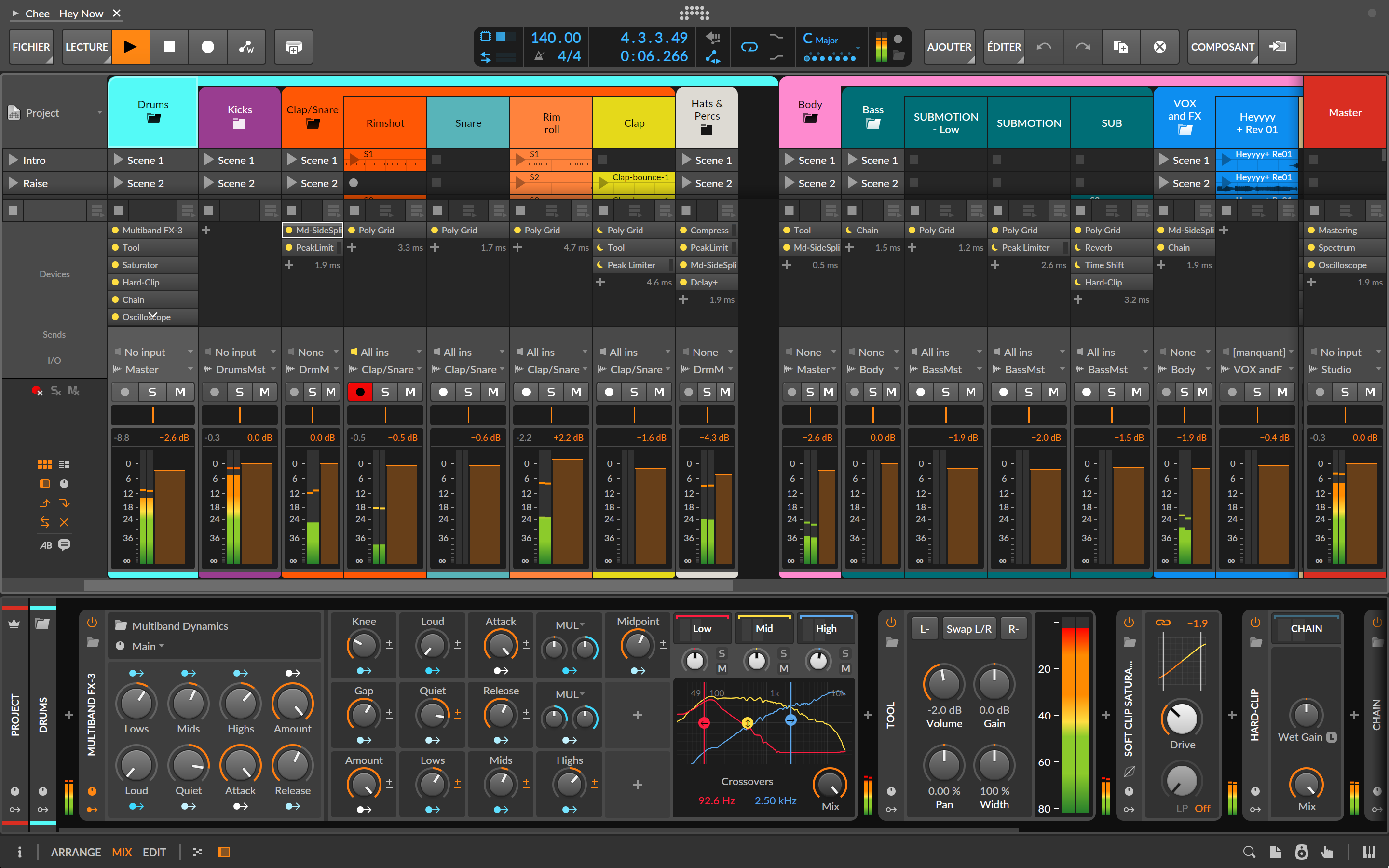
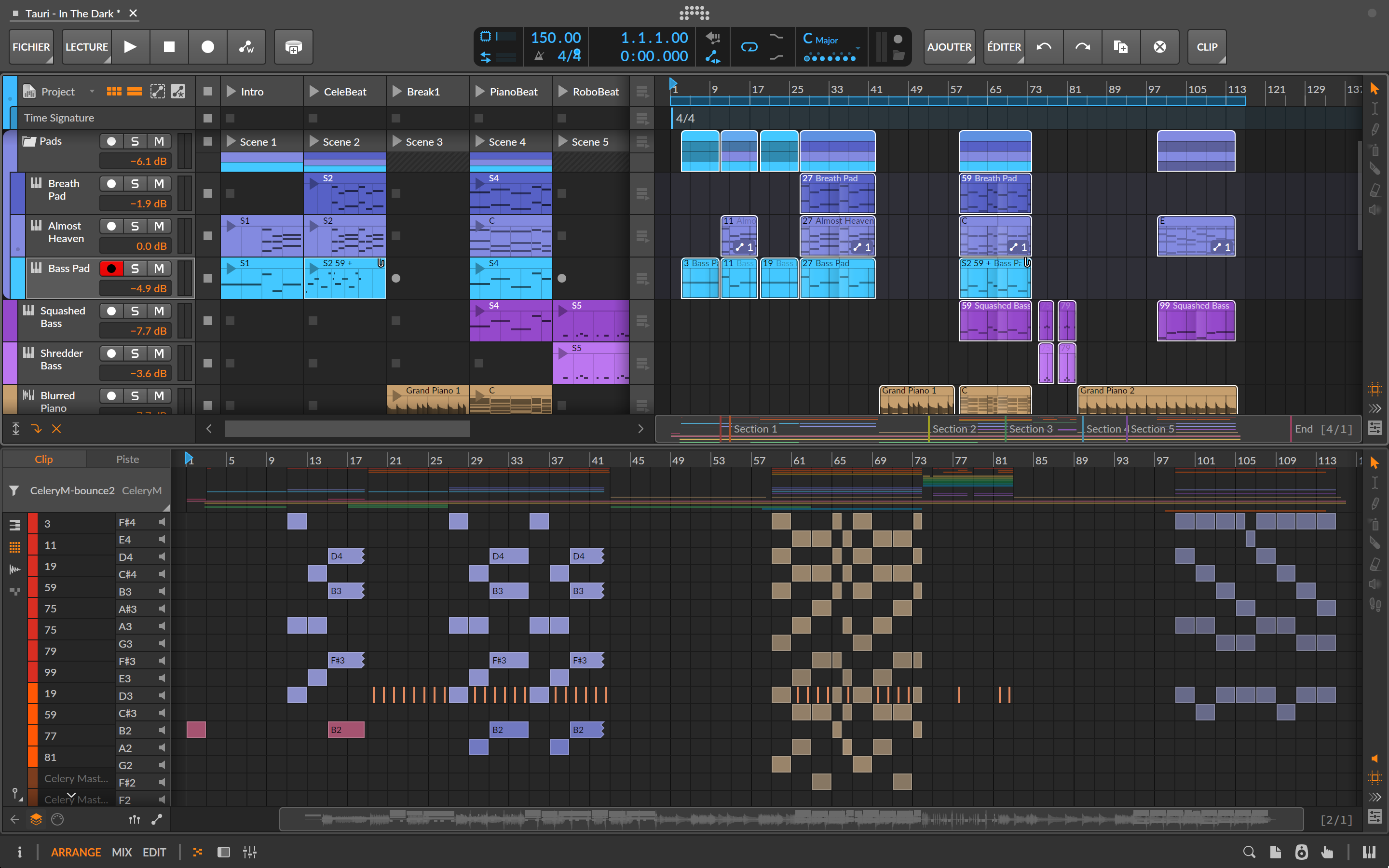
Upon opening Bitwig 6, the software presents a slightly more sober interface. The top of the window, with the dashboard icon centered and perfectly integrated with the rest of the interface, immediately modernizes the whole. The interface looks more mature, more comfortable for long sessions. Fonts are a little more legible, even if they remain small by default. Fortunately, you can choose display profiles adapted to your configuration and preferences, and adjust contrast and brightness. However, there are no color or theme settings. The default is fine, but I wish the software allowed me to modify a few details, such as this orange that I’m not particularly fond of.
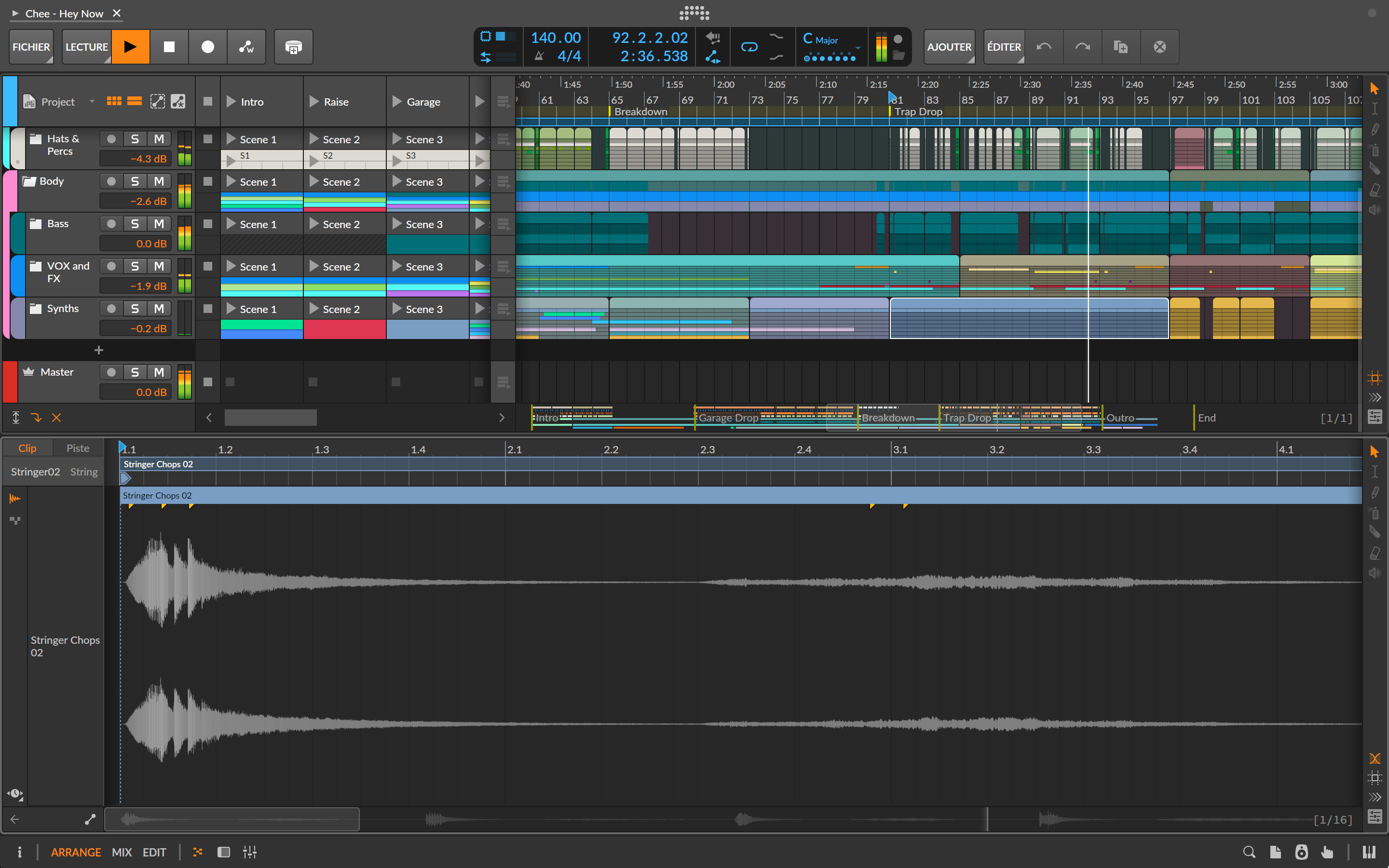
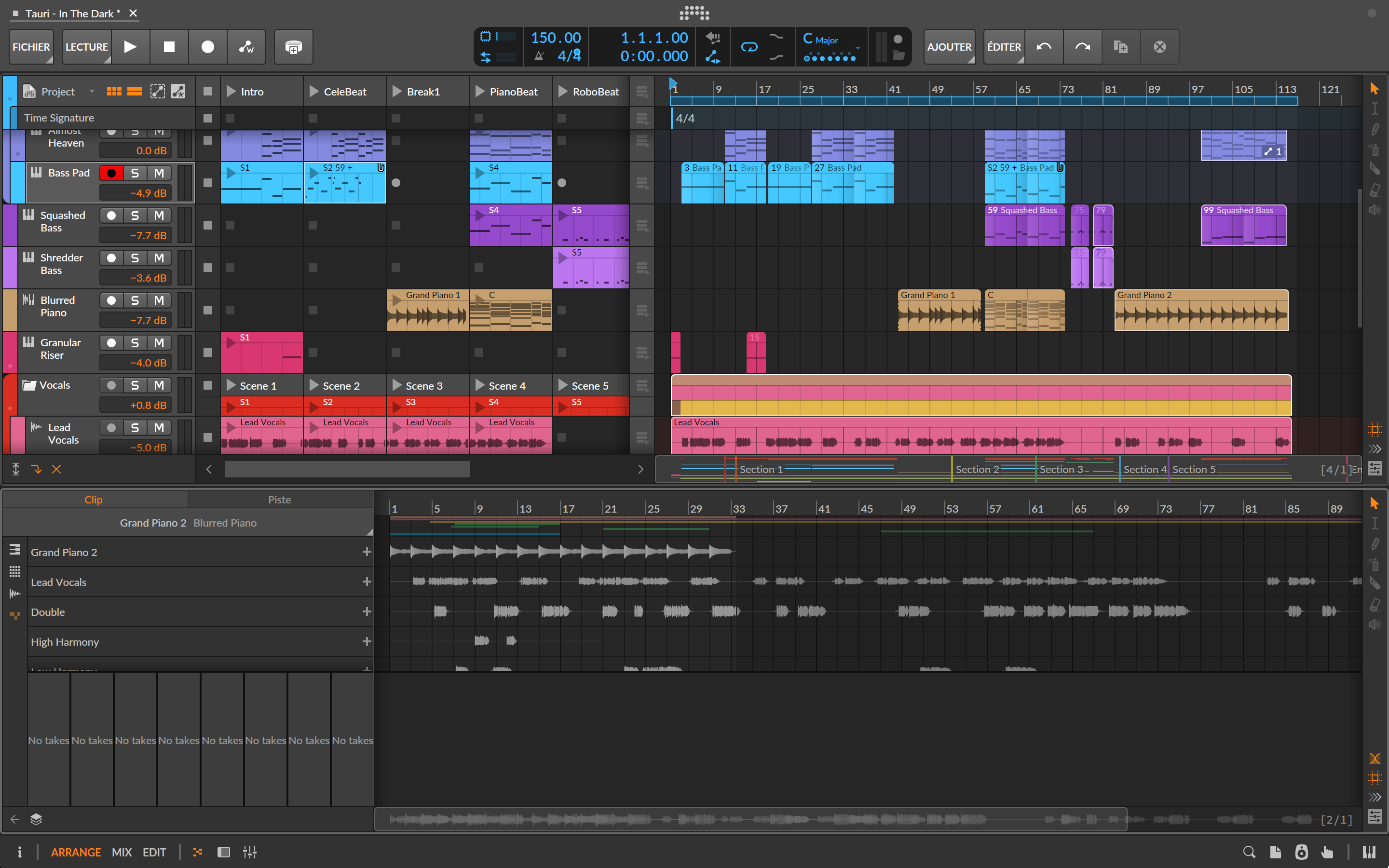
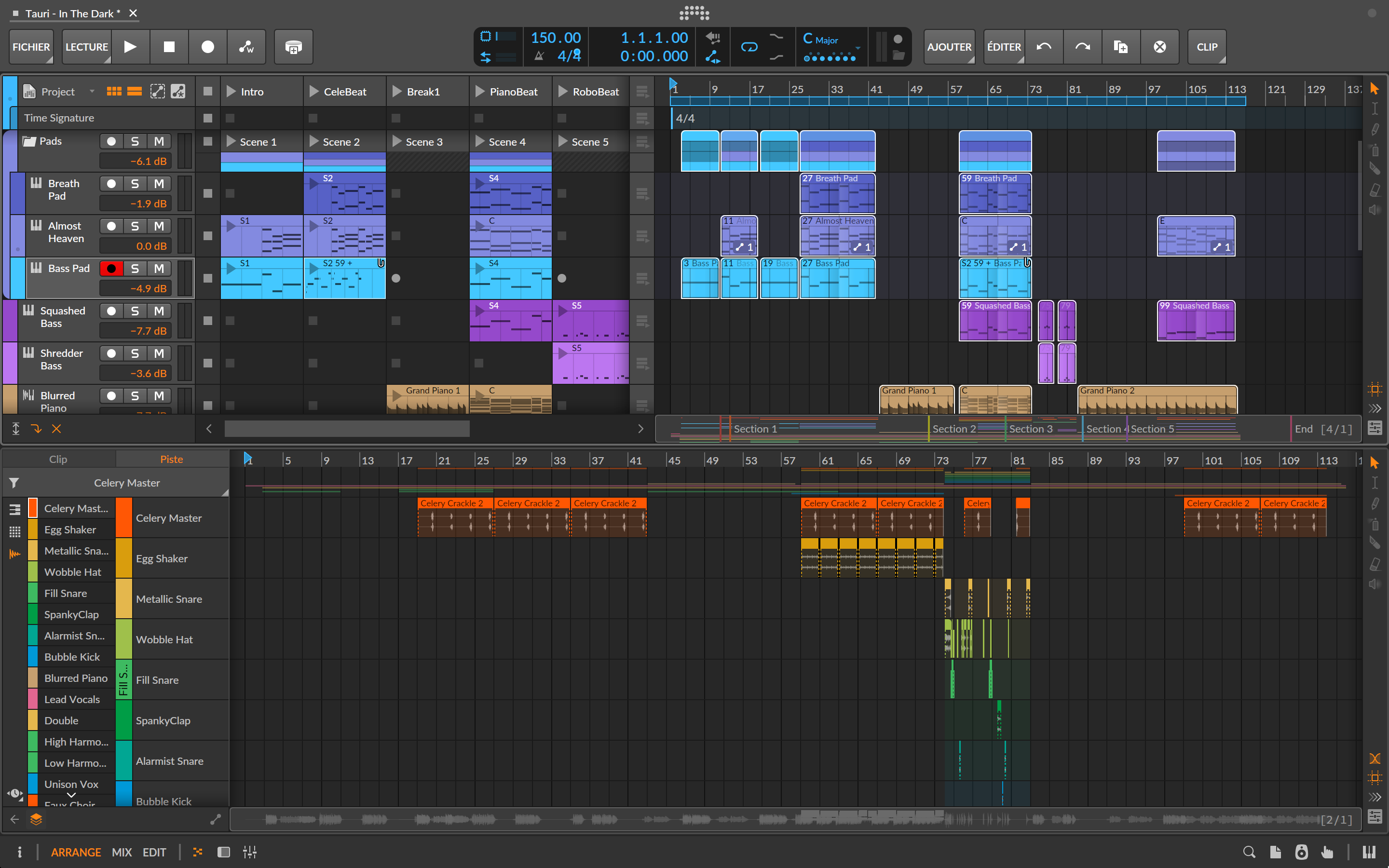
Some ergonomic changes are obvious, such as the tool palette on the right. Users of previous versions will have to adapt, but it should be quick, as this choice seems so relevant and practical. The interface’s responsiveness has also improved: navigation between Session and Arrangement is smoother, and even the browser seems more responsive. That said, the browser is still a little messy and lacks aesthetic appeal: Bitwig could do with some work in this area. All in all, these small improvements scattered throughout make the software much more pleasant to use. The general principle remains the same, of course, with its Arrangement and mix windows, and its clip launcher that you can place wherever you like.
.
Automation in Bitwig Studio 6: Automation Clips and new creative possibilities
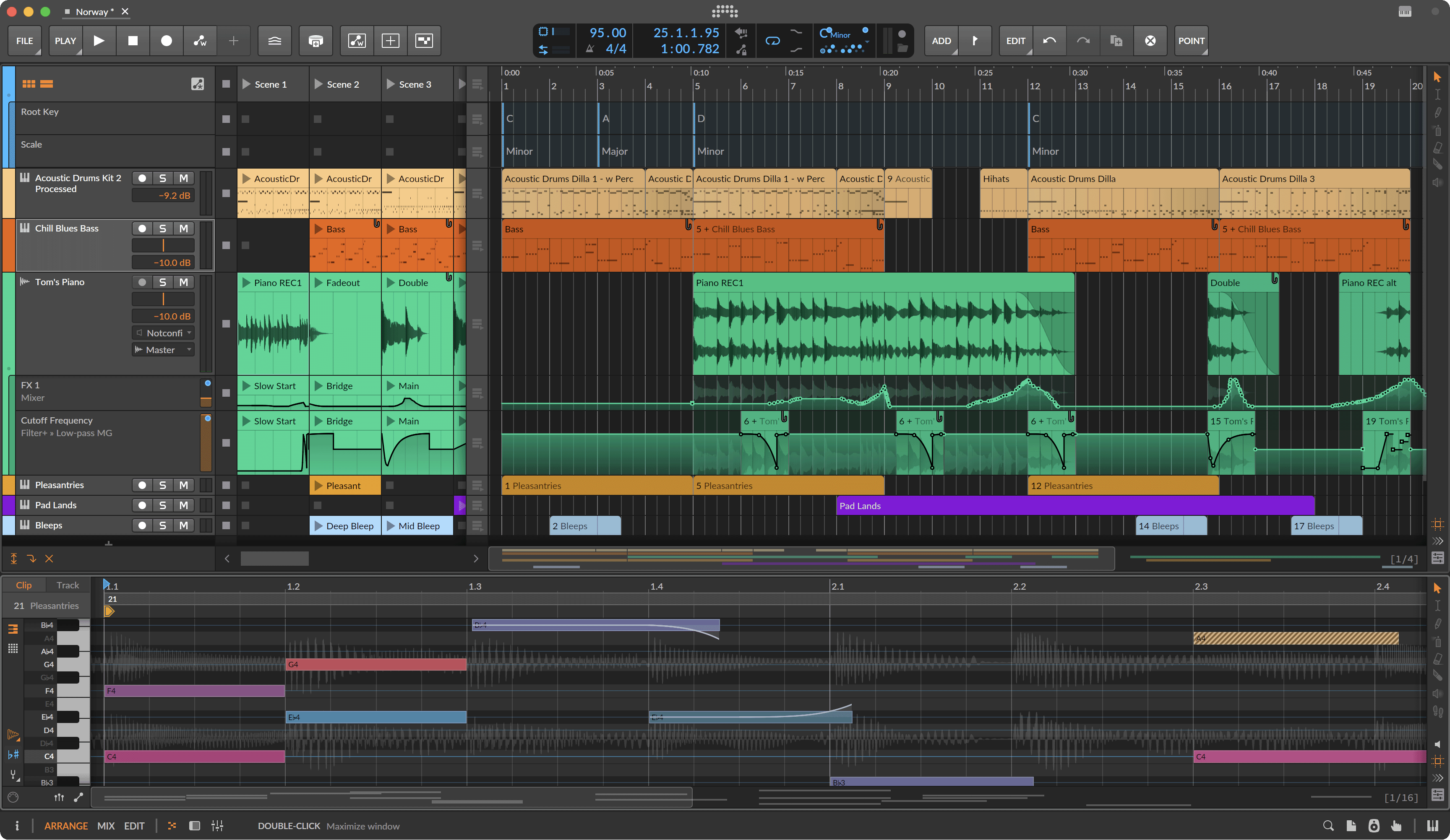
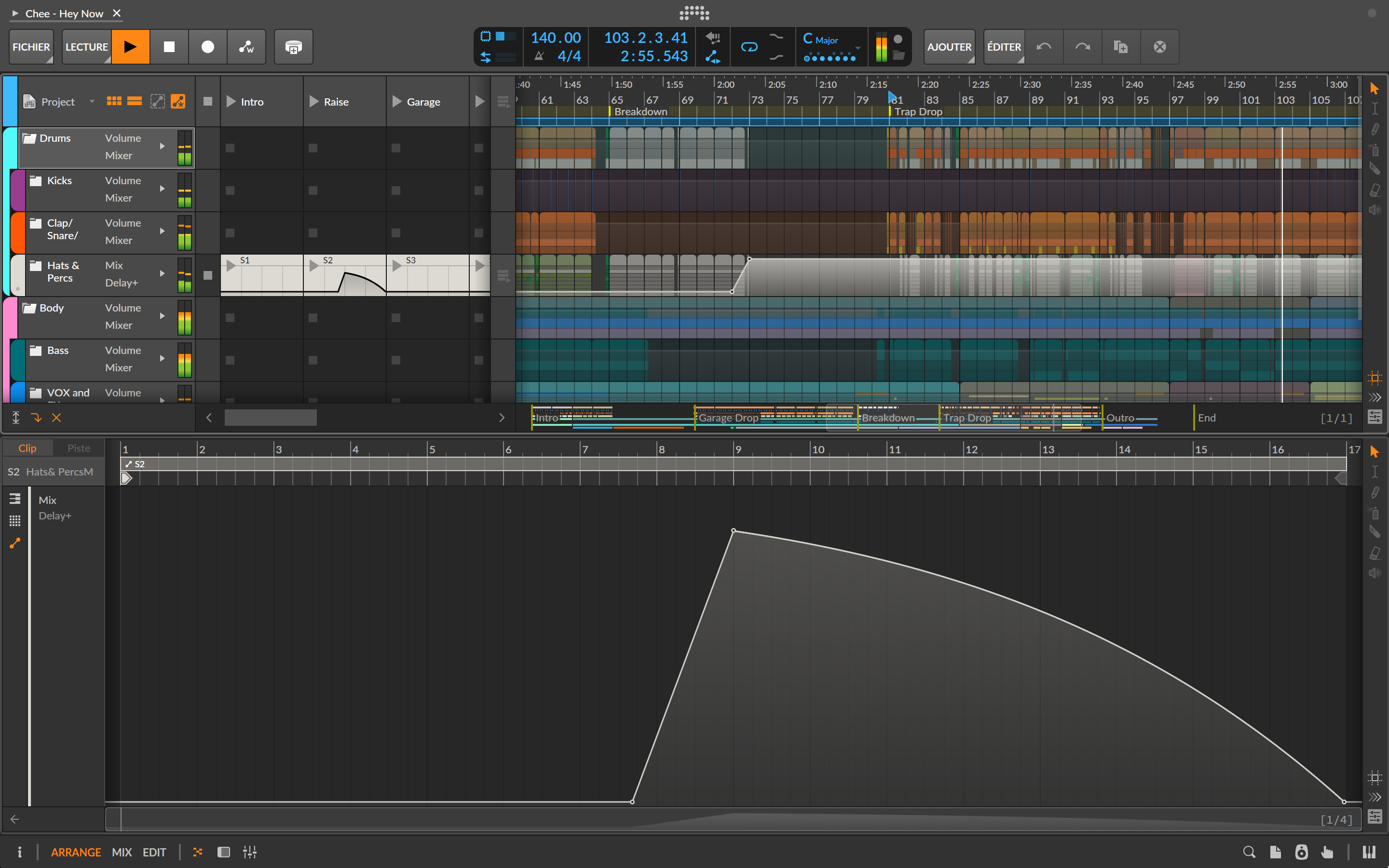
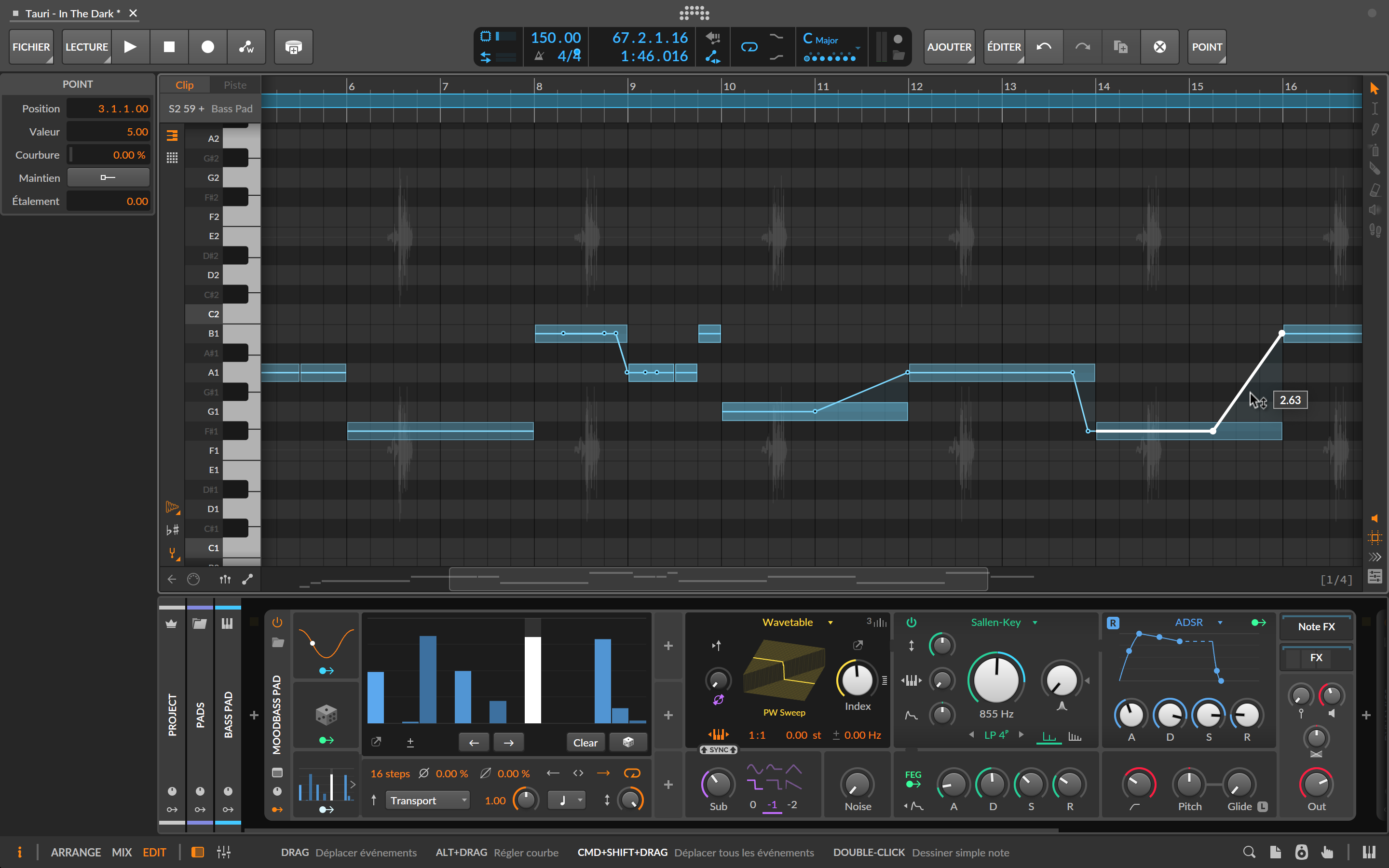
The Spread and Hold functions add welcome expressiveness: Spread introduces random variation that avoids overly mechanical movements, while Hold lets you lock certain key points. The result is enhanced control and musicality. It’s a significant advance in the way you work with automation. Coming from Studio Pro and Ableton Live, I see it as a real leap forward in both speed and creativity. Testing automation at different points in the arrangement, or on other instruments, becomes almost trivial. And inevitably, a question arises: why isn’t such an obvious idea more widespread? Yes, I know…FL Studio.
New features in Bitwig Studio 6: Clip Aliases, tonality and editing tools
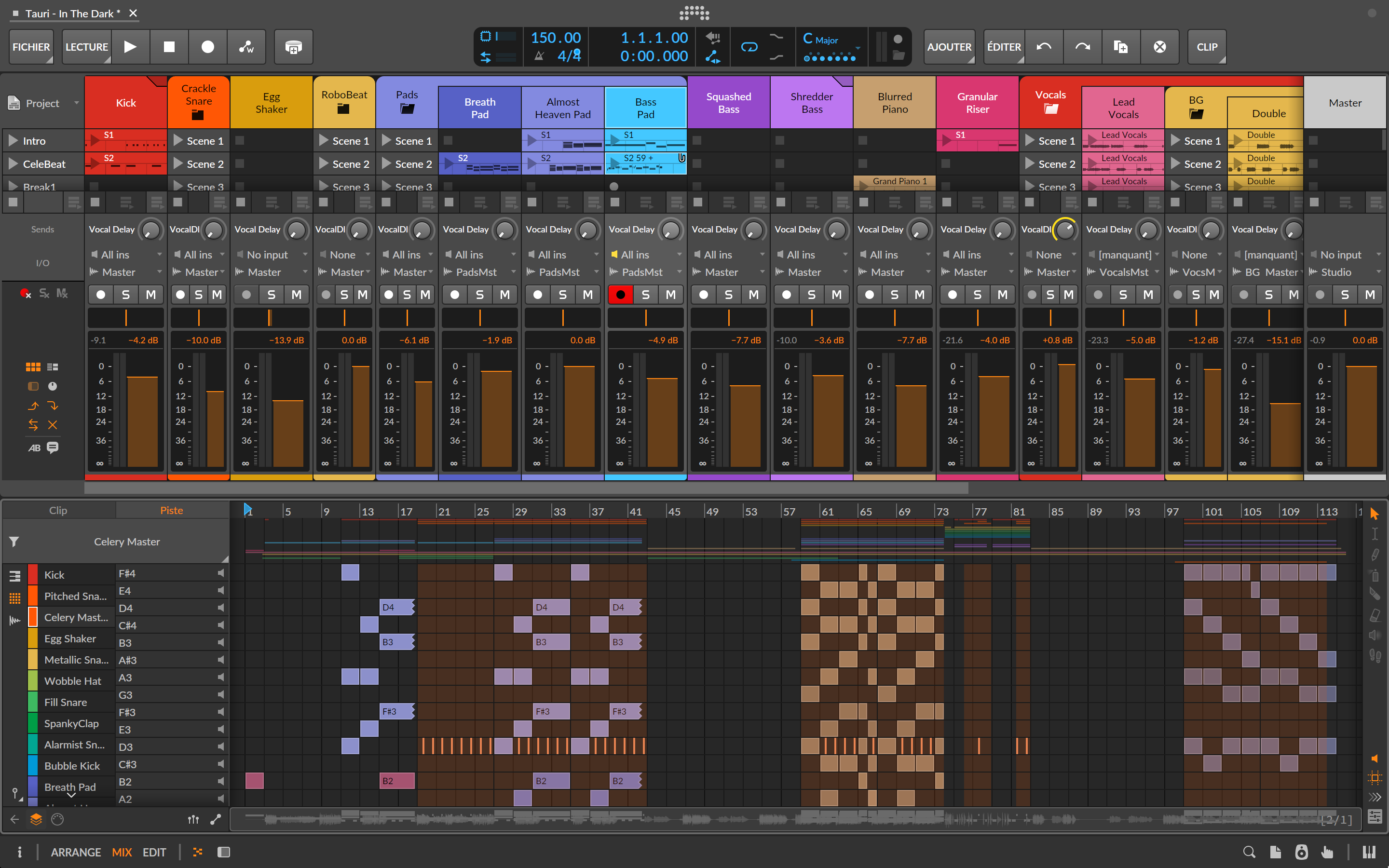
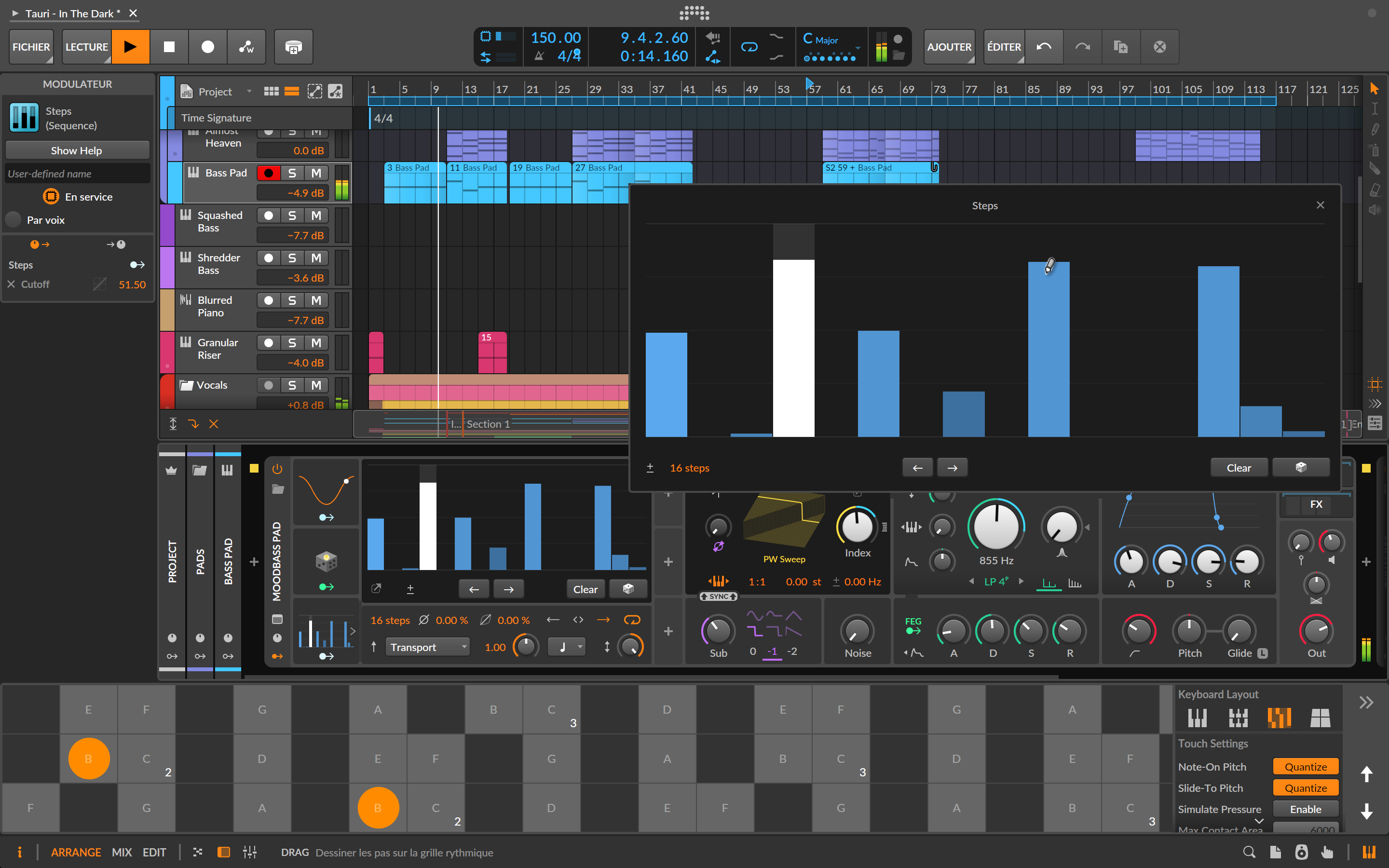
Coupled with quantization, modulators and The Grid, this feature opens the door to new melodic ideas without getting lost in theory. You can easily generate harmonically coherent patterns and experiment with rhythmic and melodic variations. With this approach, Bitwig puts its foot down in the field of arranging and music theory. However, the lack of a real chord track with dedicated tools feels like a missed opportunity. Admittedly, as we’ve seen, MIDI plug-ins and modulators already offer plenty to tinker with, but integration is still incomplete. Let’s hope Bitwig doesn’t stop there.
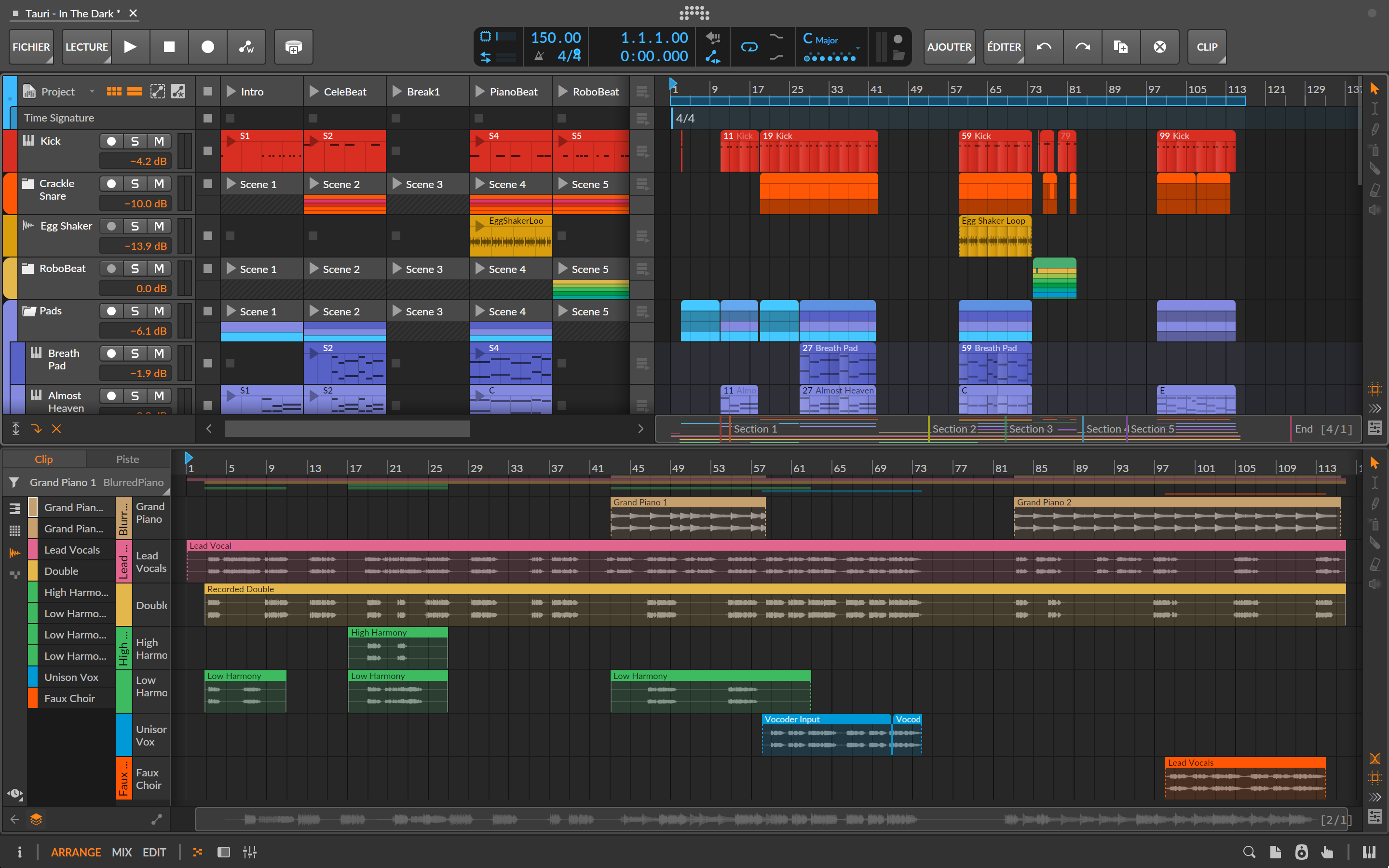
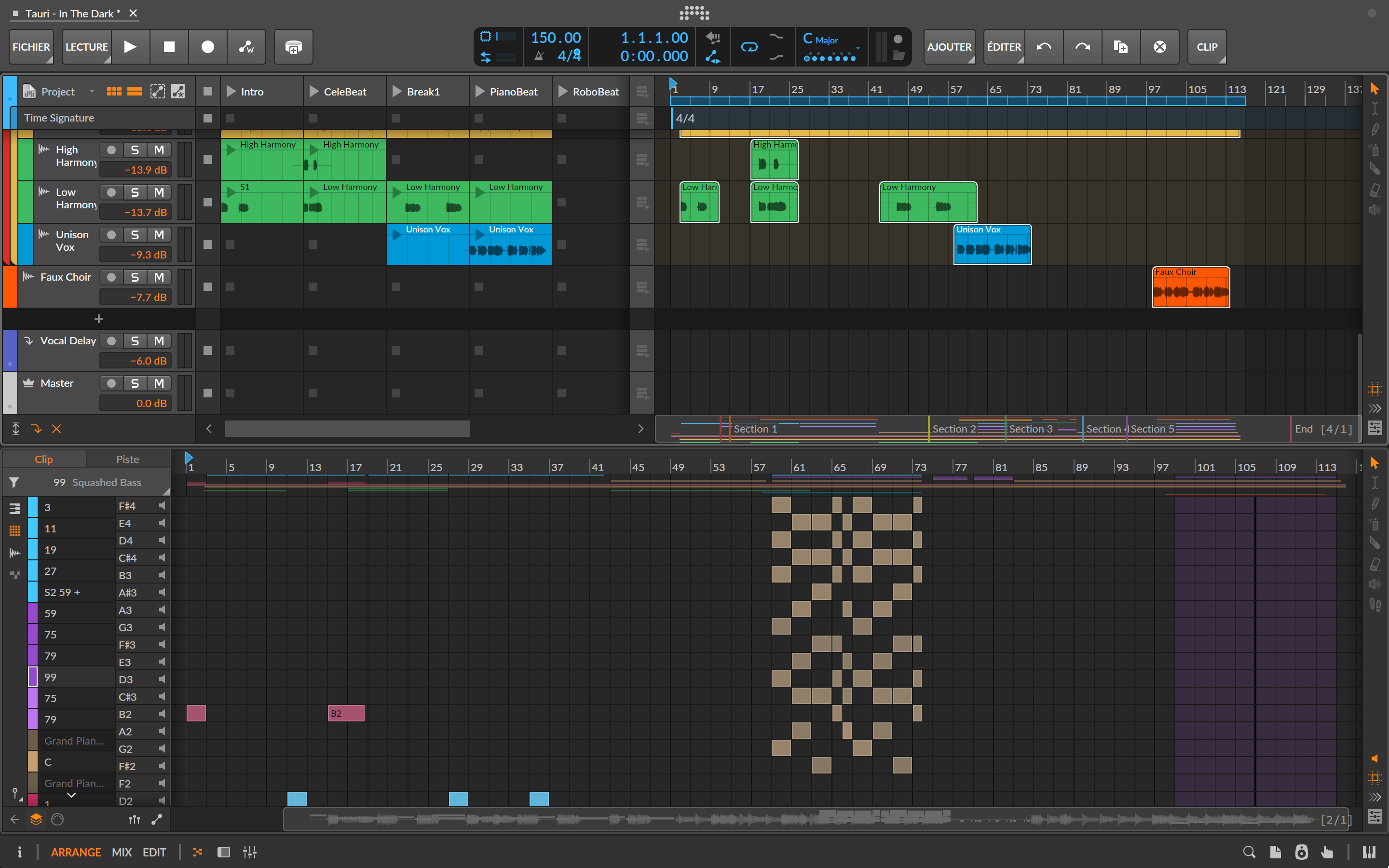
Expression editing also gains in depth: gain, pressure and other parameters can be edited directly on notes, including in Drum and Hybrid editors. Layer editing has been reworked: selecting multiple clips displays notes and audio side by side in the Detail Editor panel, and even full-screen. There’s a new audition tool for quick pre-listening to tracks and clips, improved Step Input, which now lets you enter notes one at a time or several simultaneously, dynamic track headers, auto-zoom on the selected track, and automatic project saving. All these adjustments help to modernize the whole, as does some additional information displayed in the clip launcher.
The Grid in Bitwig Studio 6: modularity, integration and new modules
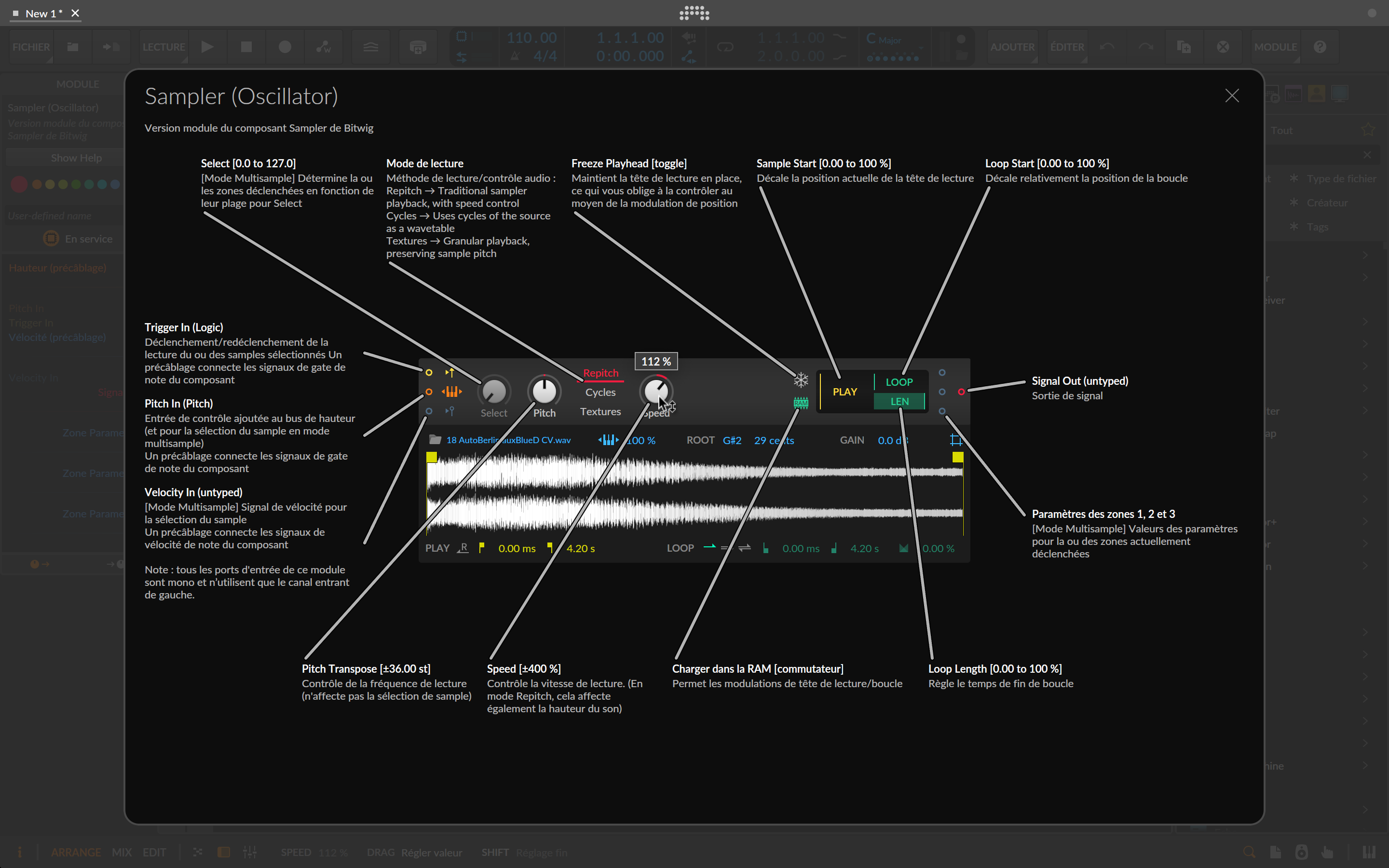
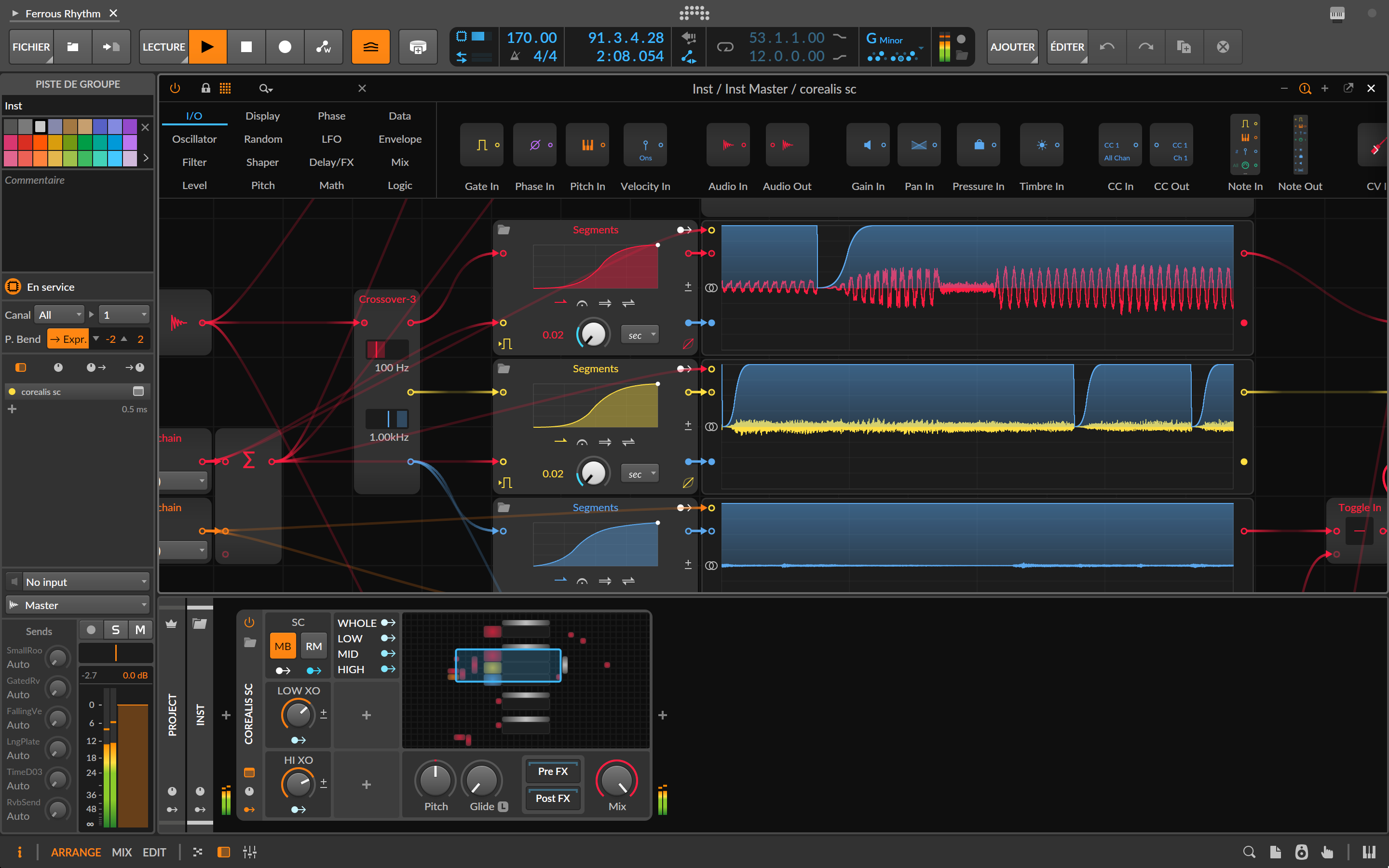
The modules are clear and perfectly documented, thanks to a well-thought-out dynamic help system: the popup directly displays the module in use, rather than a simple image, so you can edit it while enjoying the explanations. Taking advantage of the arrival of scale and tonality functions, four new Grid modules make their appearance: Scale and Scale Steps (quantization and scale shifting), Root Key (access to global tonality) and Pitch Class (free pitch selection). Coupled with new automation functionalities, these modules enable the creation of dynamic, surprising and perfectly controlled musical systems.
Complementary-features-and-limits-of-Bitwig Studio 6
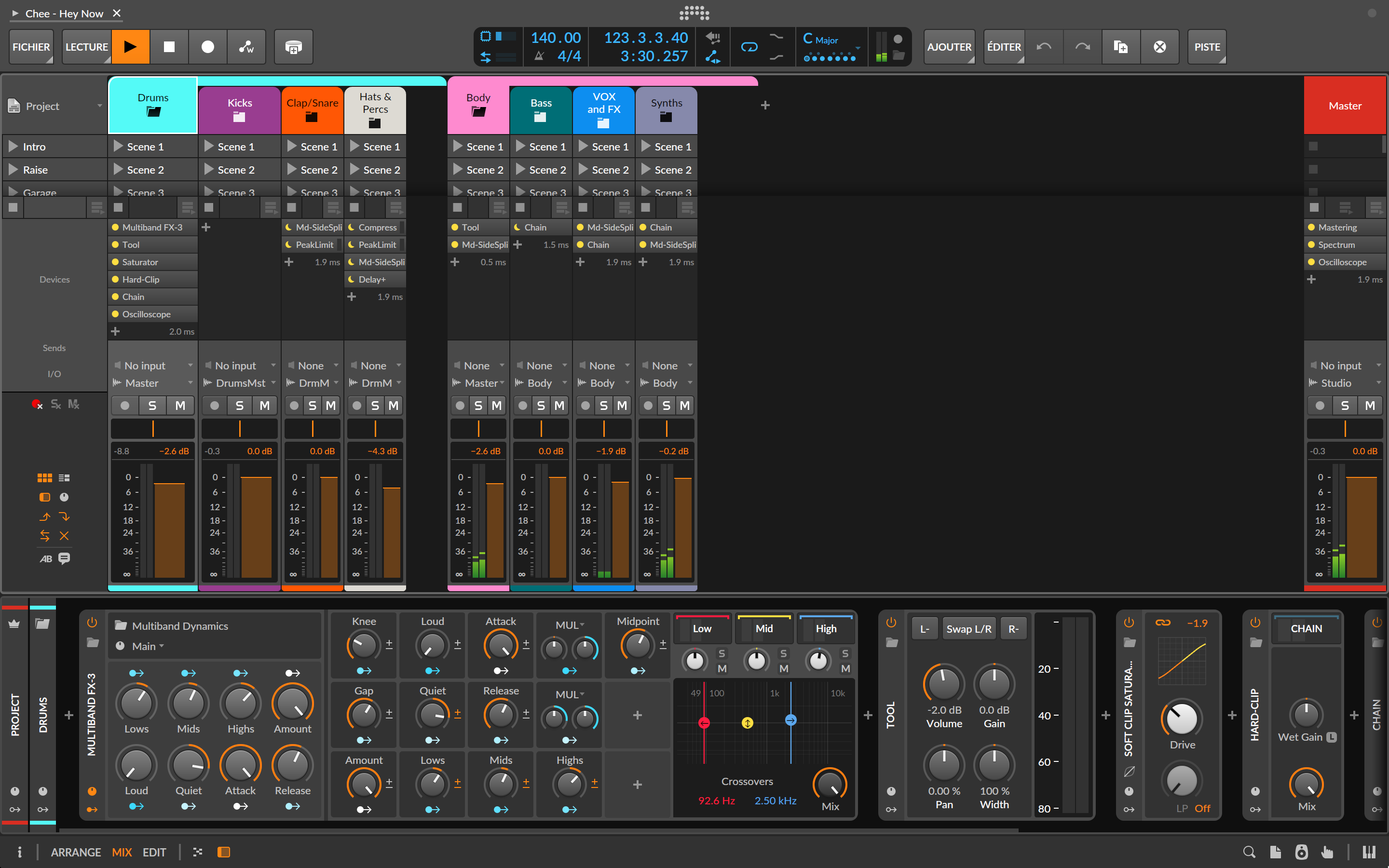
Bitwig handles projects exported from Live or FL Studio, as well as the DAW project format. I’ve imported files from Ableton Live and Fender Studio Pro, and overall it works pretty well: mix settings, plugins, clips, and colors are all present in both the Arrangement view and the Clip Launcher. There are typically a few minor adjustments to be made, but it’s great to be able to switch from one DAW to another so easily.
Bitwig isn’t perfect. In addition to the shortcomings already mentioned, the absence of ARA integration remains frustrating, especially as this feature has long been requested by the community. Some audio export options, such as normalization, are still limited. While effects are excellent and plentiful, stock instruments don’t always rival those of the competition (with the exception of Studio Pro). Fortunately, there’s The Grid. As for the sound packs and loops on offer, they’re plentiful, but their quality remains uneven.