




For its eighth version, Studio One from PreSonus becomes Studio Pro from Fender. It remains to be seen how this major marketing shift translates into functionality...

At the end of 2021, PreSonus announced that it had been acquired by Fender. More than four years have passed, and the eighth iteration of Studio One is showing its face with a half-surprise: it’s now called Fender Studio Pro 8. Is that change a simple marketing strategy or a revolution? That’s the question that arises a little over a year after the release of an excellent version 7, which saw no notable updates during the year.
Fender removed the “PreSonus" name and the “One, ” and now its audio-production software range consists of Fender Studio on tablets, mobiles and computers, and Fender Studio Pro on Mac and PC. As you’d expect, the new icon and loading screen prominently feature the Fender name, while mypresonus.com is replaced by myfender.com.
Back from 3D…
Other than the name change, we can’t say that this eighth version is much of a change of scenery. Indeed, we find the same interface as in version 7, with a few minor changes: the black background of the icons gives way to a charcoal grey, while the blue of the selected item is a little darker.
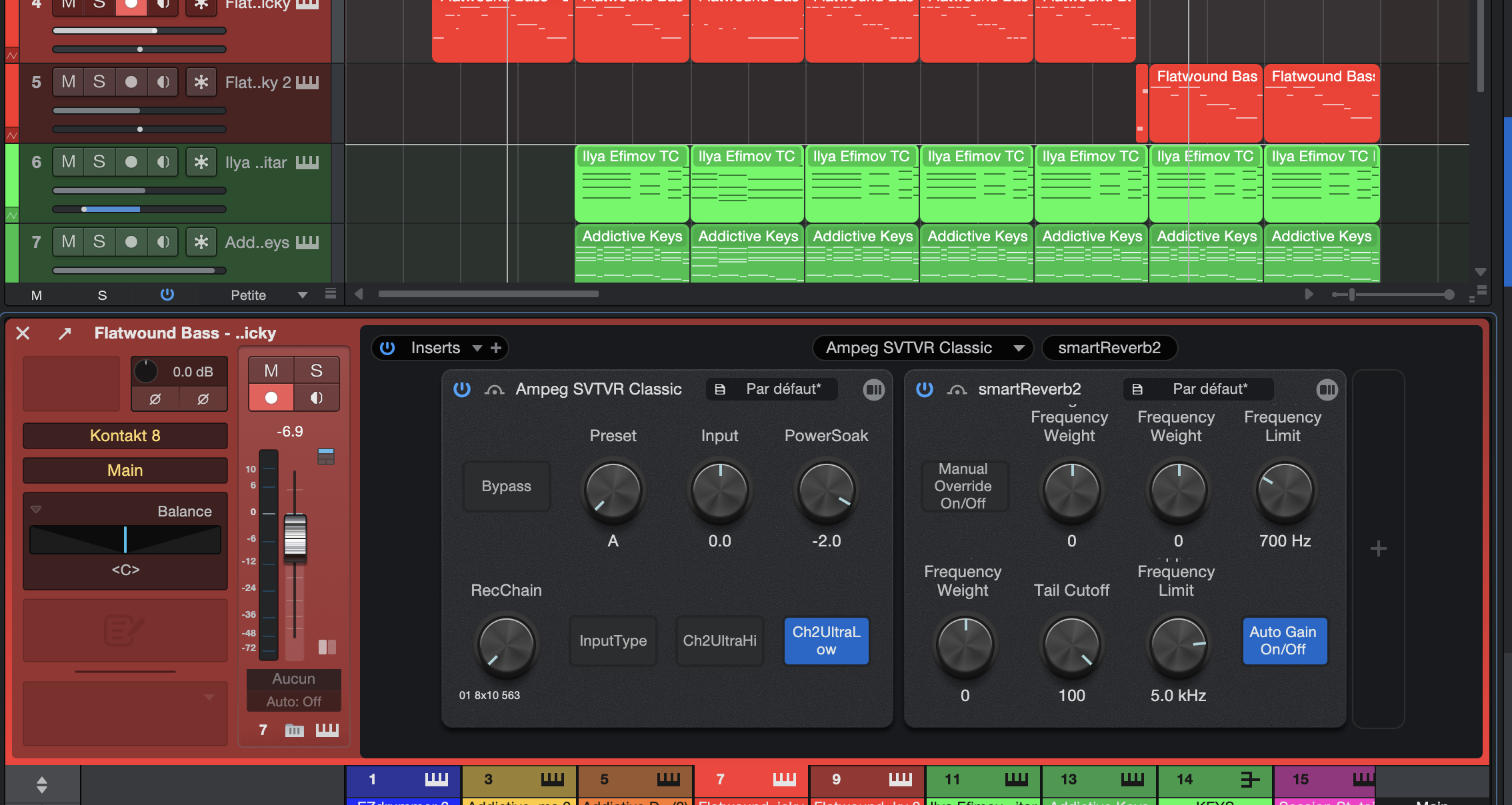
Other notable changes include the ability to display/escape certain sections of the track inspector, to freeze tracks from a new icon on their banner, while most of the software’s plug-ins have undergone a discreet facelift, bringing back a more realistic 3D look that we thought had been abandoned in the 2000s, but which is making a comeback — fashion is an eternal restart.
Fenderstruck
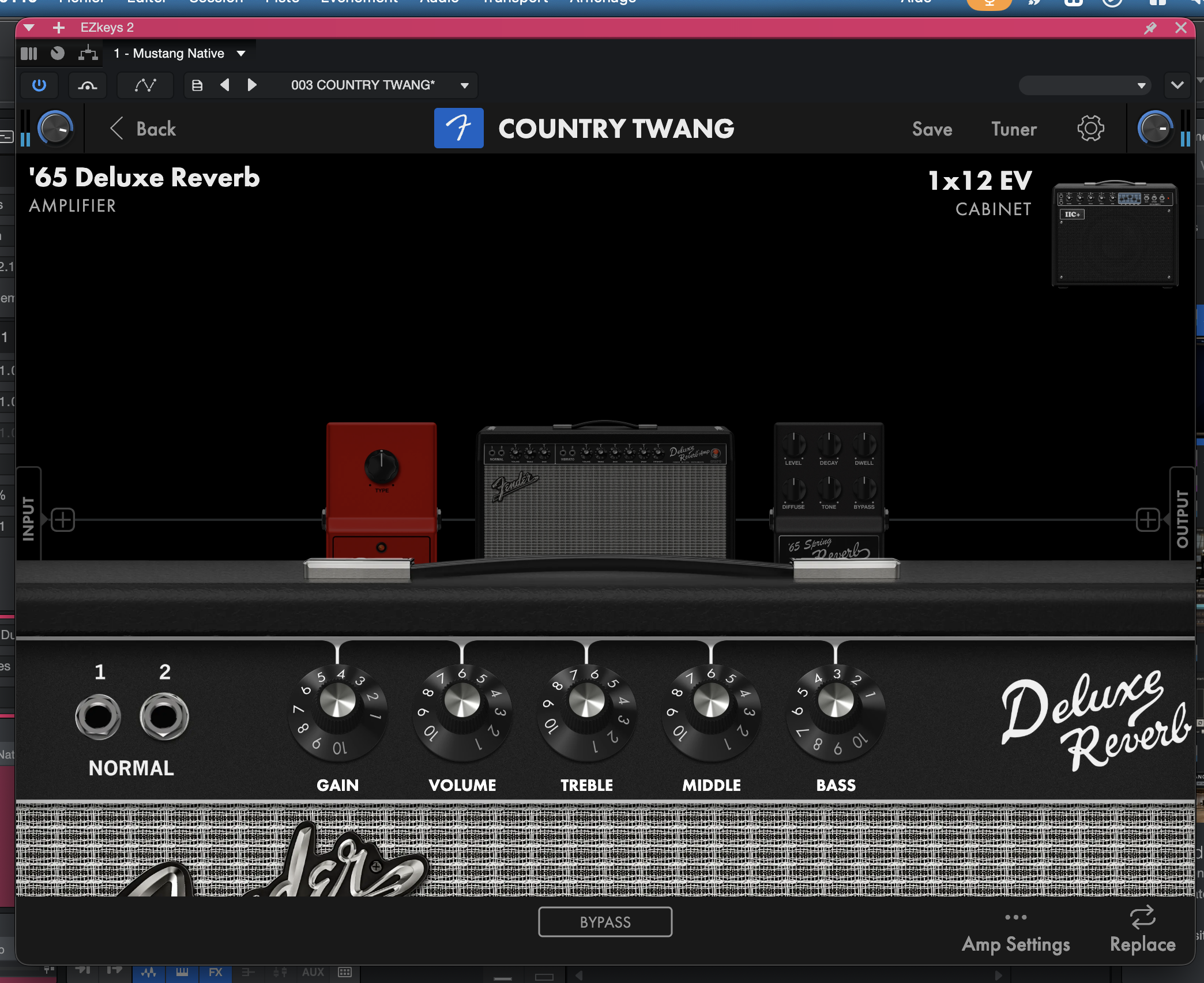
See what it’s like:
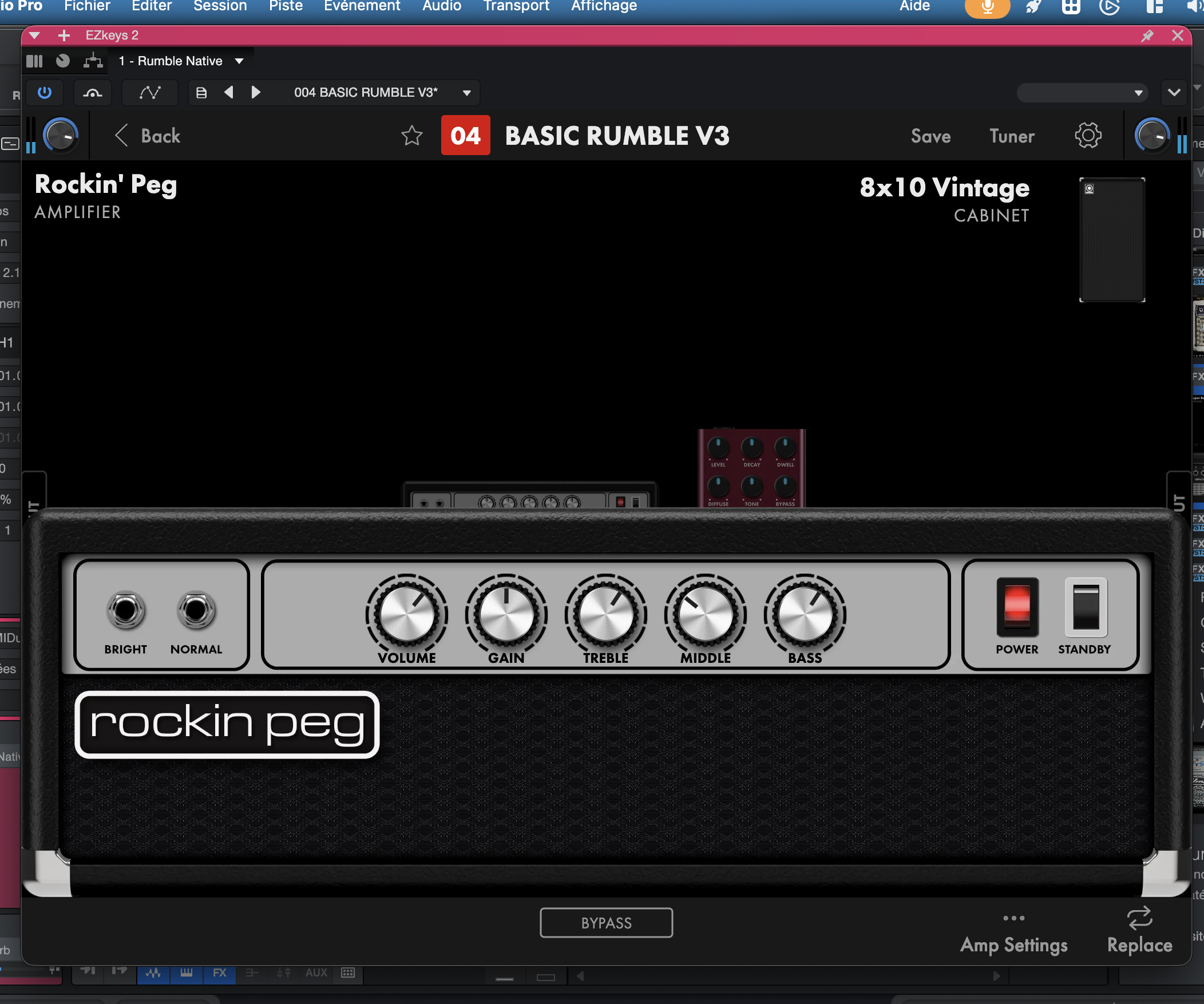
And it’s even worse for Voice FX, which makes it absolutely impossible to combine the various effects it offers (De-Tuner, Delay, Transformer, Filters, Ring Modulator, Vocoder), given that the settings for the latter are extremely basic. In the context of the free Fender Studio app, there’s nothing to complain about, but in the context of a sequencer labeled “Pro, " it’s a bit short-sighted. In fact, functionally, the old Ampire plug-in, a holdover from the Studio One days, is richer in options, though it doesn’t offer any pedals. Let’s just say, then, that beyond the use of the Studio/Studio Pro tandem, these new plug-ins are clearly lacking in relevance, especially if you already have an Amplitube, Guitar Rig or TH-U to name but three.
In the beginning was the Verb…
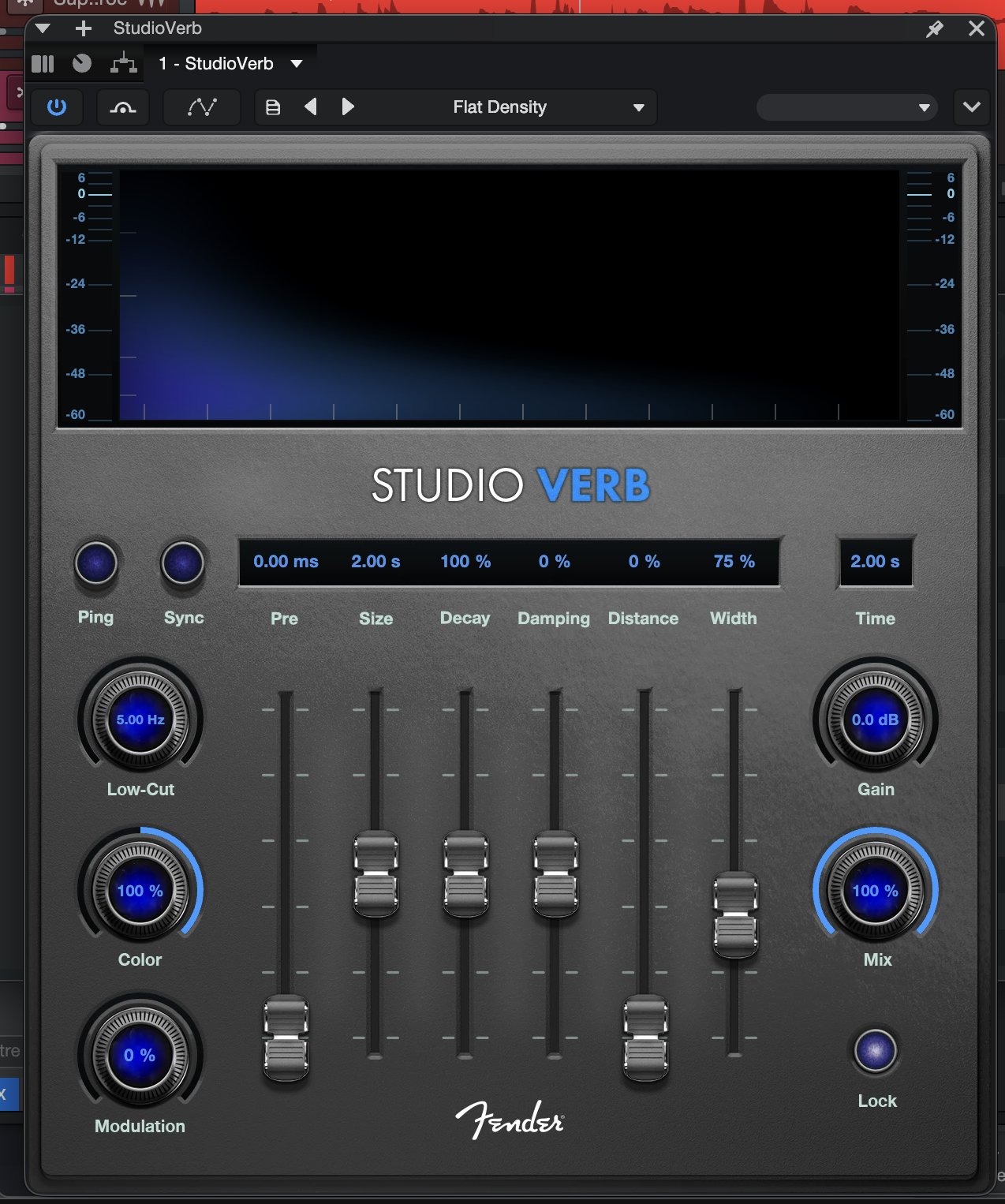
I’ll let you hear what it’s all about:
This plug-in is certainly welcome, given that Studio One was behind the times in the reverb area, but we were perhaps expecting something more innovative from a publisher who has always been keen to surprise us. Let’s make it clear, by the way, as we do every time we test a new version of Studio One: there’s still no transient processor in the plug-in suite, and that’s a shame.
As for instruments, the Sample One and Impulse samplers offer new modulation, fade editing, time-stretching, and tempo management capabilities, along with refreshed interfaces.
It’s worth pointing out that the included software bundle features several romplers and collections based on the PresenceXT sampler, covering both the synth and symphonic orchestra domains, plus UJAM drum and bass instruments. Does all this mean that this DAW is on a par with Cubase or Logic when it comes to instruments? No, because there are no synths of the caliber of an Alchemy, while PresenceXT is far from rivalling what HALion offers, for example.
At the rank of small improvements…
More interestingly, we now have an advanced metronome: by this I mean that instead of the good old click of the metronome, you can now count on a little rhythm box with 75 patterns that are far more engaging to get your tunes started, knowing that, of course, it’s possible to transform this rhythm guide into audio.
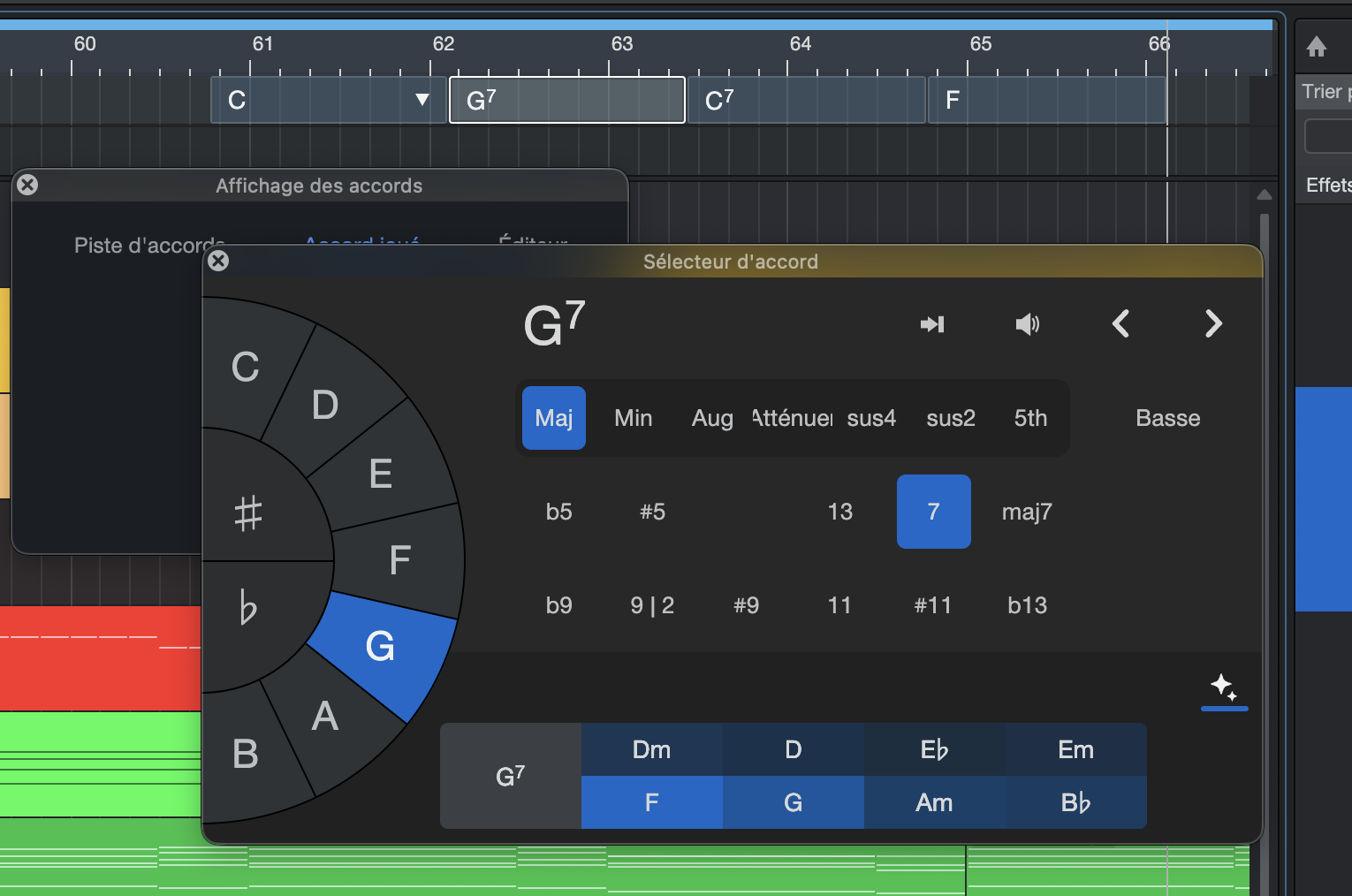
Finally, this eighth version is also an opportunity for the development team to fulfill some long-standing community requests: we finally have a video track in Session mode that can also handle Fender Studio’s Jam Tracks, while synchronization from one software to another proves to be a breeze. We also appreciate the ability to save external files with a project, so there are no nasty surprises when you reopen it. In short, a host of small improvements have been made here and there, though it has to be admitted that there is no “killer feature” in this version that makes the update a must-have for V7 users.
However, let’s temper this disappointment by pointing out that, along with Reaper, Studio One has been one of the least expensive sequencers on the market since version 7, knowing that you can acquire it for 200 euros/dollars or even less, depending on the publisher’s packages that interest you. That’s a strong argument, especially as Studio Pro is also, along with Pro Tools, the software with the most developed hardware ecosystem: audio interfaces, headphone preamps, consoles, microphones, and even MIDI controllers: there’s really enough to build an entire studio with what PreSonus offers… or rather Fender from now on…
