



With its new eight-core processor, 4 GB of RAM, 64 GB of storage, and the new MPC 3 environment, the MPC One G2 keeps its predecessor's compact form factor while delivering significantly more power. But beyond the numbers, what has really changed with this new generation?

MPC One, One+, and G2: what really changes?
The MPC One had already found its place among musicians who wanted to recapture the MPC experience in a more compact format than the MPC Live. The MPC One+ followed, adding Wi-Fi, Bluetooth, a faster processor, and more memory and storage. With the MPC One G2, Akai keeps the same form factor but increases the available resources.
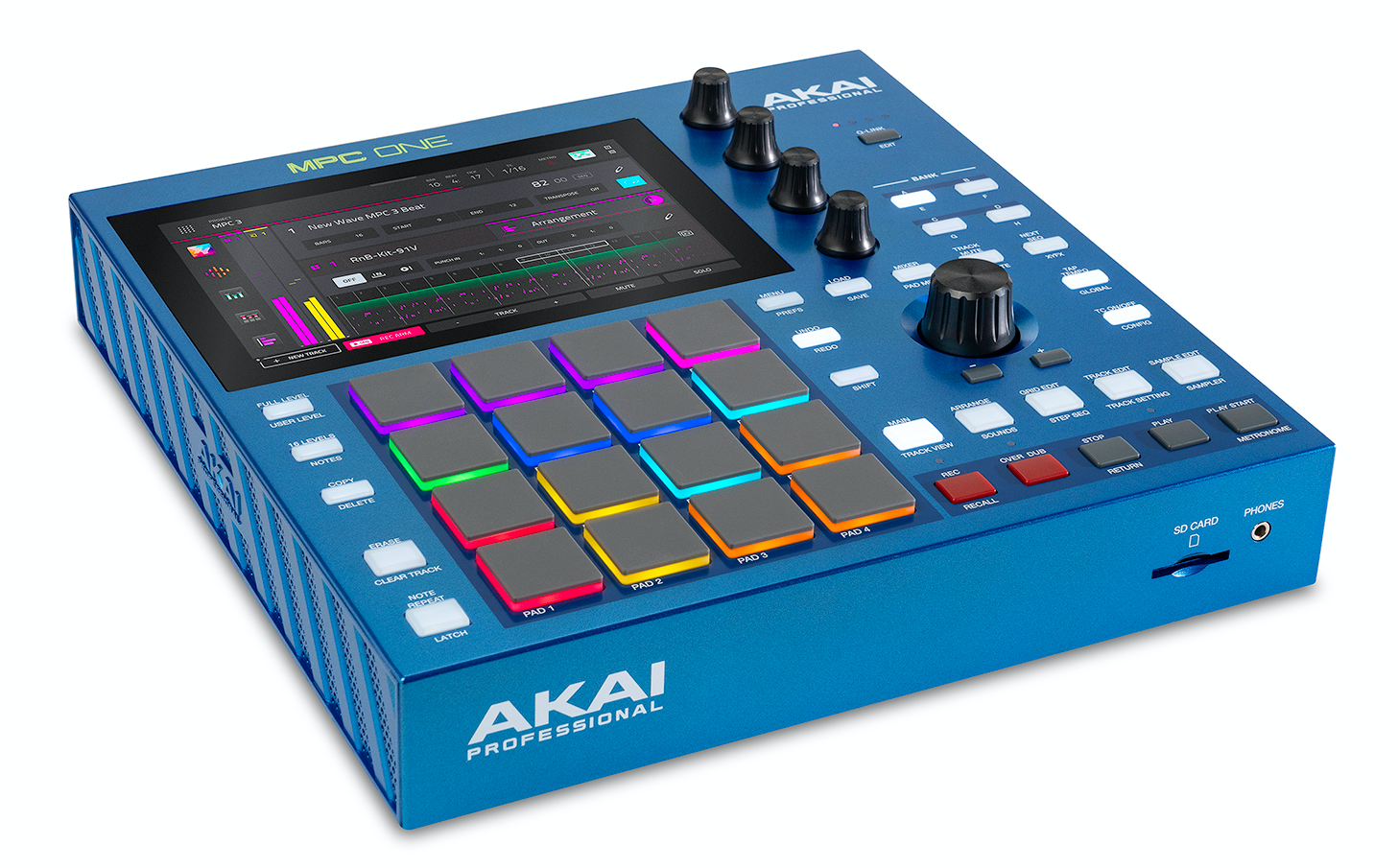
Although it’s marketed as a new generation (G2), the unit looks very similar to its predecessor, aside from the color. It features the same form factor and design philosophy, with a 7-inch touchscreen and the classic MPC controls. The main differences lie under the hood. The processor now has eight cores, RAM is double that of the One+, and internal storage has quadrupled. Rather than a new generation, this new version primarily offers more flexibility thanks to its upgraded processing. It remains to be seen what this extra power actually changes in practice.
An MPC One that looks like an… MPC One
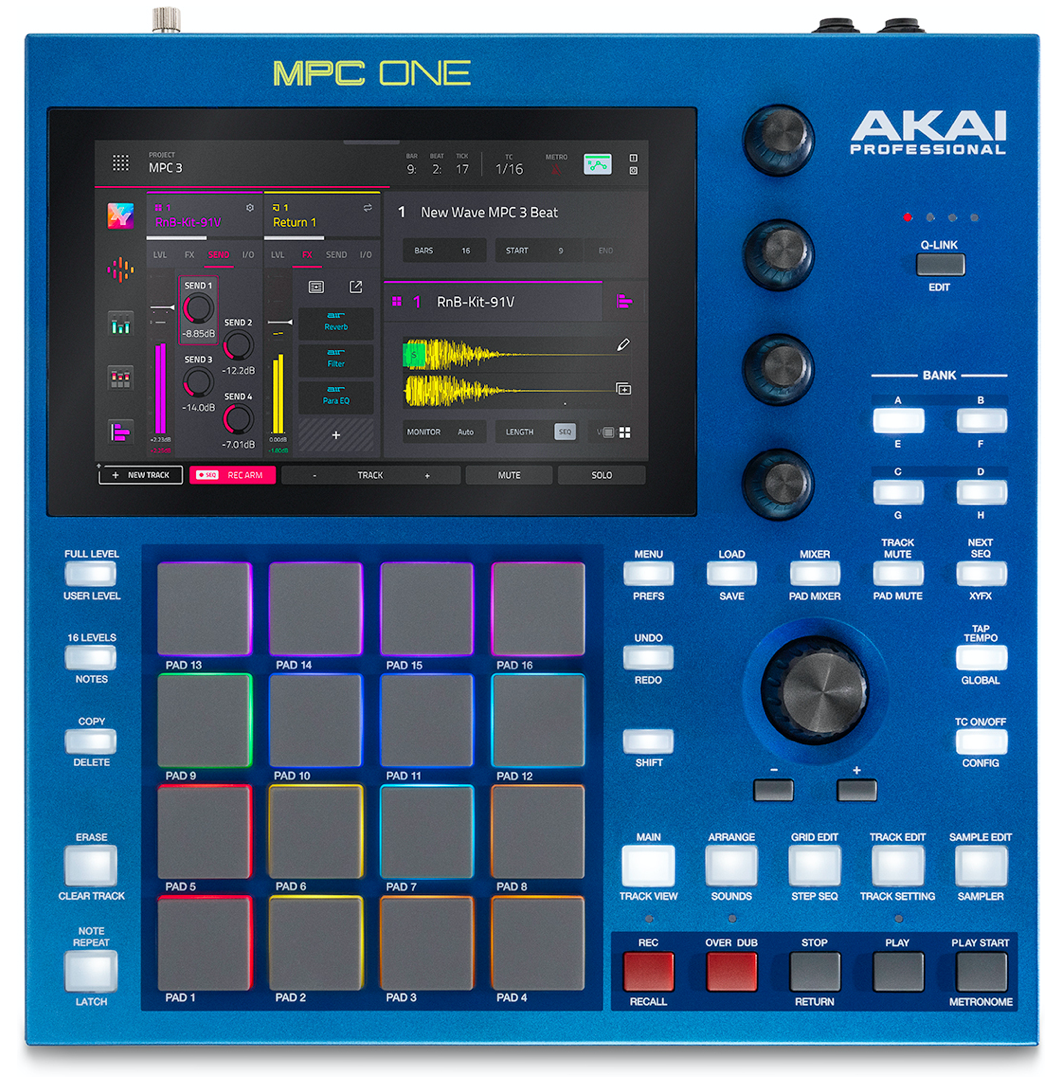
The front panel also retains the familiar layout: a 7-inch touchscreen with 16 velocity- and pressure-sensitive RGB pads below it. Four Q-Links let you adjust the parameters displayed on the screen, while the buttons provide access to navigation and editing functions. No major changes, in other words.
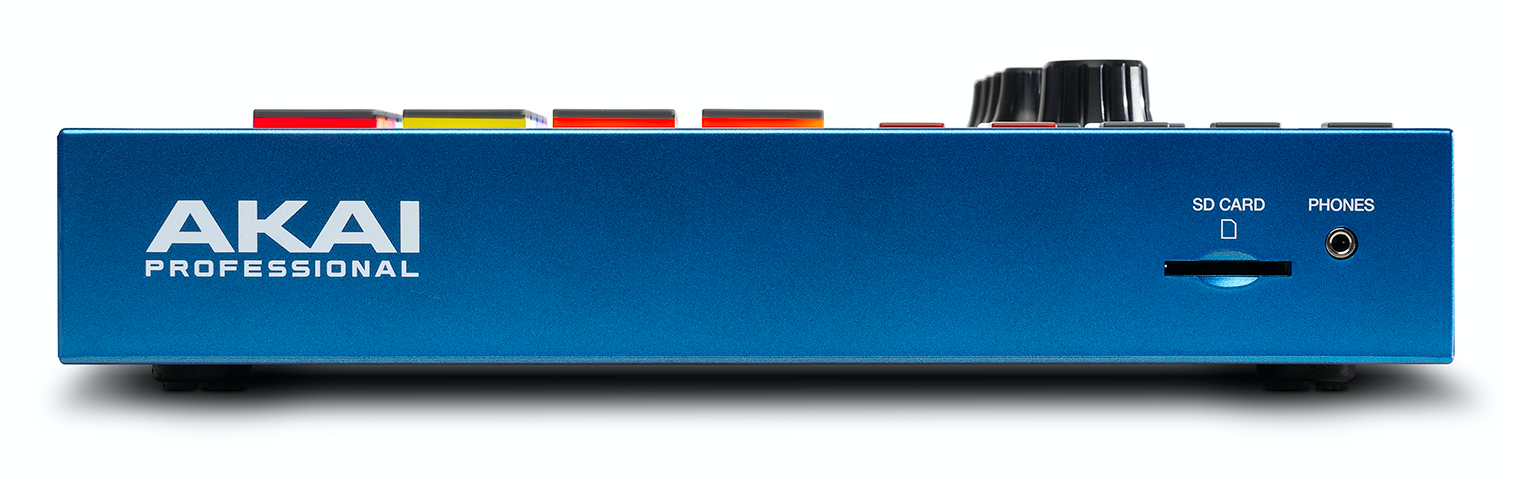
For connectivity, the MPC One G2 features two analog audio inputs and two outputs, plus a headphone output. It also includes MIDI DIN input and output jacks, four mini TRS connectors that provide eight CV/Gate outputs, a USB-A port, and a front-panel SD card slot. The most significant change from previous generations is the addition of a USB-C port, which lets you connect the MPC to a computer or other compatible equipment.
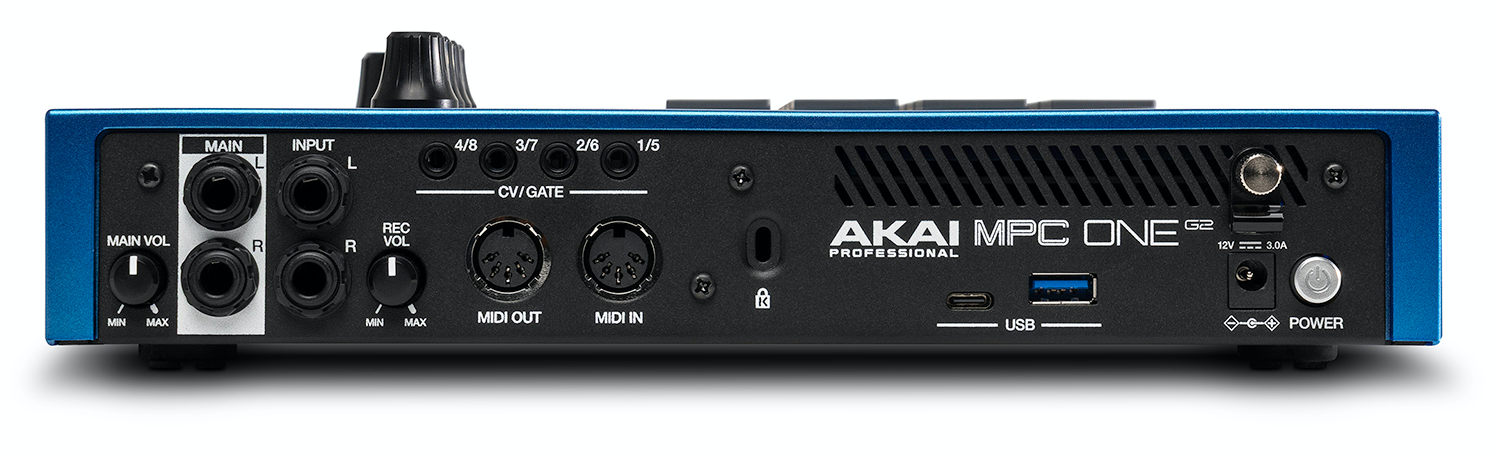
The MPC One G2 comes with its AC power adapter and a USB-C cable. Unlike the MPC Live III, the MPC One G2 does not have a battery. And, as is often the case these days, the software resources and user manuals are available online.
Performance: Four times the power for peace of mind while working
RAM has been increased to 4 GB, and internal storage now totals 64 GB. Compared to its predecessor, this performance boost has very tangible implications for the machine’s capabilities. The One G2 can handle up to 32 programs with plugins (up from 8 on the One+) and up to 16 stereo audio tracks (up from 8).
Akai raised the maximum polyphony from 64 to 256 voices. In real-world use, these figures don’t mean you can always run 32 complex instruments simultaneously or use 256 voices without limitations. Resource consumption depends on the instrument type, the effects used, the number of simultaneous voices, and the project’s complexity. But headroom has increased significantly.
The 64 GB of internal storage is also a welcome feature in a machine designed to hold samples, projects, and sound libraries. You can still use an SD card or USB devices to expand storage, but it’s no longer essential.
Hands-On: Touchscreen, pads, and Q-Link
If you’ve never used a modern MPC, the comprehensive online manual is essential as you begin exploring the unit’s more advanced features. The system is so extensive that it’s impossible to master it fully in just a few days. The user interface is generally well-designed, which helps a great deal. Unfortunately, a few quirks remain, such as functions hidden where you wouldn’t expect them.
The 7-inch touchscreen remains central to the user experience. As you navigate its various pages, you’re able to edit sequences, adjust instruments and effects, manage sampling, and work on the mix. For sequence editing, the One G2 offers a DAW-like piano roll. Touch control is generally smooth and pleasant, though it inevitably reaches its limits when making very fine adjustments. But this limitation is found on all touchscreens.
The machine relies heavily on the screen, so you’ll need to switch back and forth between it and the physical controls regularly. As for the pads, they’re as enjoyable to use as ever, with good responsiveness and a pleasant feel. They’re super handy for both programming rhythms and playing instruments. It’s a shame, however, that Akai didn’t include the MPCe pads found on the MPC Live III and MPC XL. Some compromises are necessary to keep the One G2 affordable, and this is one of them.
The MPC One G2 in use: Arranger, matrix, and new oscillators
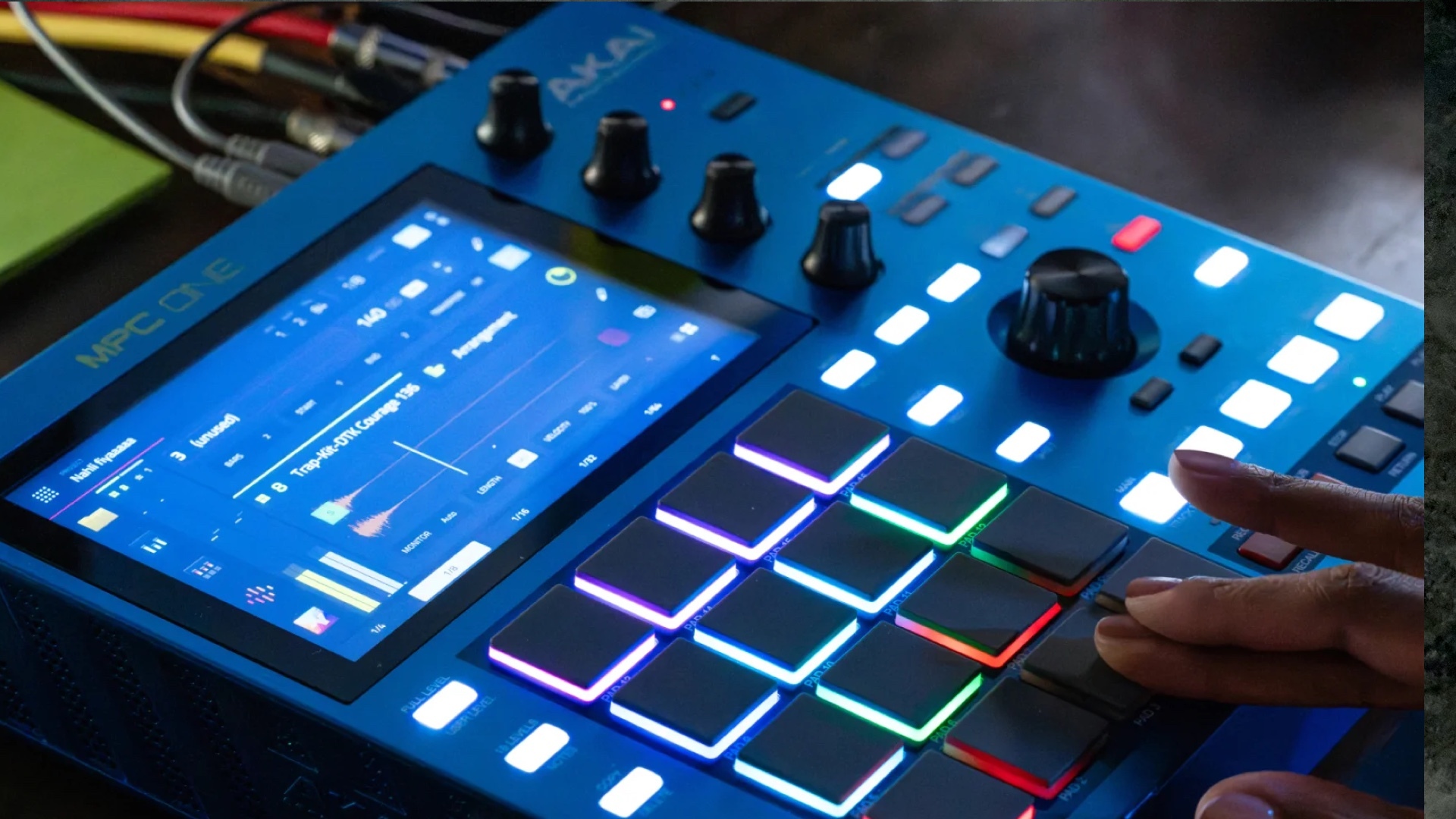
The Arranger lets you build a track in a linear structure, while the Matrix page offers another way to trigger and organize loops, similar to Ableton Live. So you can work with a sequence-and-scene workflow, or work directly in a more linear format. Once you’ve gotten used to the interface, using the machine and navigating its controls is a pleasure. And the Q-Link encoders, which interact with what’s displayed on the screen, are incredibly efficient.
MPC 3.9 has also introduced significant new synthesis features. You can use the new oscillators in Keygroup and Drum Tracks programs. They’re not limited to a separate instrument; you can incorporate them directly into a program’s construction. You can build your own sound engine by combining multiple oscillators—classic, Single Cycle, Wavetable, FM, or RM—with a filter, envelopes, and various modulation sources. The result is essentially a virtual modular synthesizer you can build to suit your needs.
And that’s not all—you can stack up to eight layers within a single program. Since each layer has its own synthesis chain, you can create complex sounds by stacking multiple independent sound engines. Starting with a fairly simple architecture, you can quickly end up with a program that combines different synthesis types.
Sampling always at the top
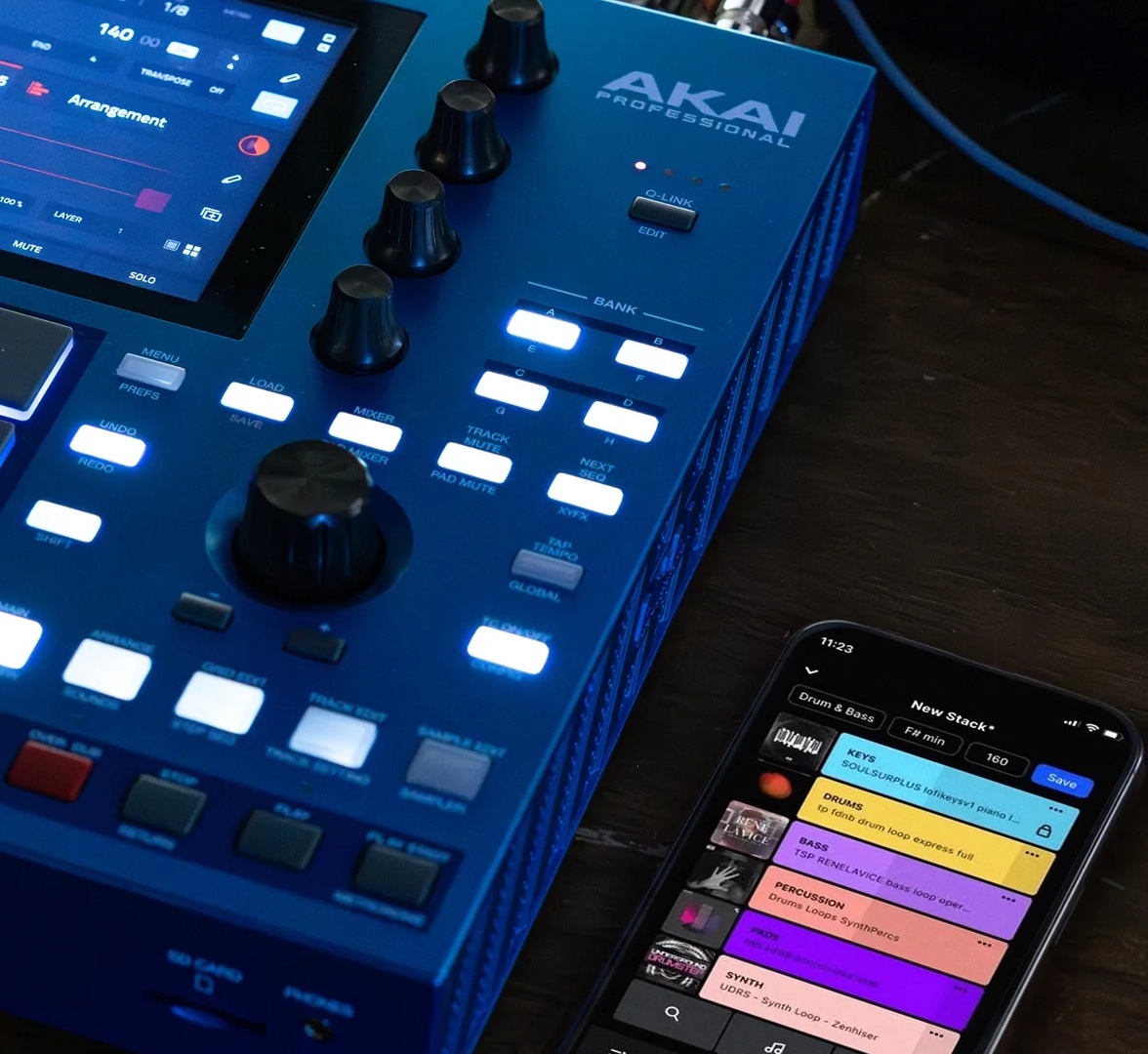
The time-stretch feature, which lets you adjust a loop’s duration to match the project’s tempo, is also quite effective. All of this is fairly standard, but the touchscreen makes it easy and seamless to use. It’s a lot of fun to experiment with transforming loops.
This isn’t new, but it’s worth mentioning: the machine also features an Auto Sampler that automates sampling of electronic instruments. When connected via MIDI to an external instrument whose audio output feeds back into the MPC, it can play different notes and record them as audio, automatically creating a program from the resulting samples.
You can set the sample duration, the note range to cover, and the number of samples to record for each zone to distribute them across multiple velocity levels. This transforms a simple recording into the creation of a multisampled instrument. It’s easy and saves hours of manual work.
As for the rest, the One G2 includes the full range of features typical of a modern MPC: equalizers, compressors, limiters, reverbs, delays, chorus, flanger, phaser, distortion, and other modulation effects. It also includes the usual audio processing and editing tools, plus mixing, automation, and routing functions that let you build your project directly in the unit.
None of this is really new (see reviews of recent MPCs), but together, these features make the MPC a production workstation that can handle much of the workflow, from the first sample to the final mix. And above all, it lends itself to a wide variety of styles. Therefore, it would be a mistake to limit it to urban music.