



With all the features of the AstroLab 61, plus a weighted mechanism, many were eagerly awaiting the arrival of this 88-key version of the AstroLab to confirm or deny users' access to more pianistic horizons.

A sober, effective design for the stage as well as the studio
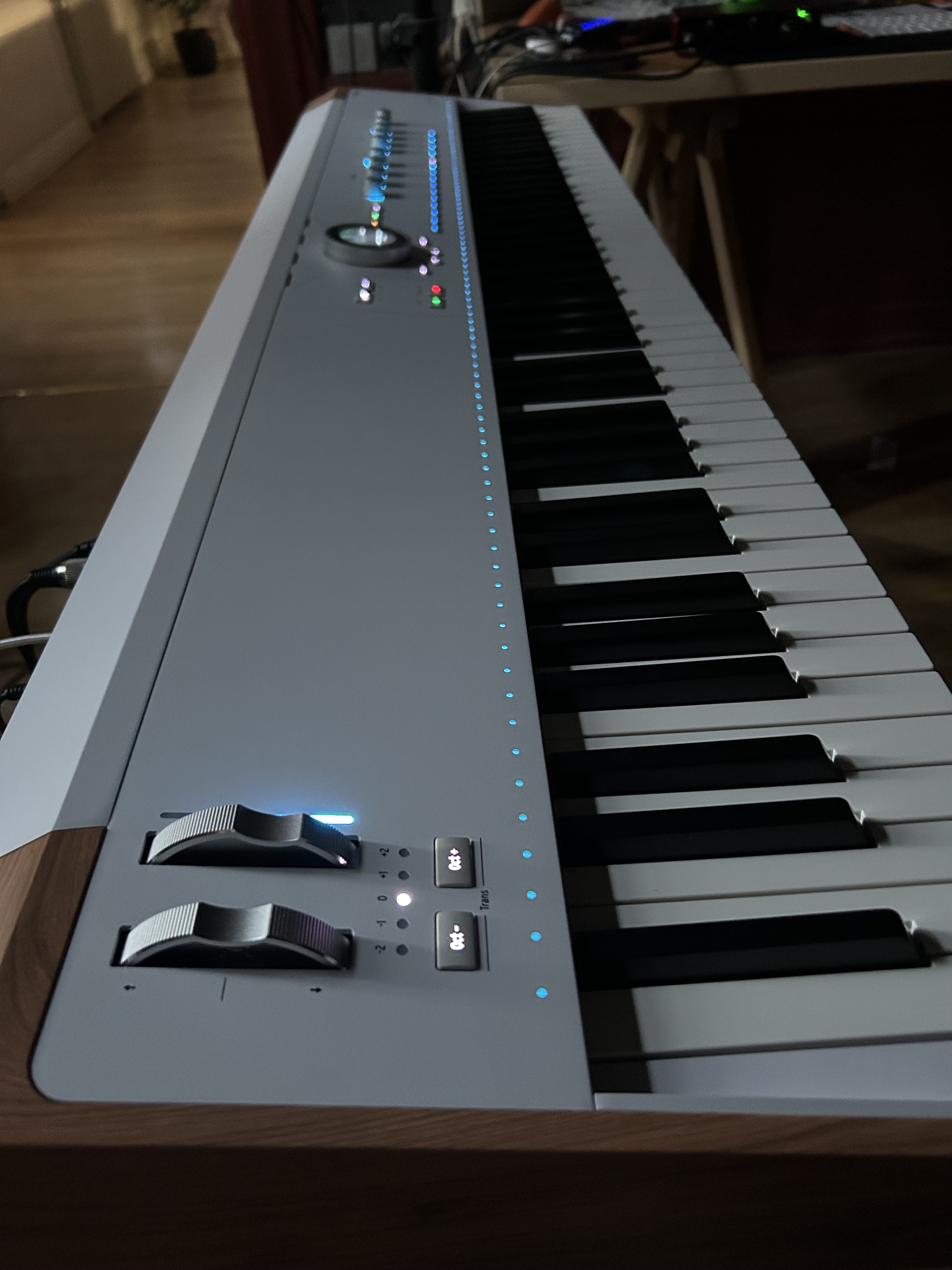
The weight, of course, differs, and that’s saying something, as this baby still weighs 22.2 kg (48.9 lbs.) for dimensions of 1316 × 352 × 127 mm (51.8 × 13.9 × 5 inches). The length of the machine and its specific keyboard mechanics come into the equation, but it’s still 3 kg (6.6 lbs) more than the Nord Piano 6 88.
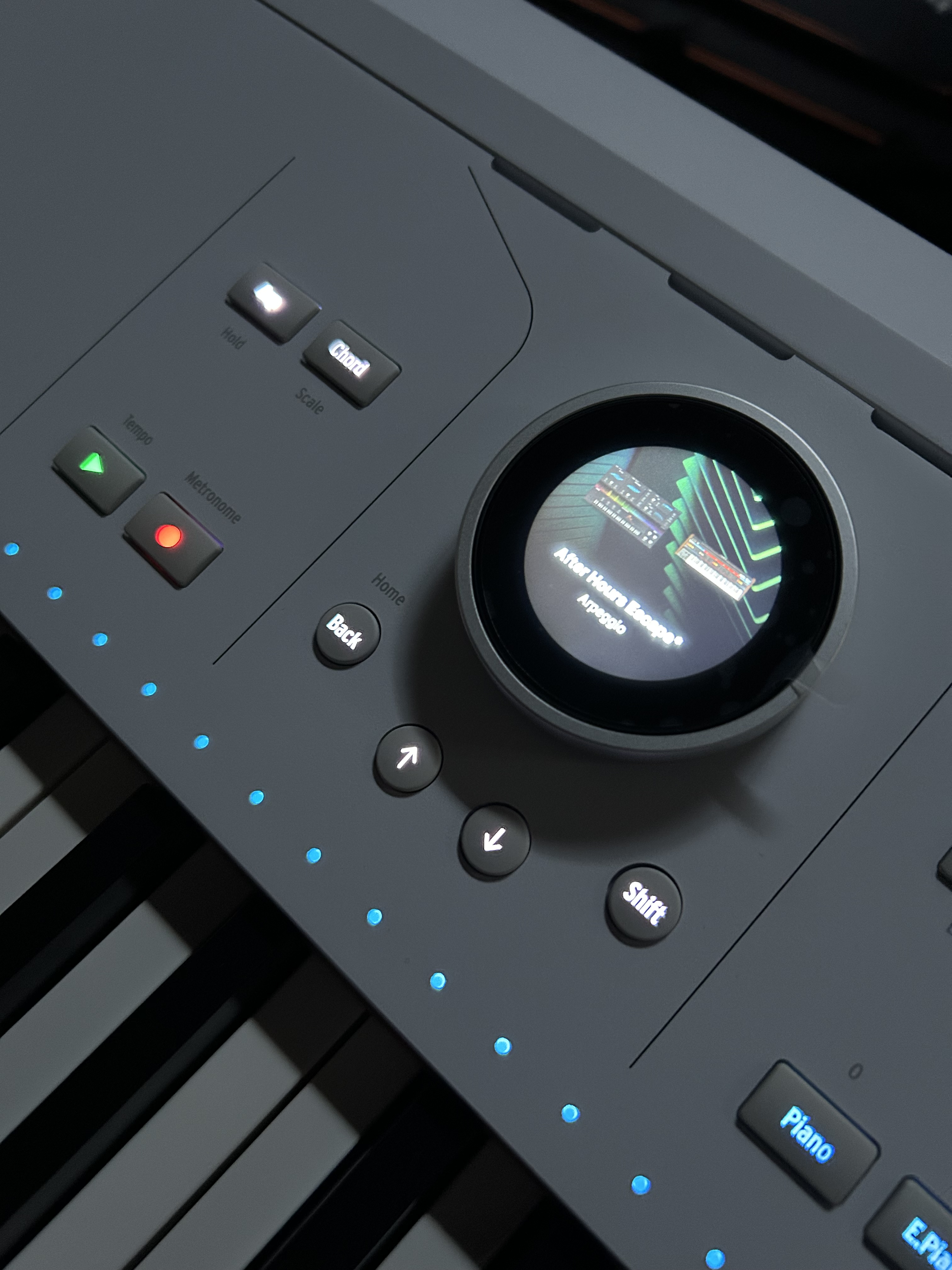
Like on the AstroLab 61, the central color-screen thumbwheel serves as the centerpiece. On power-up, the animated AstroLab logo comes to life, quickly displaying the list of sounds and a depiction of the instrument in use. Not only is this original, but it is also pleasant to use and to look at; this thumbwheel gives the keyboard a unique identity. The wooden legs, not supplied, are a real visual plus and add to the feeling of quality offered by Arturia (not received for testing).
The keyboard also comes with a music stand. The design features the Arturia logo, which is original and cool, as is the imitation wood touch at the bottom. But aesthetic research is not always compatible with practicality. The stand is designed like cheap metal lecterns, with lots of empty space between the branches, which isn’t always very stable or easy for readers (lights through the leaves, and a pain when it’s windy). The advantage is that it folds up and is easily transportable, as it’s small and light.
Interface-and-controls: a complete and intuitive control panel
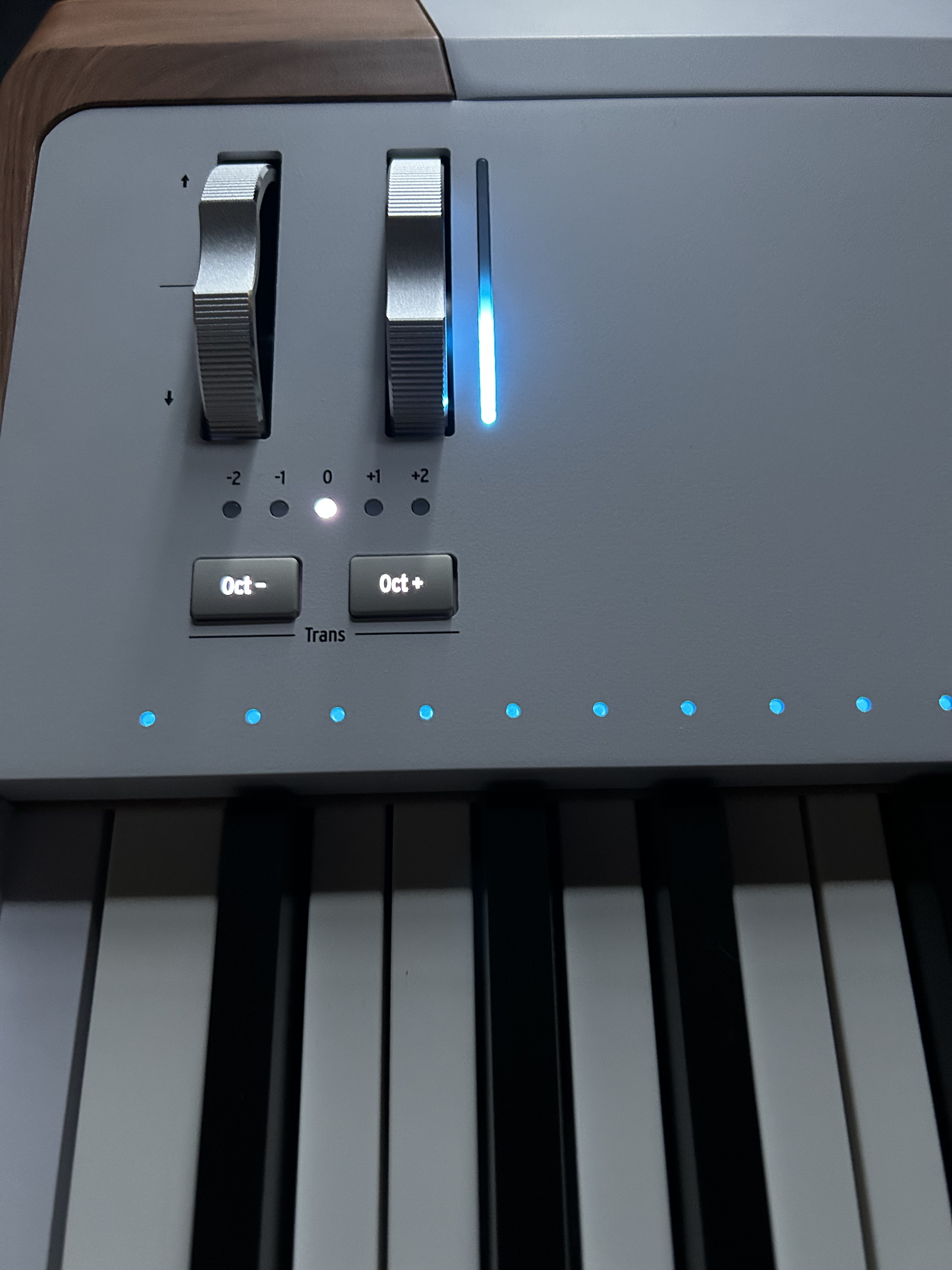
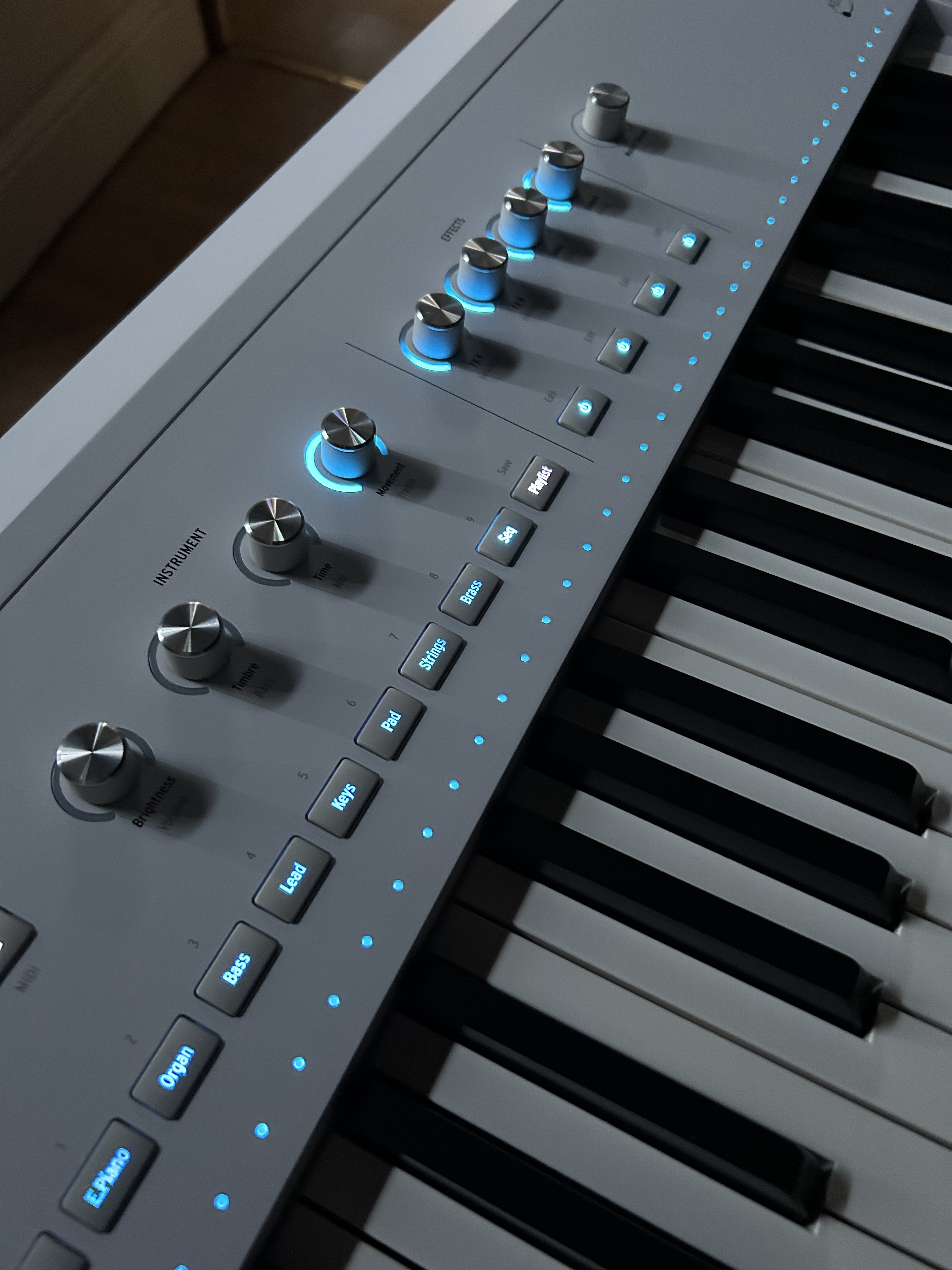
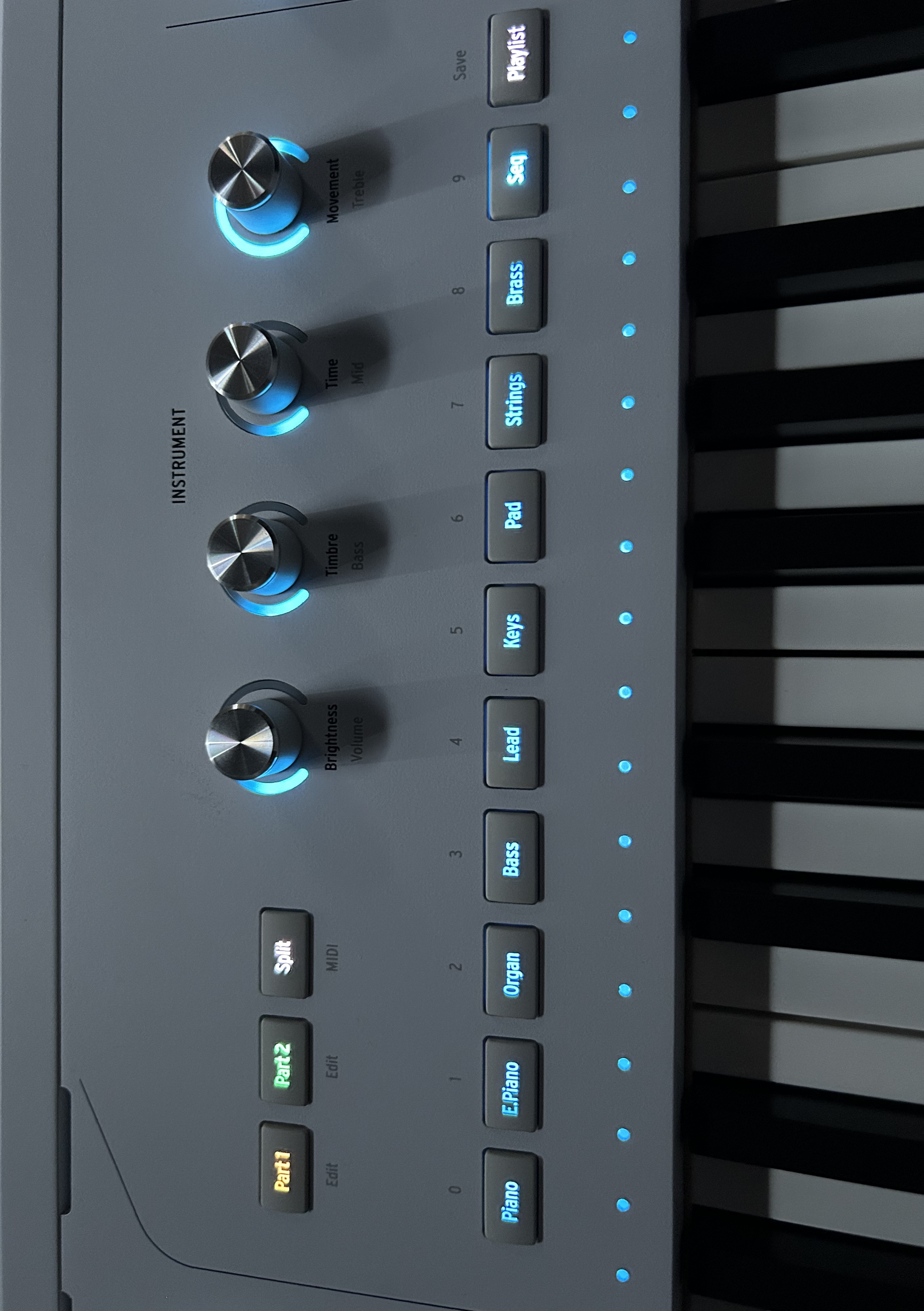
The next section features shortcut buttons leading directly to a specific family of sounds: Piano, E. piano, Organ, Bass, Lead, Keys, Pad, Strings, Brass, and Seq. They are all backlit in blue, unlike the Playlist button, placed just after them. Above, we find three buttons: Part 1, Part 2 and Split. Finally, four instrument encoders provide access to the parameters selected instrument: Brightness/Volume, Timbre/Bass, Time/Mid and Movement/Treble. Effects come at the end of the line, with four encoders: 2 FX, Intensity, Delay/Time, and Reverb/Decay. Each encoder has its own dedicated activation button. The Volume master completes the tour of this dashboard.
Immediate-grip-and-fluid-navigation
Its software integration is a success, whether via the AstroLab Connect app or the Analog Lab plugin. If you own the V-Collection, you’ll be able to access the complete interfaces of each instrument on your computer. Versatility is the name of the game for this keyboard, which is designed to excel for both live performance and the studio. All its functions, such as looper, Bluetooth, splits, or multi 2 presets are easy to access and use.
A light Fatar action: sensations and limits
\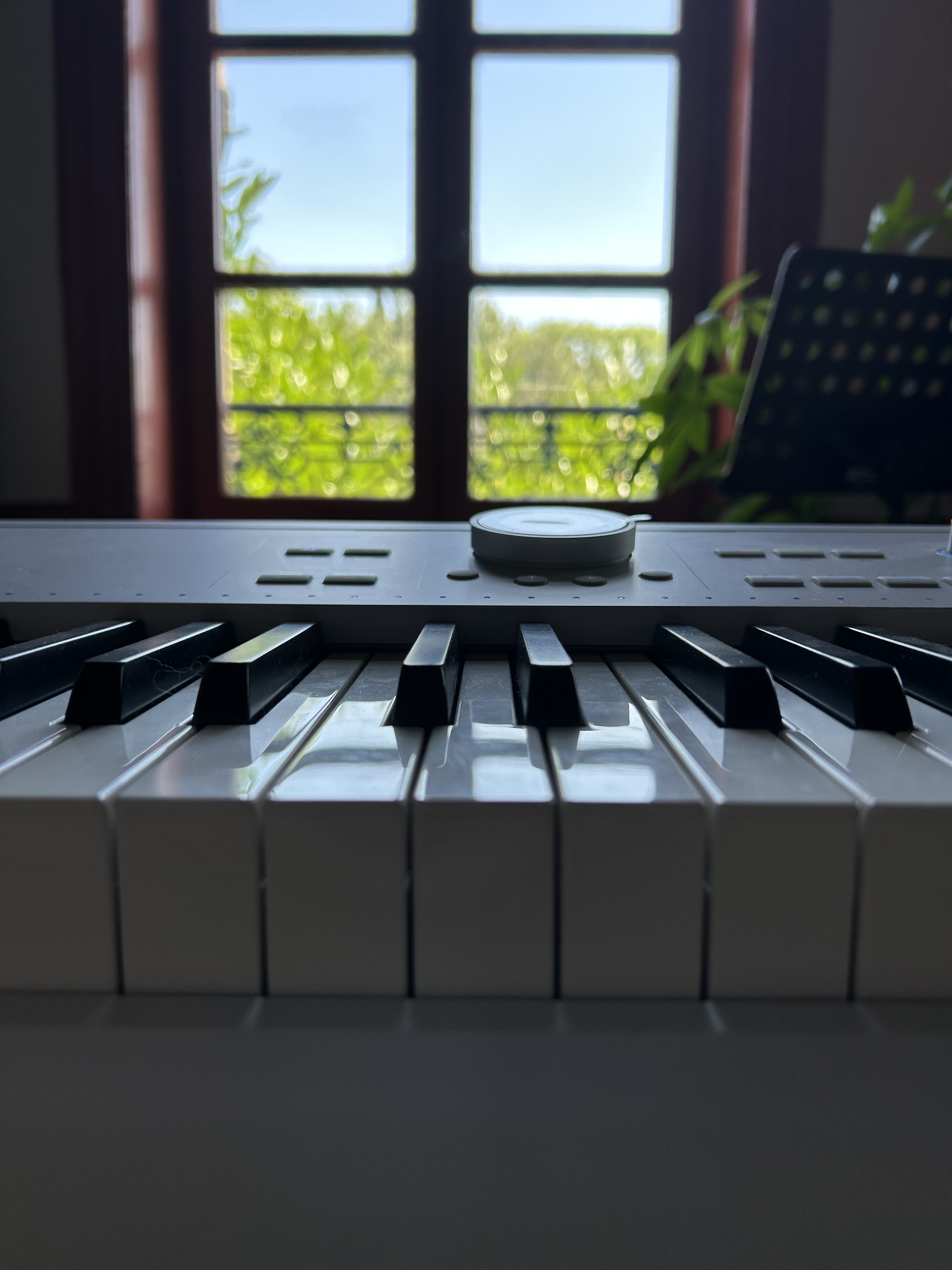
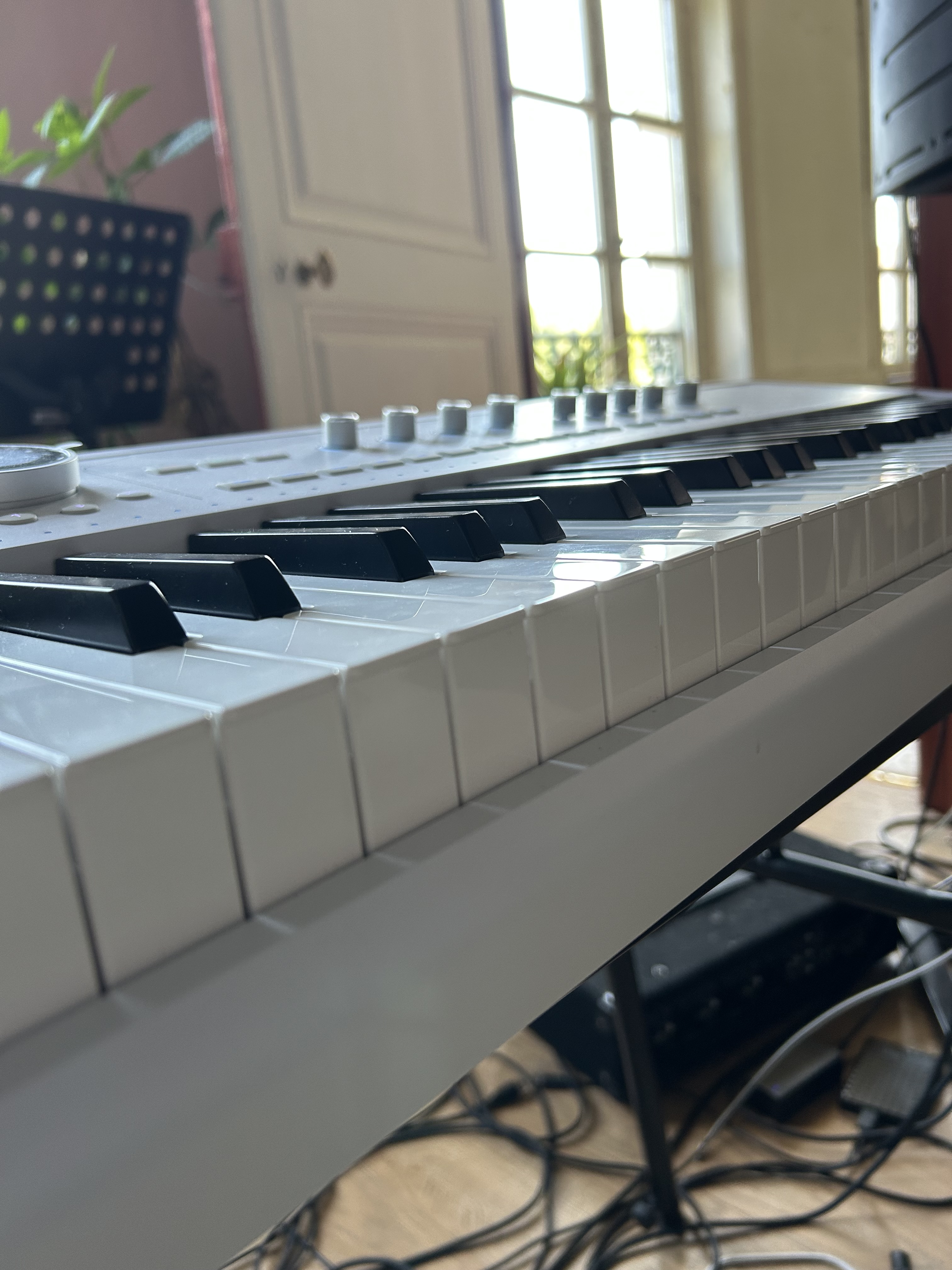
As for the action, there’s nothing new or original here, as we’re using the widely-used Fatar TP-40 mechanics, which have proved their worth on many keyboards. The version on offer is the L, the lightest of the TP-40s. This is a matter of personal taste, but if the heavy touch of an acoustic piano is what you’re after, it won’t feel quite as you’d expect. That said, if we exclude this, the response of the keys in action is quite good. They’re responsive and sensitive to aftertouch, despite a rather artificial return for a weighted instrument. So it’s a safe bet, without taking any risks and, above all, without anything new. The finish of the keys is disparate. The white ones are glossy and smooth and the black ones are matte and slightly textured.
Complete-connections-for-all-modern-uses
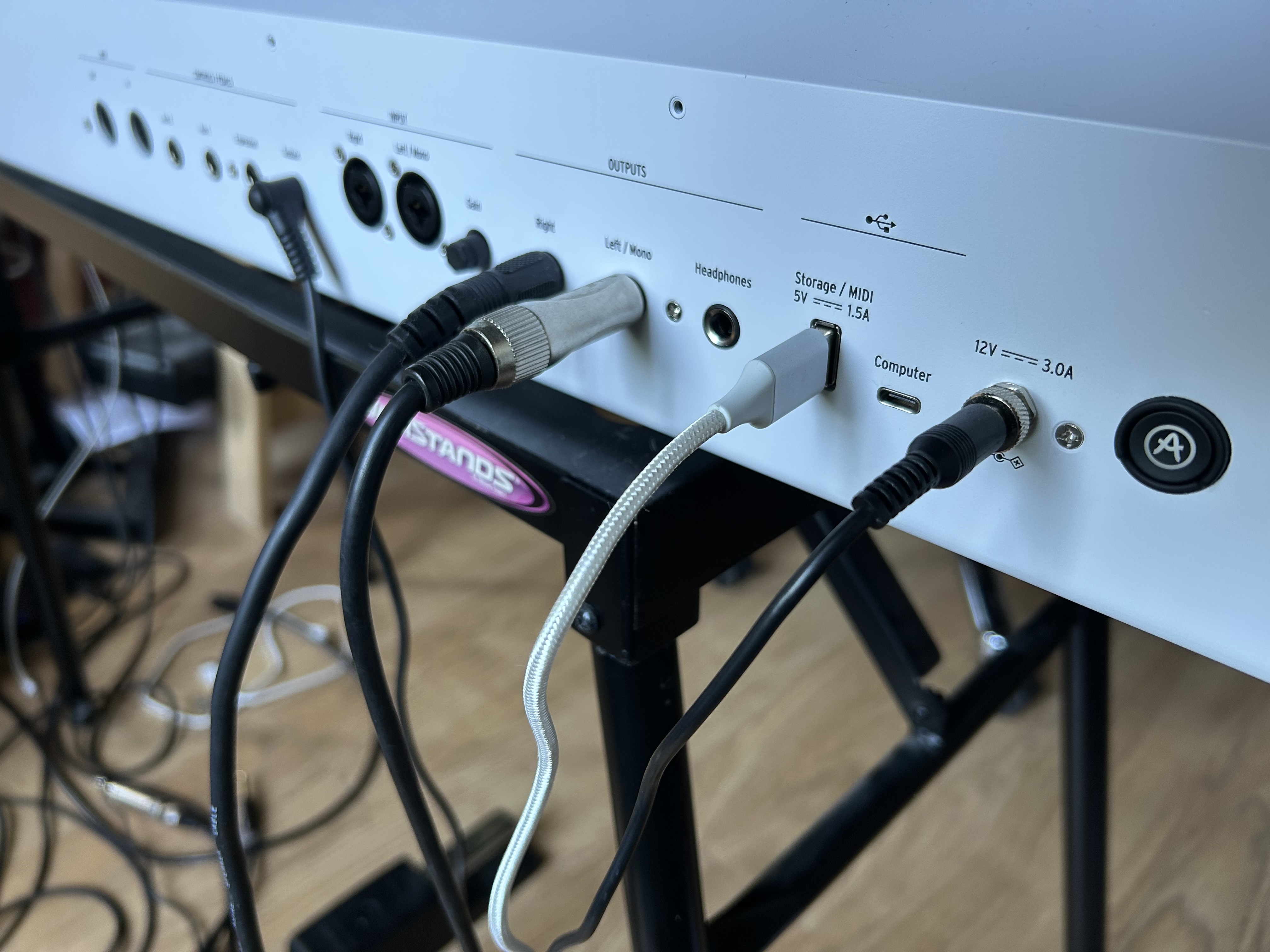
The keyboard also features a Bluetooth connection for injecting audio via any compatible device (mobile, tablet) and Wi-Fi, enabling connection to a computer to control Analog Lab Pro, or to a smartphone via AstroLab Connect, the navigation app available on iOS or Android.